
How to add clickable links to your Web App
Overview
This article explains when clickable URLs can be used on your Web App and where clickable links can be added.
When to use clickable links
Clickable links may be useful when you want viewers to open a related webpage from your Web App, such as a resource page, donation page, registration page, or external website.
Clickable URLs are available on Web Apps using the latest framework. If your Web App is not on the latest framework, an update may be required before clickable links can be supported.
Some publishers choose not to include clickable links because they want to keep viewers engaged on their Web App and increase on-site traffic.
Instructions
Decide where you want to add the clickable link.
Clickable links can be added in:
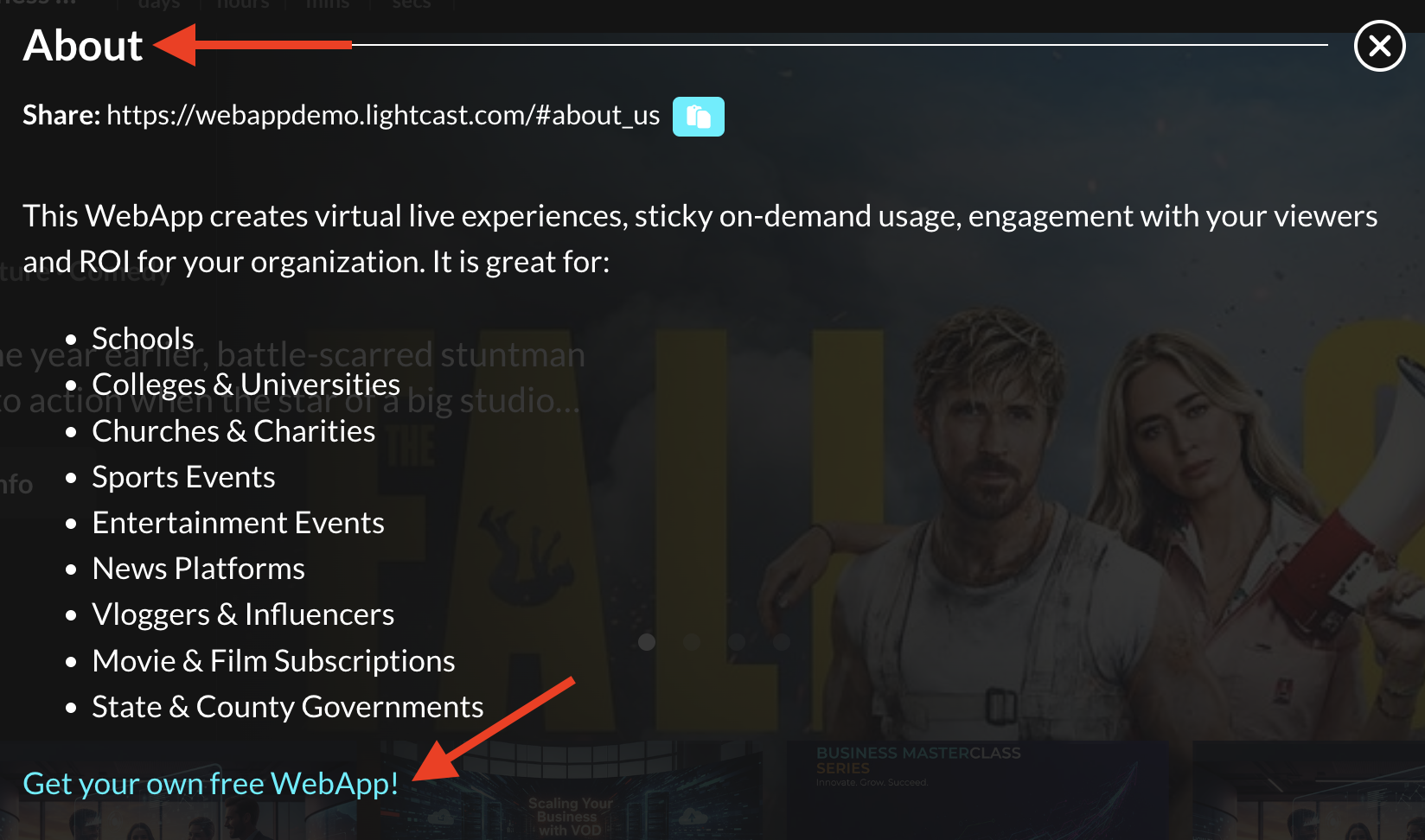
Text Pages, such as About or Team, if your Web App is on the latest framework
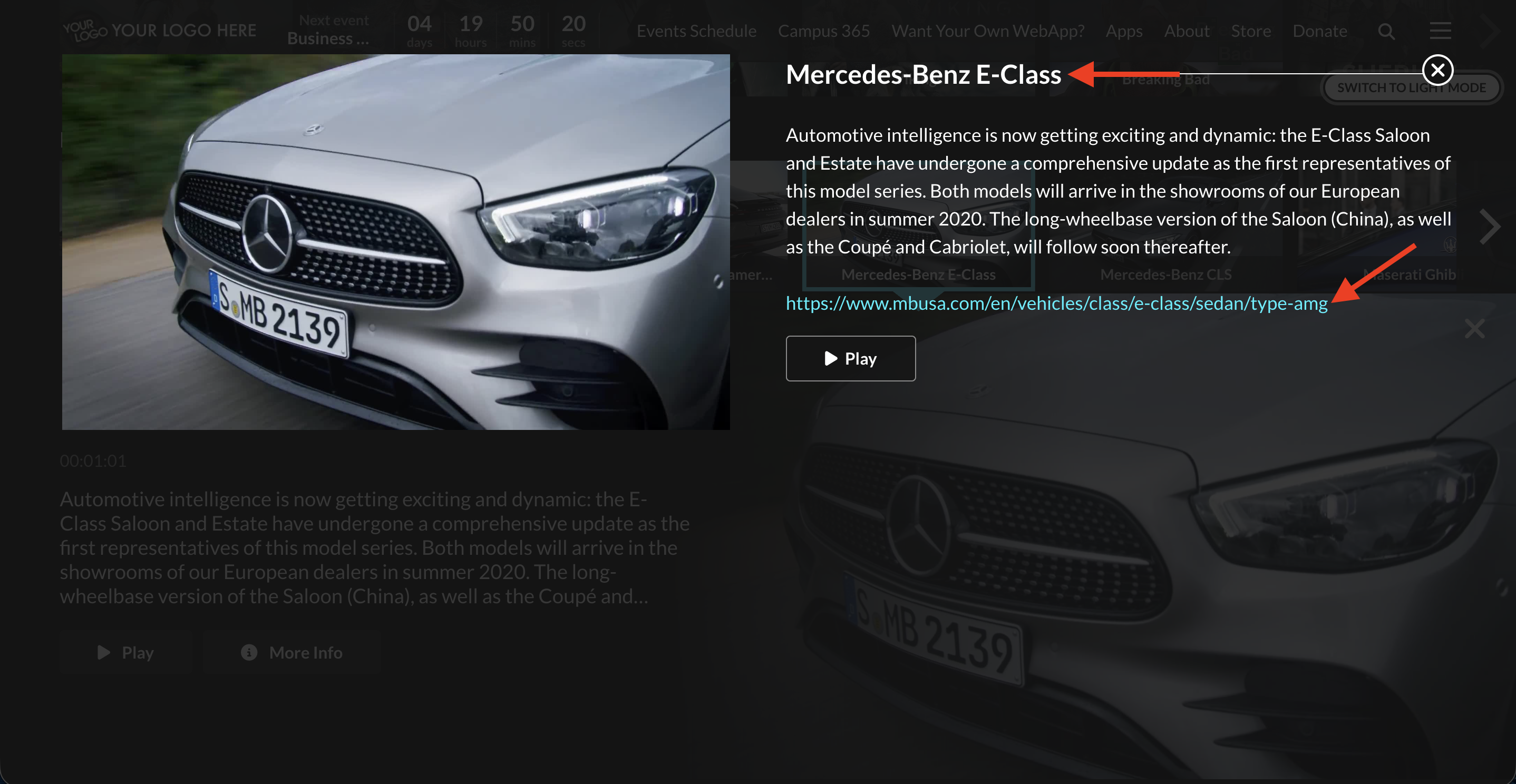
Media Item descriptions, using the METADATA tab for the media item in the Media Cloud
Clickable links in Text Pages
Step 1
If you want to add clickable links to a Text Page, contact Customer Support. Include the clickable URL, the text you want added or updated, and where the link should appear on the Text Page.
Step 2
Customer Support will review your request and confirm whether clickable links can be added to your Web App. If your Web App needs an update before the links can be added, the Lightcast team will coordinate the next steps.
Clickable links in Media Item Descriptions
Step 1
If you want to add clickable links to a Media Item description, contact Customer Support to confirm whether this option is supported on your Web App.
Step 2
After clickable links are supported for your Web App, add the URL in the METADATA tab for that media item in the Media Cloud. To learn how to add the URL in the METADATA tab, see How to add and edit metadata for your video and audio files.
FAQs
Can URLs be turned into clickable links on a Web App?
Yes. Clickable URLs are possible on Web Apps using the latest framework.
Can clickable links be added to Text Pages?
Yes. Clickable links can be added to Text Pages, such as About or Contact, when the Web App is on the latest framework.
Can clickable links be added to Media Item descriptions?
Yes. URLs can be added to Media Item descriptions through the METADATA tab for the media item in the Media Cloud.
Does a Web App need to be updated before clickable links can be used?
Possibly. If your Web App is not on the latest framework, an update may be required before clickable URLs can be supported.
Why might clickable links not be added to a Web App?
Some clients choose not to include clickable links because they want to keep viewers engaged on their Web App and increase on-site traffic.