
How to find your Podcast in the iHeartRadio app
Overview
This article explains how to find and open your Podcast in the iHeartRadio app on your mobile device.
When to use this article
Use these steps after your Podcast has been submitted to iHeartRadio and published. This is helpful when you want to listen to your Podcast in the iHeartRadio app on an iPhone, iPad, or Android device.
Instructions
Step 1
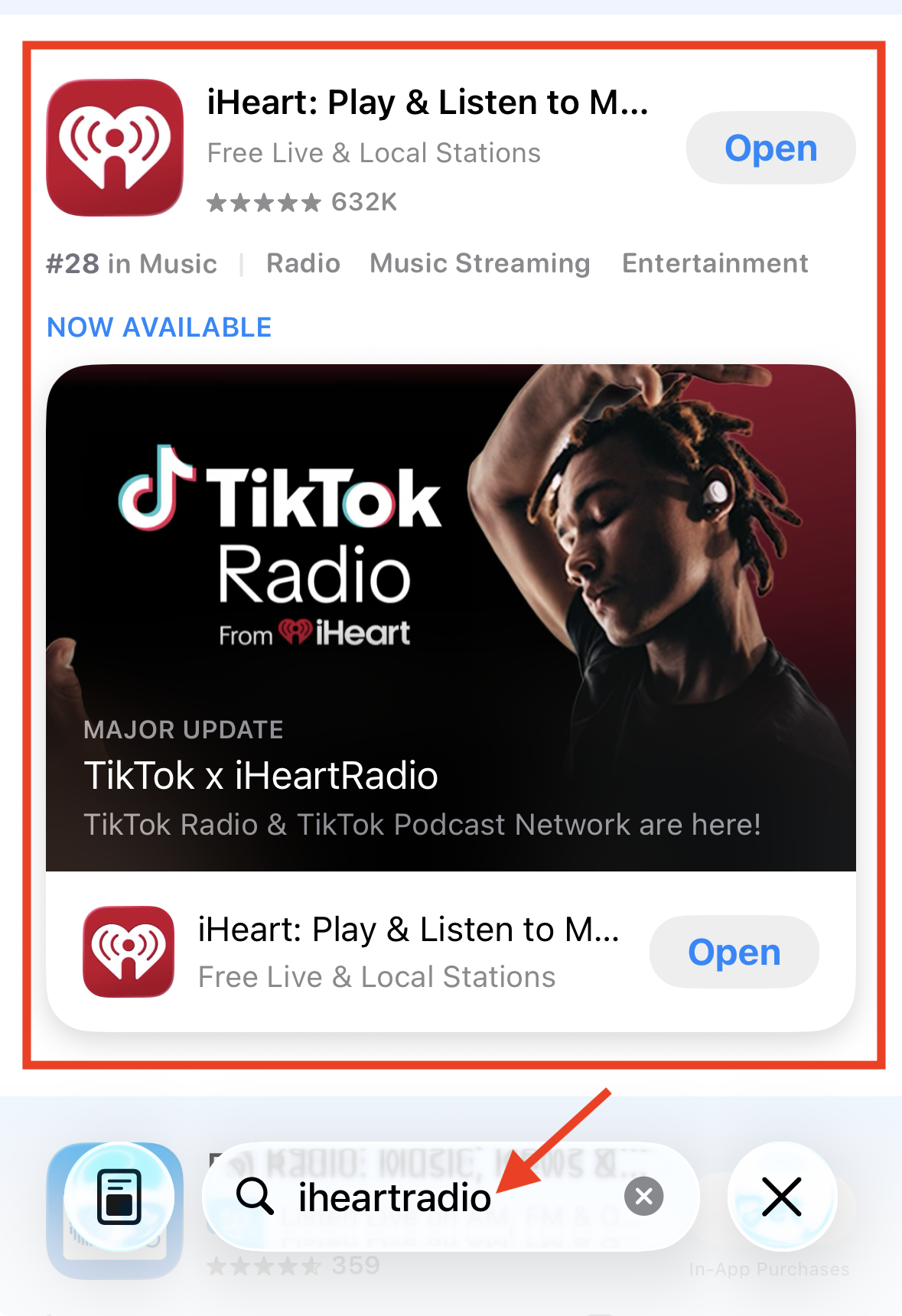
Open the iHeartRadio app. If the app is not installed, download it from the Google Play Store or iOS App Store.
Step 2
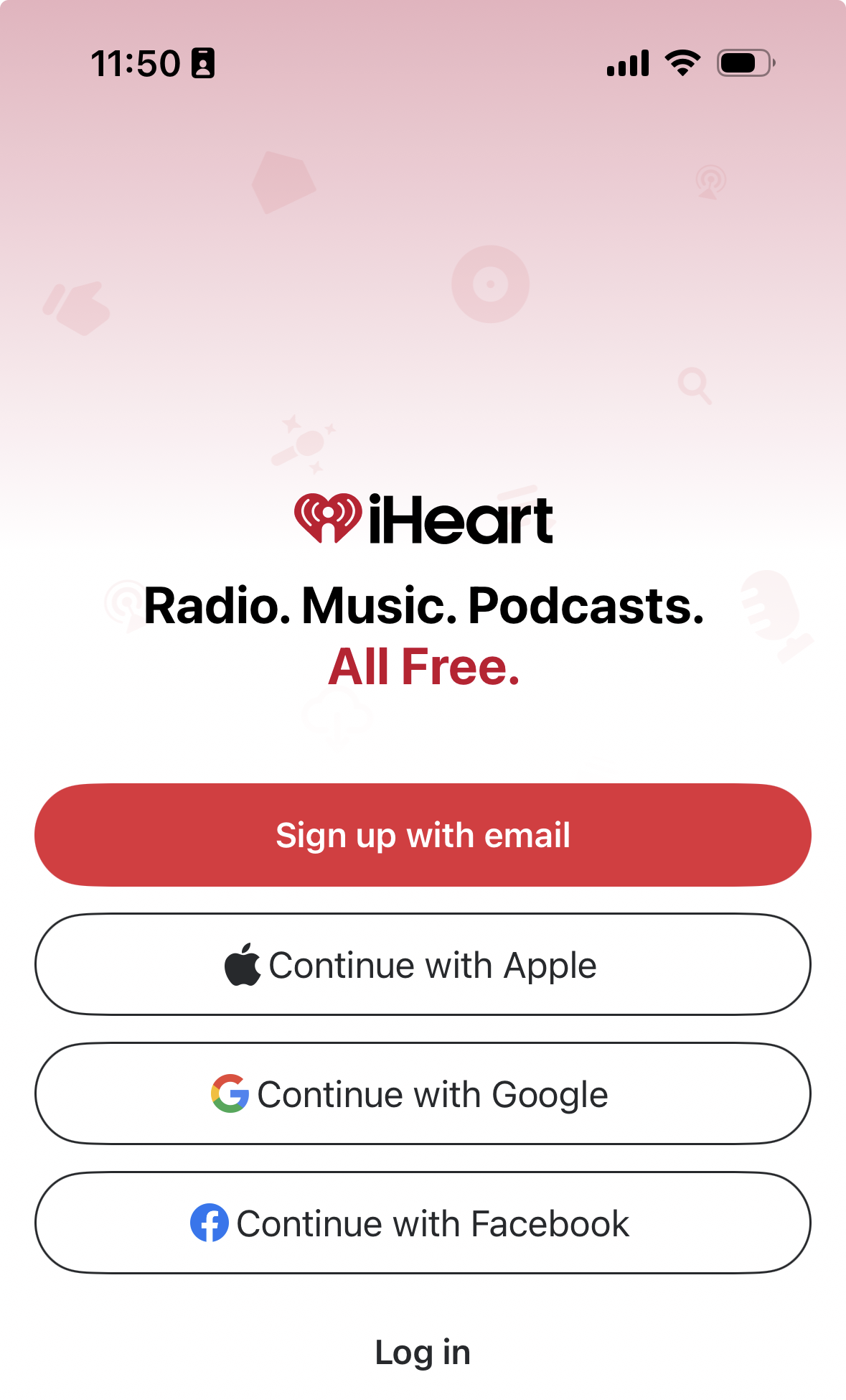
Log in to your iHeartRadio account. If you do not already have an account, sign up for a free account.
Step 3
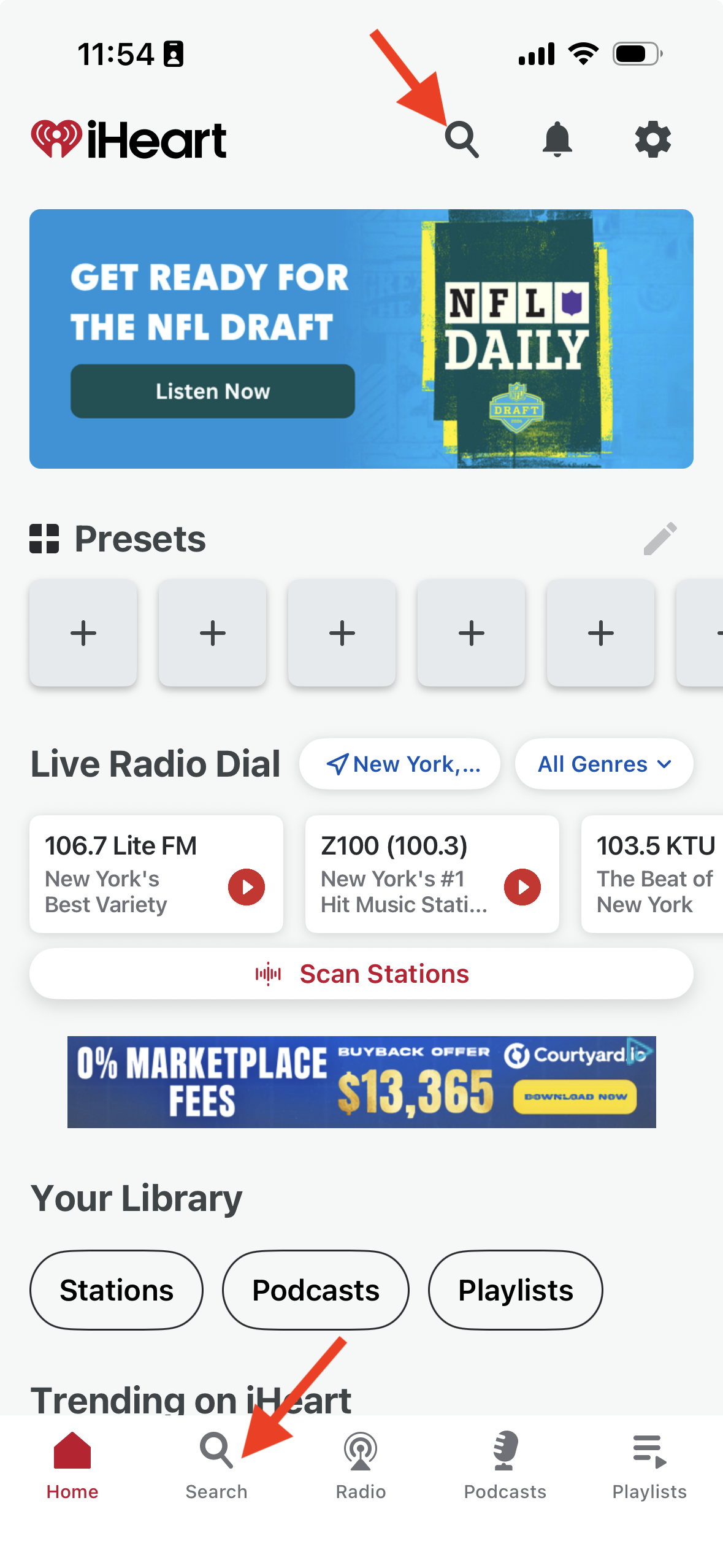
Tap the Search icon at the top or bottom of the app to open search.
Step 4
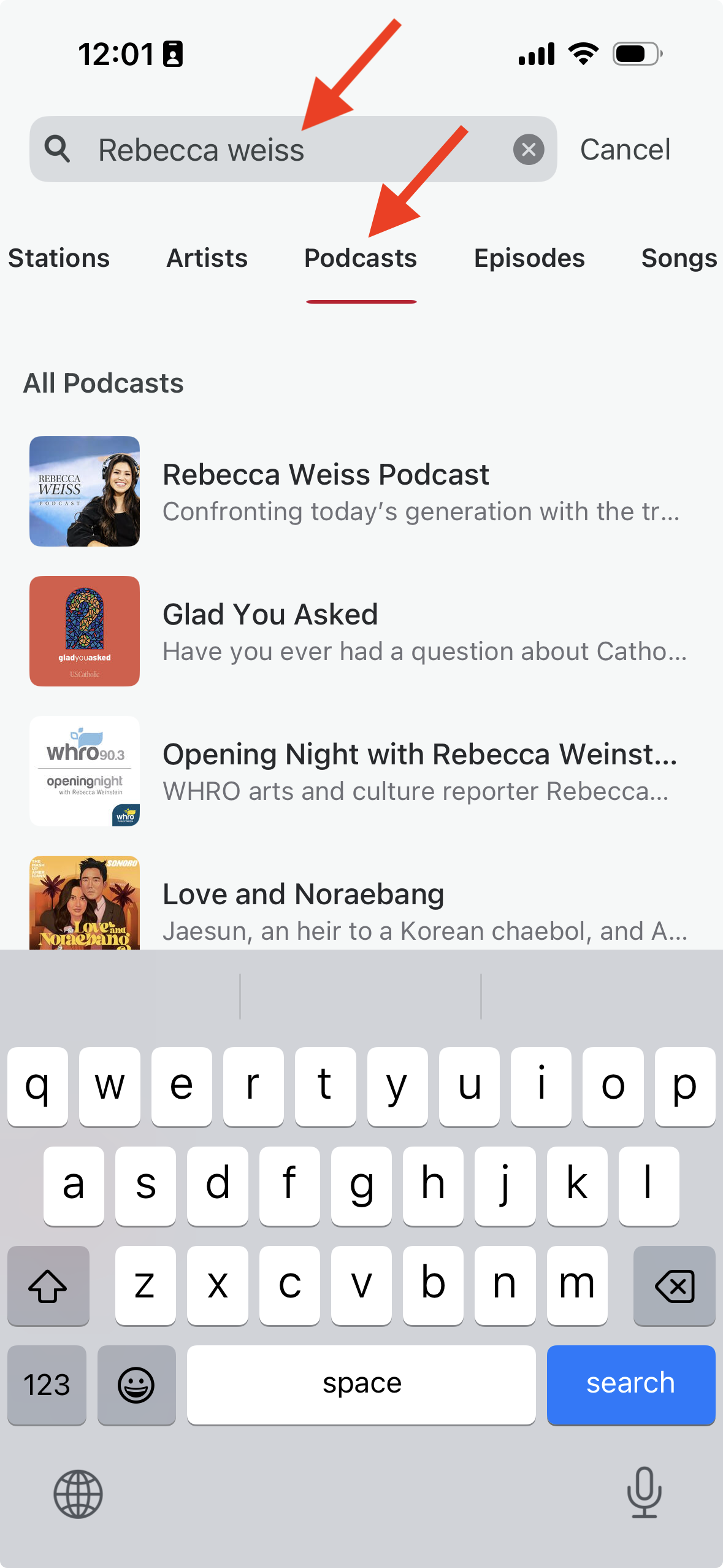
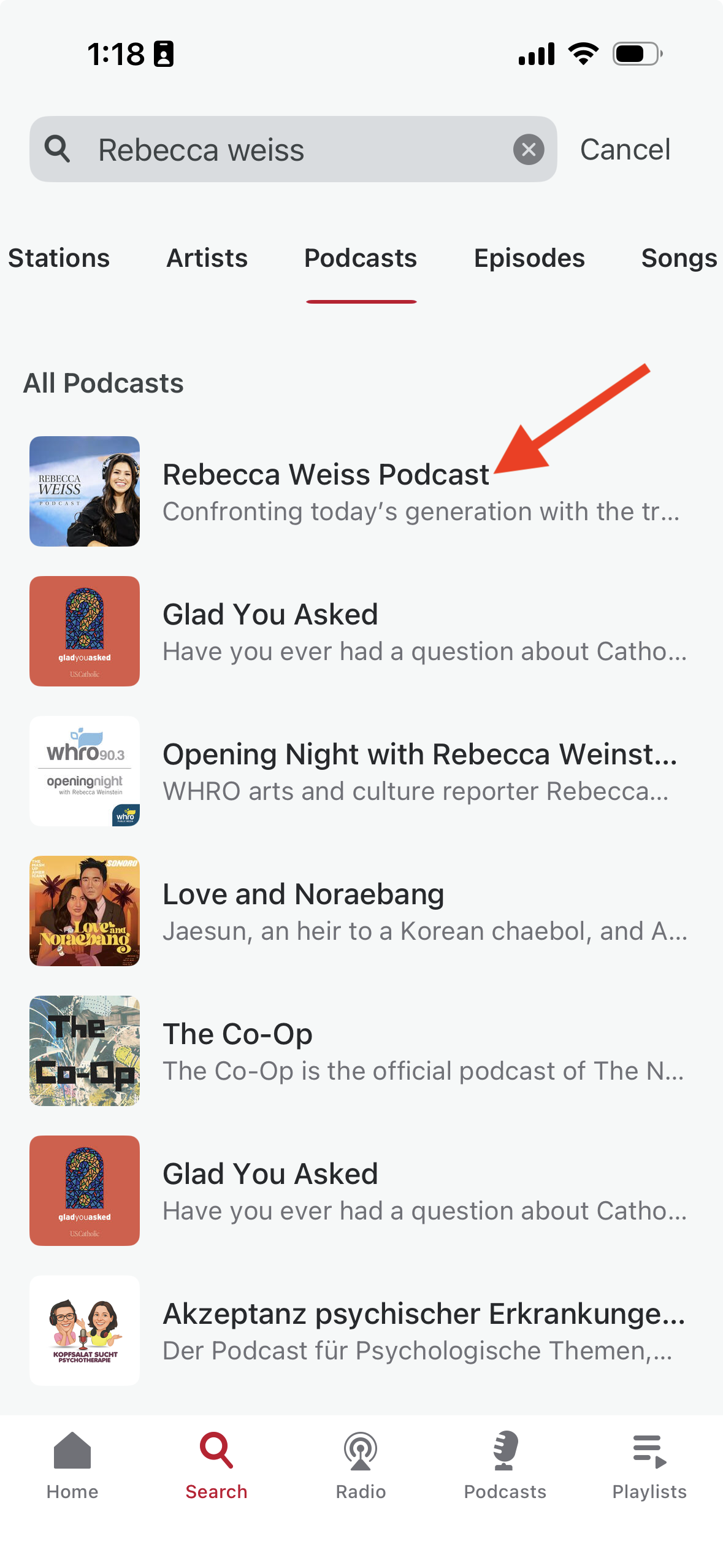
Enter the title of your Podcast. If needed, tap Podcasts to filter the results and only show Podcasts.
Step 5
When your Podcast appears in the search results, tap it to open it.
FAQs
How long does it take before my Podcast appears in iHeartRadio?
After submission, iHeartRadio may take up to 14 days to review and publish the Podcast. In most cases, the Podcast is published within 24 hours after submission.
Do I need an account to use the iHeartRadio app?
You may be prompted to log in or create a free iHeartRadio account when opening the app.
Can I use these steps on both iPhone and Android?
Yes. You can use the same general steps in the iHeartRadio app on both iOS and Android mobile devices.