
Mastering LIVE Event Streaming
Whether you're new to streaming or refining your setup, Lightcast gives you the tools to stream smoothly and professionally – from setting up a LIVE Event Channel to going live with confidence.
📡 What is a LIVE Event Channel?
A LIVE Event Channel is your central hub to ingest, manage, schedule, and distribute live events with defined start and end times through the Lightcast CDN - and then publish those streams across all your platforms.
🔧 What can you do with a LIVE Event Channel?
1️⃣ Ingest Your Live Stream:
Send your live event video feed to Lightcast using RTMP or SRT ingestion – both are supported.
Your RTMP Stream Key, CDN Access Points (SuperPOPs), and SRT Stream URLs are all located in the STREAM tab of your LIVE Event Channel. Simply enter the provided credentials into your encoder's settings to start streaming to the Lightcast CDN.
👉 Click here to learn how to set up and ingest a Live Event.
2️⃣ Schedule Live Events:
Create live events in advance with countdown timers and event titles – perfect for promoting broadcasts before they begin.
👉 Click here to see how to schedule a Live Event.
Expand your reach by streaming your live event beyond your owned platforms.
Embed your LIVE Event Channel on your website or stream directly to social platforms like Facebook, YouTube, and/or Twitch.
👉 Click here to see how to publish your live stream to Facebook.
👉 Click here to see how to publish your live stream to YouTube.
👉 Click here to see how to publish your live stream to Twitch.
4️⃣ LIVE-to-VOD Recording:
Record your live stream in the Media Cloud, trim it using built-in editing tools, and make it available on demand after the event ends.
👉 Click here to learn more about LIVE-to-VOD recording.
5️⃣ Multi-Platform Publishing:
Make your live and recorded content continuously available inside your ecosystem.
Add your LIVE Event Channel to your Web, Mobile, and TV Apps so viewers can easily find and watch your streams before, during, and after the event.
👉 Click here to see how to ensure your LIVE Event Channel is available in your published Apps.
🙋 Need Help Getting Started?
Our Encoder Support Specialists are here to help you configure your encoder, test your stream, and ensure everything runs smoothly before your event goes live.
📅 Schedule an Encoder Setup Appointment
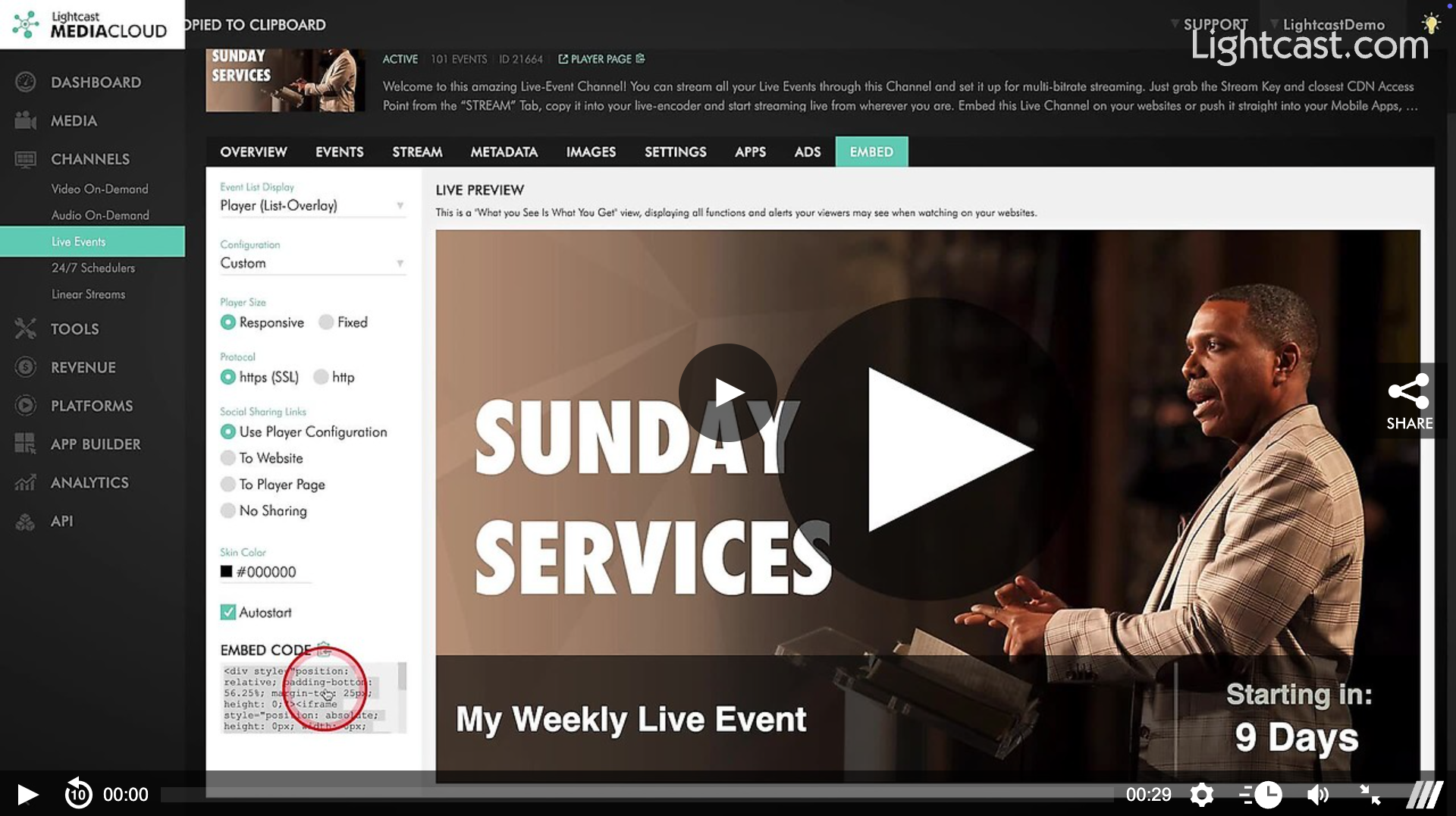
Watch this Video to See How to Find the Embed Code of a LIVE Event Channel

For previous tips, visit our tips page!
Would you like a specific topic to be covered by an upcoming “Tip of the Week”? Click here to submit your request!
Happy Streaming!
Your Lightcast Success Team