
Organize Multilingual Content for Every Audience
As your content library grows into multiple languages, organizing it thoughtfully becomes just as important as creating it. Whether you’re using translated subtitles, AI Dubbing, or language-specific libraries, the Media Cloud gives you flexible ways to help viewers find content in their preferred language.
🌐 Understand Your Multilingual Options
Different types of multilingual content create different viewer experiences:
Translated Subtitles let viewers watch the original video while selecting subtitles in their preferred language, when supported by the player or app.
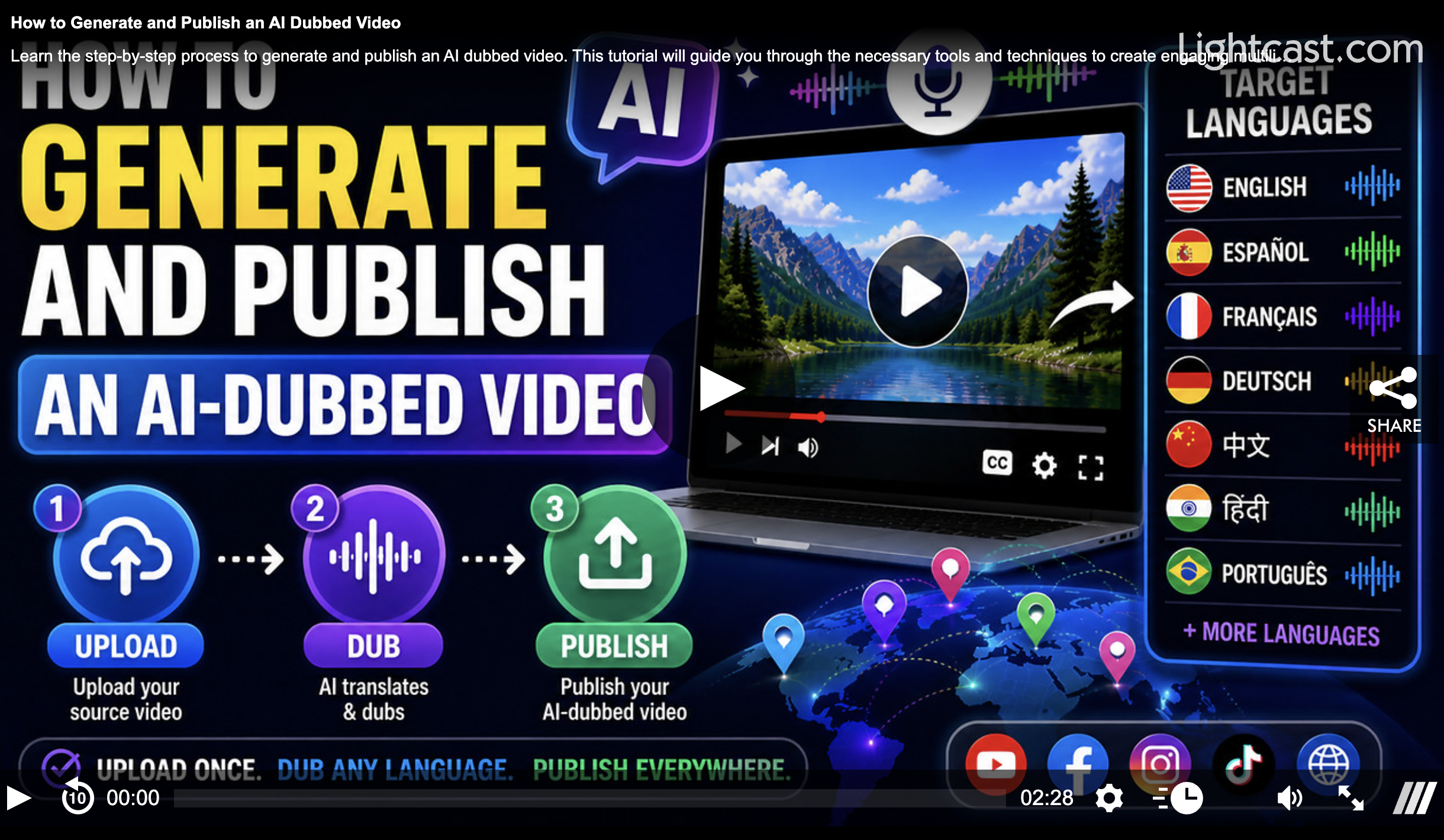
AI-Dubbed Videos create separate video files with translated audio, which can be organized like any other media asset in the Media Cloud.
📁 Organize Content Your Way
Depending on your content strategy, you can organize multilingual content in several ways:
Create Dedicated Language Channels
Build separate VOD Channels for each language, such as English, Spanish, or Portuguese. This approach works well when each language has enough content to support its own viewing experience.
Use Language Sub-Channels
Keep related content together by organizing language versions as VOD Sub-Channels within a larger VOD Channel. This allows viewers to browse different language options without leaving the main content collection.
Group Content by Program or Series
If you offer multiple language versions of the same program, organize them by show, series, or content collection so viewers can easily choose their preferred language.
📱 When a Dedicated App Makes Sense
For larger multilingual libraries, a dedicated language-specific app can provide a more focused experience.
Benefits include:
Language-specific navigation
Customized featured content
App names and metadata tailored to each audience
Improved app store discoverability for specific language audiences
💡 Choosing the Best Structure
When planning your multilingual content strategy, consider:
How much content is available in each language
Whether viewers browse by language, topic, or program
Whether language versions should appear together or separately
Whether each language needs its own Channel, Sub-Channel, or app
How your library may expand as you add more languages
The right structure helps viewers find content more easily while creating a clear, intuitive browsing experience across your apps.
Watch This Video to See How to Generate & Publish an AI-Dubbed Video:
For previous tips, visit our tips page!
Would you like a specific topic to be covered by an upcoming “Tip of the Week”? Click here to submit your request!

Happy Streaming!
Your Lightcast Success Team