
Brand Your Live Events with Event Images
Live Event Images let you assign custom artwork to upcoming live events, helping you create a polished, branded experience across supported platforms. From event promotion to countdown screens and LIVE-to-VOD recordings, Event Images help keep your live event presentation consistent from start to replay.
🖼️ Customize Your Live Events
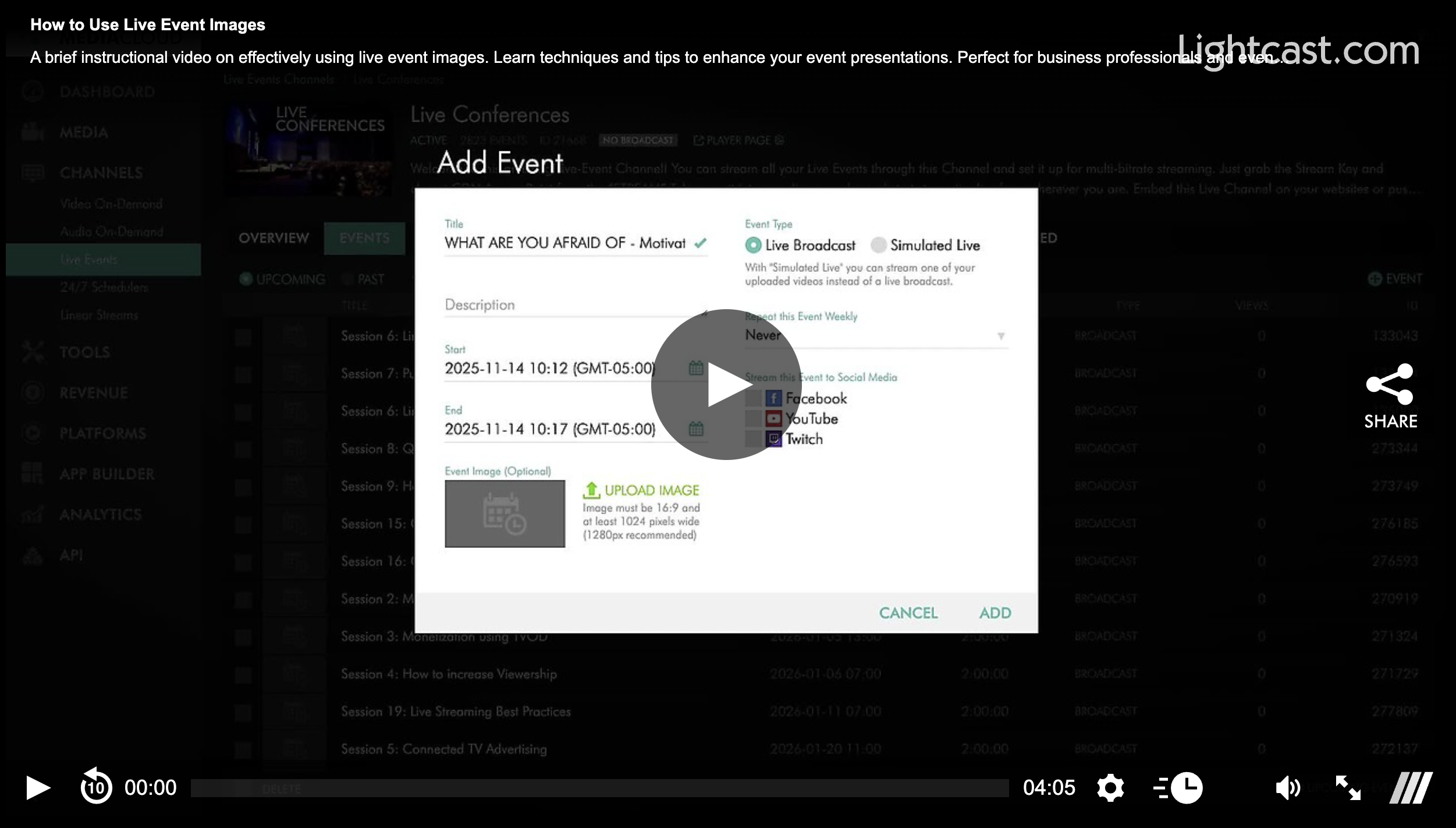
When creating or editing an upcoming live event, you can upload a dedicated Event Image to represent that event across supported experiences.
You can:
Upload a custom image for any upcoming live event
Use the selected video’s thumbnail automatically for Simulated Live events, unless you upload a different image
Replace or remove the Event Image at any time
🖥️ Where Event Images Appear
Your Event Image can be used in several places throughout the Media Cloud ecosystem:
Countdown Screens
Display the Event Image as the countdown background for your:
Web Player
Web Apps
Mobile apps
The Use Image for Player Countdown option is enabled by default when an Event Image is available.
Web App Event Lists
Supported Web Apps can display your Event Image instead of the default Channel image, helping upcoming events stand out.
Note: Some Web Apps may require a small customization to support this display. Contact Customer Support for setup information and pricing.
LIVE-to-VOD Recordings
When converting a LIVE-to-VOD recording, you can automatically use the Event Image as the video's thumbnail, creating a seamless visual transition from the live event to the on-demand replay.
API Support
If you use the Lightcast API, Event Images are also available through the CHANNELS > EVENTS endpoint.
✨ Why Use Event Images?
Event Images help you:
Create a more professional, branded presentation
Promote upcoming live events with custom artwork
Maintain consistent branding from countdown to replay
Give viewers a more engaging experience before, during, and after each event
Whether you're streaming worship services, conferences, concerts, or special broadcasts, Event Images help ensure every live event looks polished across your supported platforms.
Watch This Video to See How to Use Live Event Images:
For previous tips, visit our tips page!
Would you like a specific topic to be covered by an upcoming “Tip of the Week”? Click here to submit your request!

Happy Streaming!
Your Lightcast Success Team