
Upload Media from a Direct URL
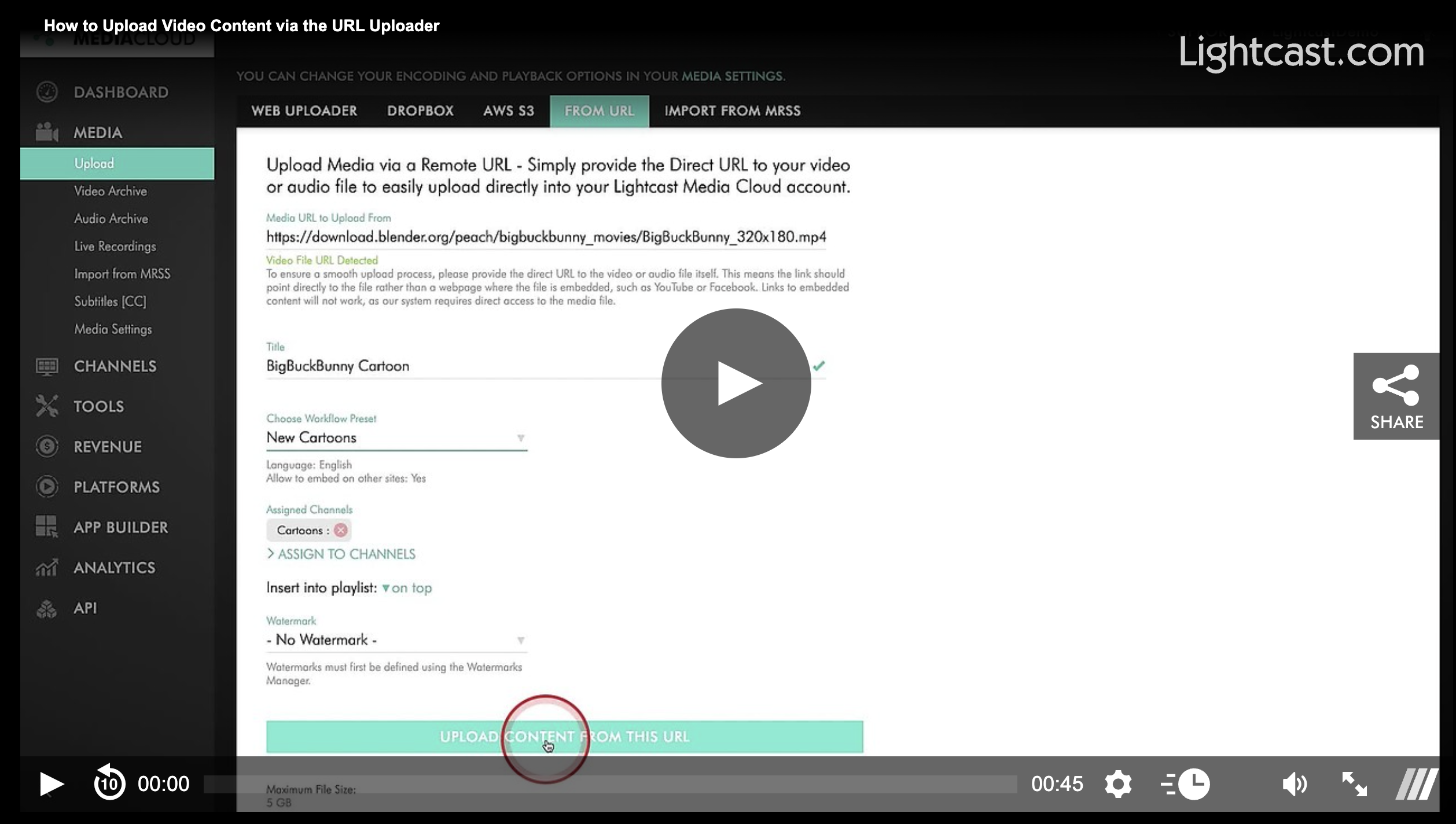
If your media is already hosted online, the Media URL Uploader provides a quick and convenient way to add it to your Media Cloud. Simply paste a direct link to your media file and let the Media Cloud handle the upload.
You can access the Media URL Uploader from MEDIA > Upload.
🚀 Best For
The Media URL Uploader is ideal when you:
Have a video or audio file already hosted online
Have a direct URL to the media file
Want to upload content without downloading it first
Need a simple alternative to uploading from your computer, Dropbox, AWS S3, or FTP
🌐 Upload with a Direct Link
The Media URL Uploader imports media directly from a URL into the Media Cloud.
Keep in mind:
The URL must point directly to the media file itself, not to a webpage that contains the media, such as YouTube or Facebook.
Supports a wide range of compatible video and audio formats
Supports files up to 5 GB each
💡 Before You Upload
Uploads use your available Storage and Transcoding balance. If your remaining balance is low, uploads may be limited, or you may receive an upload warning, so it's a good idea to check your available resources before starting a large upload.
Watch this Video to See How to Upload Video Content via the Media URL Uploader

For previous tips, visit our tips page!
Would you like a specific topic to be covered by an upcoming “Tip of the Week”? Click here to submit your request!
Happy Streaming!
Your Lightcast Success Team