
Move More Media with the FTP Uploader
The FTP Uploader is designed for publishers who need to upload large files or transfer large media libraries efficiently. Whether your content is stored on your own FTP server or in a Lightcast FTP Account, you can import files directly into the Media Cloud without uploading them from your computer.
You can access the FTP Uploader from MEDIA > Upload.
🚀 Best For
The FTP Uploader is ideal when you need to:
Upload files larger than 4 GB (up to 25 GB each)
Transfer large media libraries or bulk batches
Import media already stored on an FTP server
Support high-volume upload workflows
🔁 Choose the FTP Option That Fits Your Workflow
The Media Cloud supports two FTP upload methods:
Remote FTP Server
Connect your existing FTP server directly to the Media Cloud to browse and upload files from your account. Connected FTP accounts can be updated or disconnected at any time, and sub-users automatically share the same FTP connection as the main account.Lightcast FTP Account
If your account has Lightcast FTP enabled, upload files to your dedicated Lightcast FTP storage first, then select them within the Media Cloud for import. You can organize files into folders before importing them, making large media libraries easier to review and manage.
⚙️ Customize Before Upload
Before importing your media, you can configure:
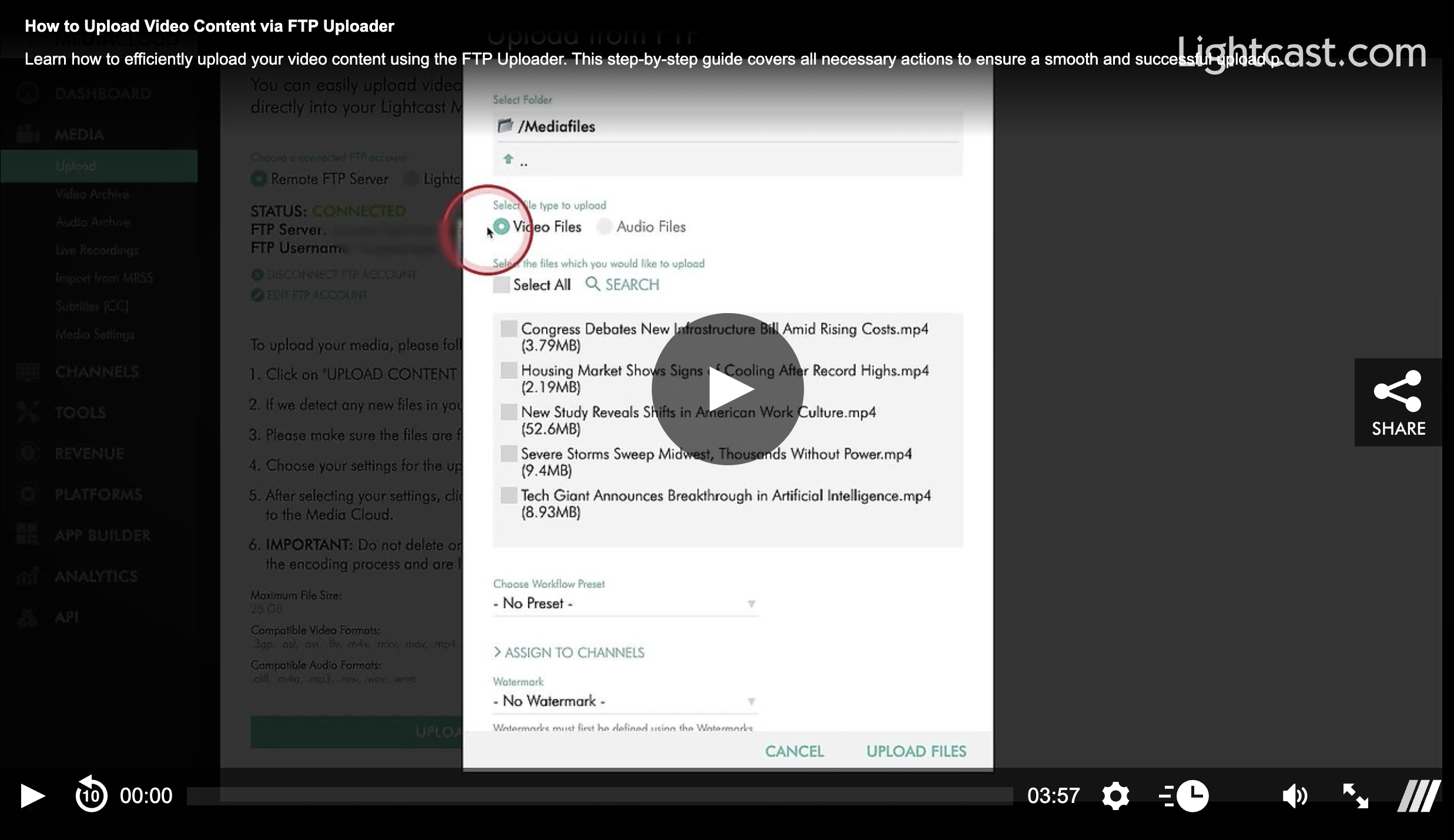
Workflow Presets
Watermarks for video uploads
Channel and Sub-Channel assignments
This ensures your content is ready for publishing as soon as the upload is complete.
💡 Before You Upload
Uploads use your available Storage and Transcoding balance. If your remaining balance is low, uploads may be limited, or you may receive an upload warning, so it's a good idea to check your available resources before starting a large upload.
Watch this Video to See How to Upload Video Content via the FTP Uploader

For previous tips, visit our tips page!
Would you like a specific topic to be covered by an upcoming “Tip of the Week”? Click here to submit your request!
Happy Streaming!
Your Lightcast Success Team