
Transfer Media Seamlessly from AWS S3
If your media is already stored in Amazon Web Services (AWS) S3, the AWS S3 Uploader lets you transfer files directly into the Media Cloud without downloading them to your computer first. It’s an efficient option for large media libraries, recurring uploads, and cloud-based workflows.
You can access the AWS S3 Uploader from MEDIA > Upload.
🚀 Best For
The AWS S3 Uploader is ideal when you need to:
Upload media already stored in AWS S3
Transfer video or audio files directly into the Media Cloud
Upload large files (up to 25 GB each)
Upload multiple files at once
It can also be a helpful alternative to the FTP Uploader for cloud-based batch upload workflows.
🔁 Direct Uploads from Your S3 Bucket
After connecting your AWS S3 account and selecting a bucket, the Media Cloud displays the files available for upload. Before starting the upload, you can select available upload settings, such as:
Workflow Presets
Watermarks
Channel and Sub-Channel assignments
This streamlined workflow makes it easy to prepare and upload large amounts of content with just a few clicks.
💡 Before You Upload
Uploads use your available Storage and Transcoding balance. If your remaining balance is low, uploads may be limited, or you may receive an upload warning, so it's a good idea to check your available resources before starting a large upload.
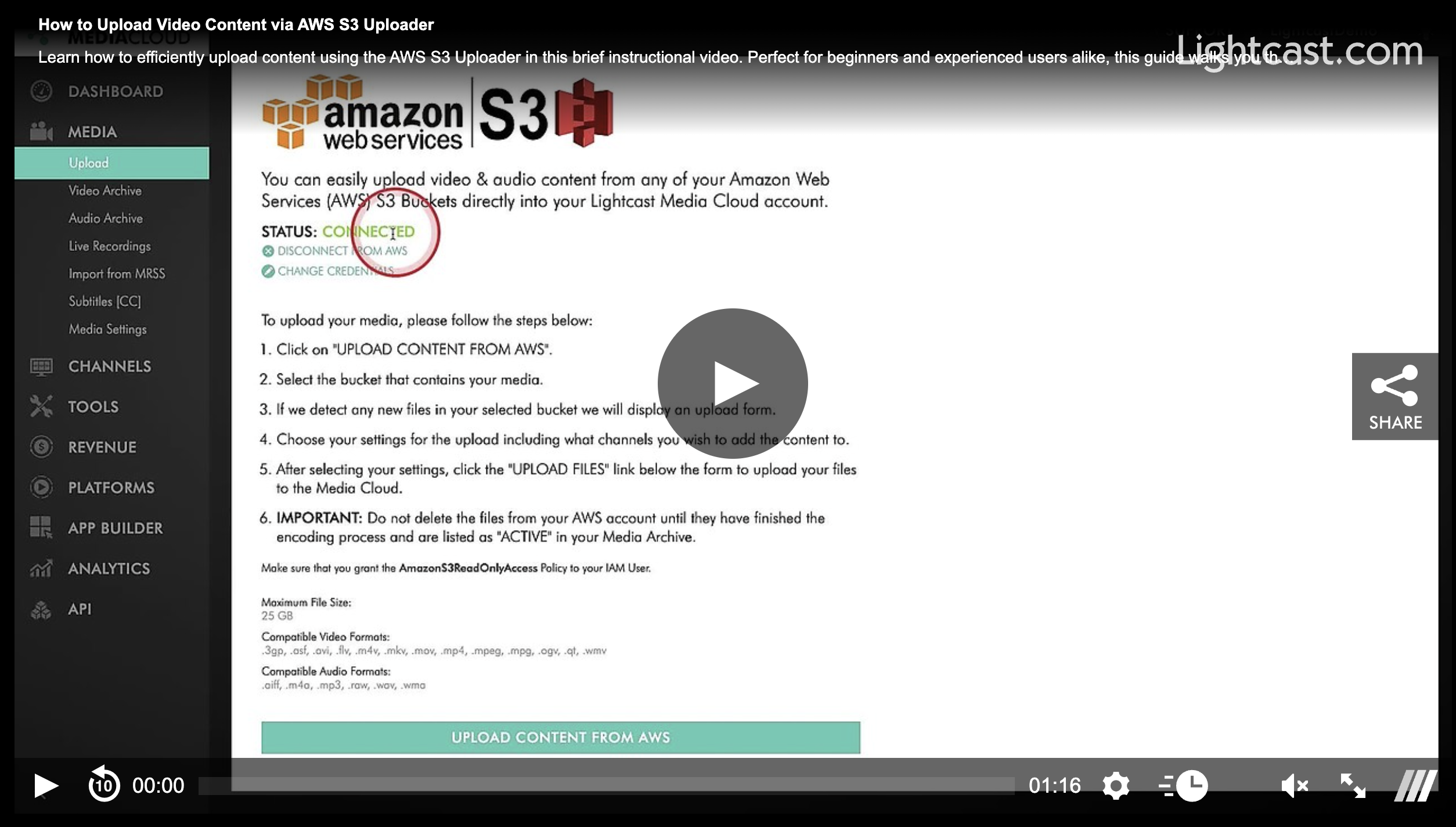
Watch this Video to See How to Upload Video Content via the AWS S3 Uploader

For previous tips, visit our tips page!
Would you like a specific topic to be covered by an upcoming “Tip of the Week”? Click here to submit your request!
Happy Streaming!
Your Lightcast Success Team