
Upload Everyday Content Faster with the Web Uploader
For everyday uploads, the Media Cloud Web Uploader offers a fast and convenient way to add content to your Media Cloud—no additional software or setup required. Simply upload your files through your browser and start managing your content in minutes.
You can access the Web Uploader from MEDIA > Upload.
⚡️ Best For
The Web Uploader is recommended for:
Individual video or audio uploads
Small batch uploads
Routine day-to-day content publishing
It currently supports:
Up to 4 GB per file
Up to 50 files per upload
🌐 Browser-Based Uploads
Files are uploaded directly from your computer into the Media Cloud using your web browser, making this a quick and convenient option for day-to-day video and audio uploads.
Important: After your file transfer completes, wait until the media status changes from Uploading to Encoding before refreshing or closing your browser.
💡 Before You Upload
Uploads use your available Storage and Transcoding balance. If your remaining balance is low, uploads may be limited, or you may receive an upload warning, so it's a good idea to check your available resources before starting a large upload.
📦 Uploading Larger Files or Libraries?
For larger workflows, consider one of these upload options instead:
Dropbox Uploader
AWS S3 Uploader
FTP Uploader
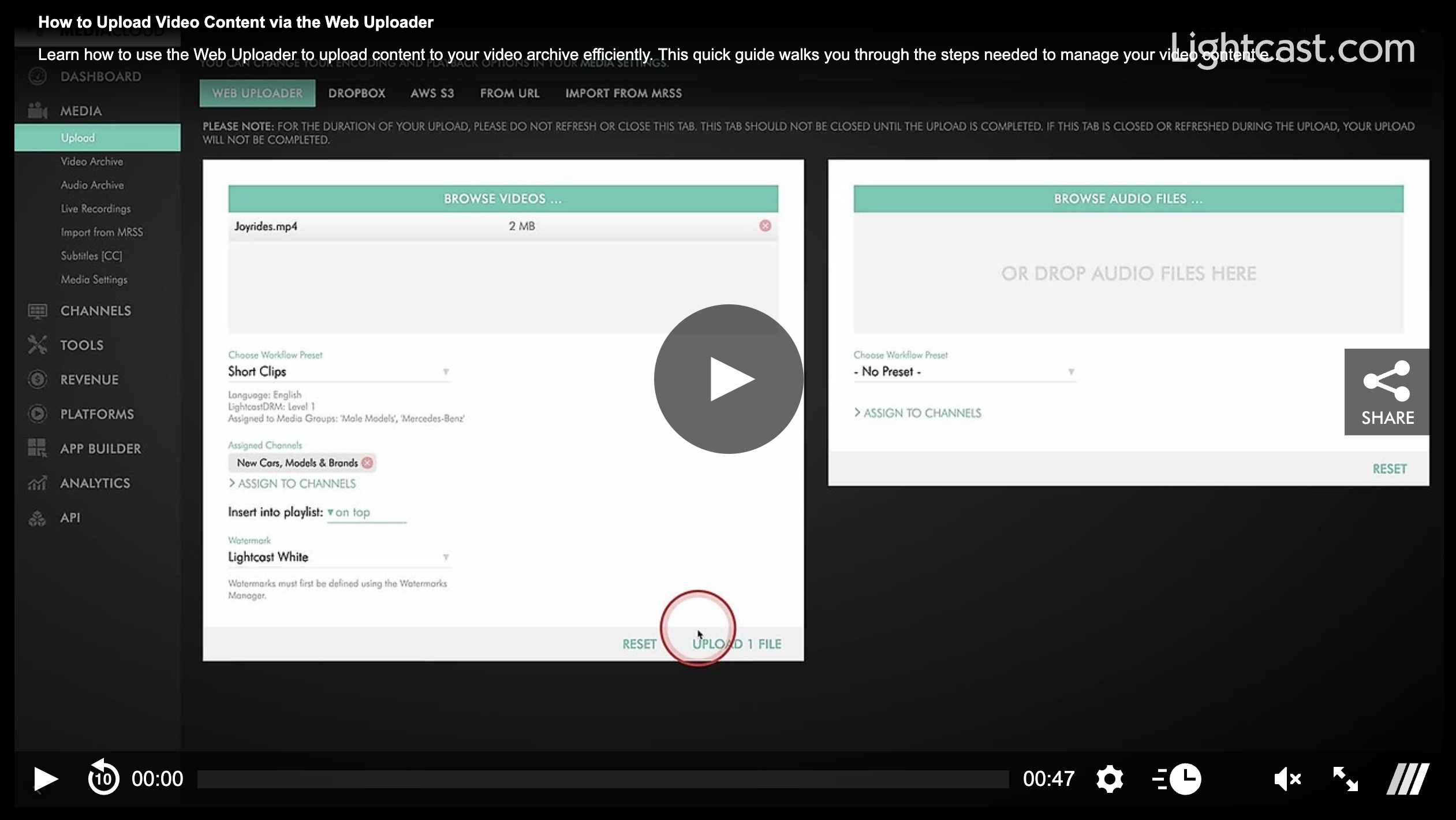
Watch this Video to See How to Upload Video Content via the Web Uploader:

For previous tips, visit our tips page!
Would you like a specific topic to be covered by an upcoming “Tip of the Week”? Click here to submit your request!
Happy Streaming!
Your Lightcast Success Team