
Expand Your Reach with AI Dubbing
Reaching global audiences doesn’t require new productions. With AI Dubbing, you can quickly create translated versions of your videos with natural, synced speech.
⚙️ How It Works
AI Dubbing creates new language versions of your videos using realistic voiceovers that match the speaker’s timing and natural-sounding voice. Each dubbed version is saved as a separate video file, so your original video remains unchanged.
To generate a dubbed video:
Select a video from your Video Archive
Go to the TOOLS tab
Click GENERATE NEW AI VIDEO DUBBING
Review the token cost and start the process
You can track progress while the dub is being created. Once the dubbed video is created and encoding is complete, you can access it from the Video Archive.
🌟 Know Before You Generate
Before starting, you’ll see your available AI Token balance and the total AI Token cost based on video length, so you can review usage before beginning. AI Dubbing supports 40+ languages, with the full list available in the dubbing tool.
📁 Easy to Manage
Dubbed videos are clearly labeled in your Media Cloud, so you can:
Identify different language versions
Organize and manage content
Add dubbed videos to your Channels
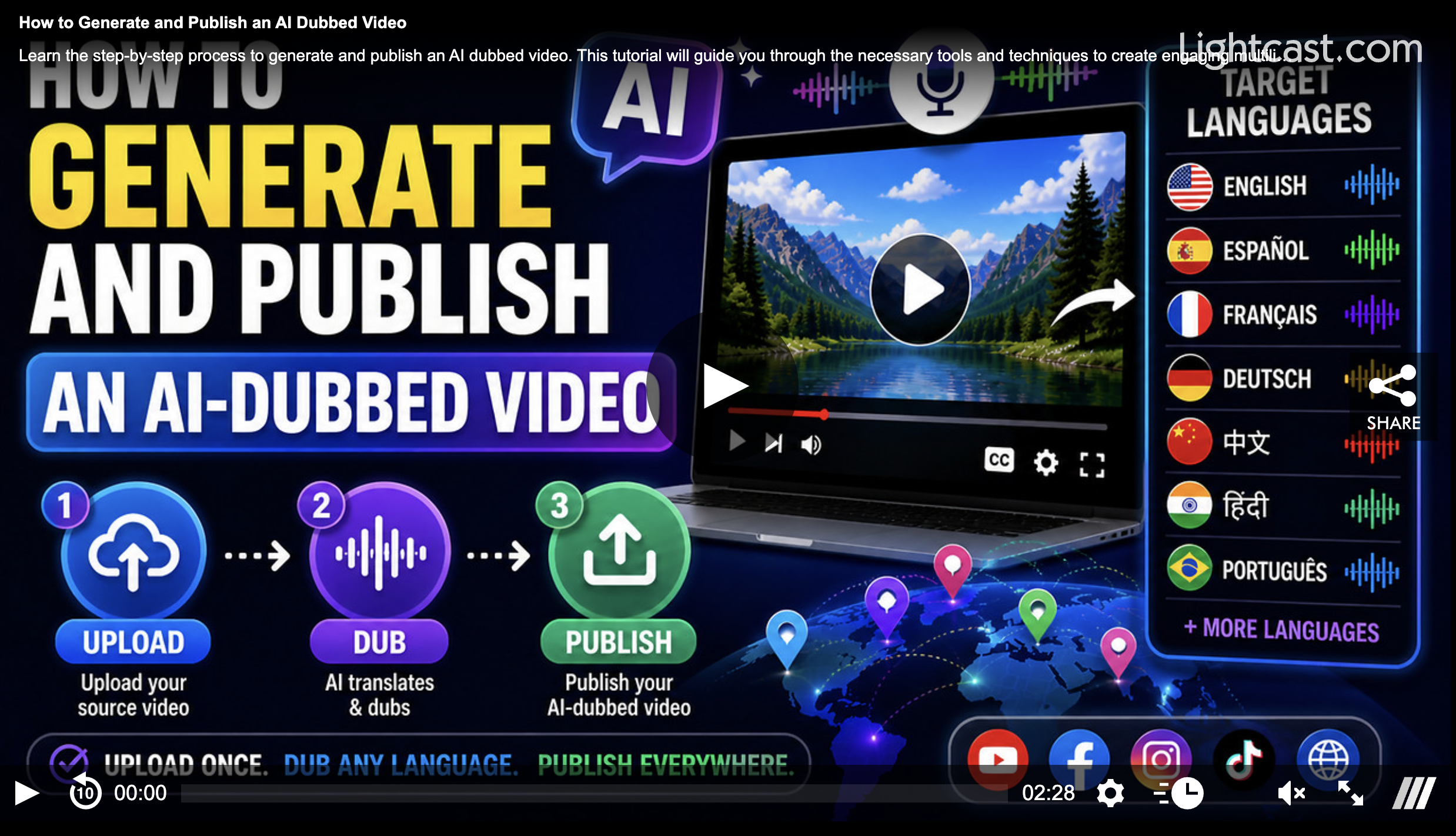
Watch this Video to See How to Generate & Publish an AI-Dubbed Video:
Note: AI Dubbing is available on POWER packages and up.
For previous tips, visit our tips page!
Would you like a specific topic to be covered by an upcoming “Tip of the Week”? Click here to submit your request!

Happy Streaming!
Your Lightcast Success Team