
AI Subtitle Translations Made Simple
Reaching a global audience doesn’t have to be complex or time-consuming. With AI-powered subtitle translation built into your Media Cloud, you can easily localize your content and deliver a more engaging experience for viewers across different languages and regions.
🌐 Key Capabilities
Translate existing subtitle files into supported languages directly from the Media Cloud.
Translate subtitles into 40+ languages
Access the translated subtitles directly from the media item’s METADATA tab
Works for both video and audio content
Review, edit, and publish translated subtitle files before they go live
🗝️ Flexible with AI Tokens
AI Subtitle Translations are powered by AI Tokens, giving you control and flexibility over your usage.
Start with 100 free AI tokens included in your account
AI Translated Subtitles use 3 AI Tokens per minute, per language
Monitor your balance anytime in the USAGE dashboard
Easily purchase more tokens when needed
If a translation fails, your AI tokens are automatically refunded
🚀 Get Started
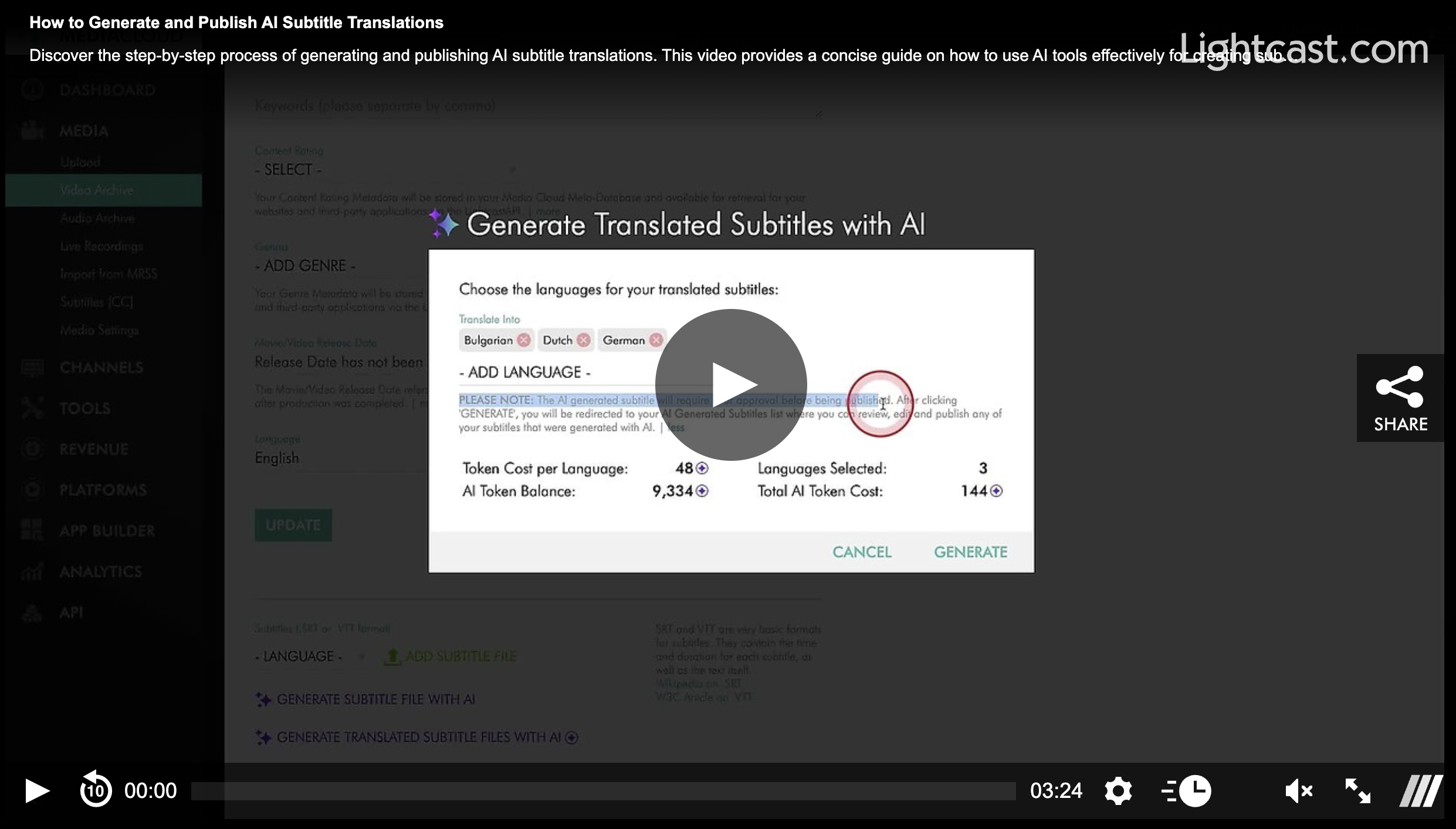
Open any media item, go to the METADATA tab, and translate your subtitle file into any supported language in just a few clicks.
You can review, edit, and publish an AI-generated translated subtitle file from either the media item’s METADATA tab or the Subtitles [CC] section.
Watch this Video to See How to Generate & Publish AI Subtitle Translations:
Note: AI Subtitle [CC] Translations are available on POWER packages and up.
For previous tips, visit our tips page!
Would you like a specific topic to be covered by an upcoming “Tip of the Week”? Click here to submit your request!

Happy Streaming!
Your Lightcast Success Team