
Stand Out with AI-Generated Thumbnails
Strong thumbnails play a key role in attracting viewers and elevating your content. With AI-powered thumbnail generation built into your Media Cloud workflow, you can automatically create polished, high-quality images for your video and audio assets—helping your content stand out across every platform.
📌 How It Works
AI-generated thumbnails are created during encoding and become available after encoding is complete.
Accounts created after October 29, 2025: Enabled by default
Earlier accounts: Can be activated anytime in MEDIA > Media Settings
🎯 What to Know
To ensure thumbnails generate correctly and fit your workflow:
Enable AI Generated Images and AI Generated Metadata under MEDIA > Media Settings
A Title and Description must be set for the media item during encoding for AI-generated thumbnails to be created
Manually uploaded or third-party images are always preserved
AI-generated thumbnails can be changed or replaced at any time
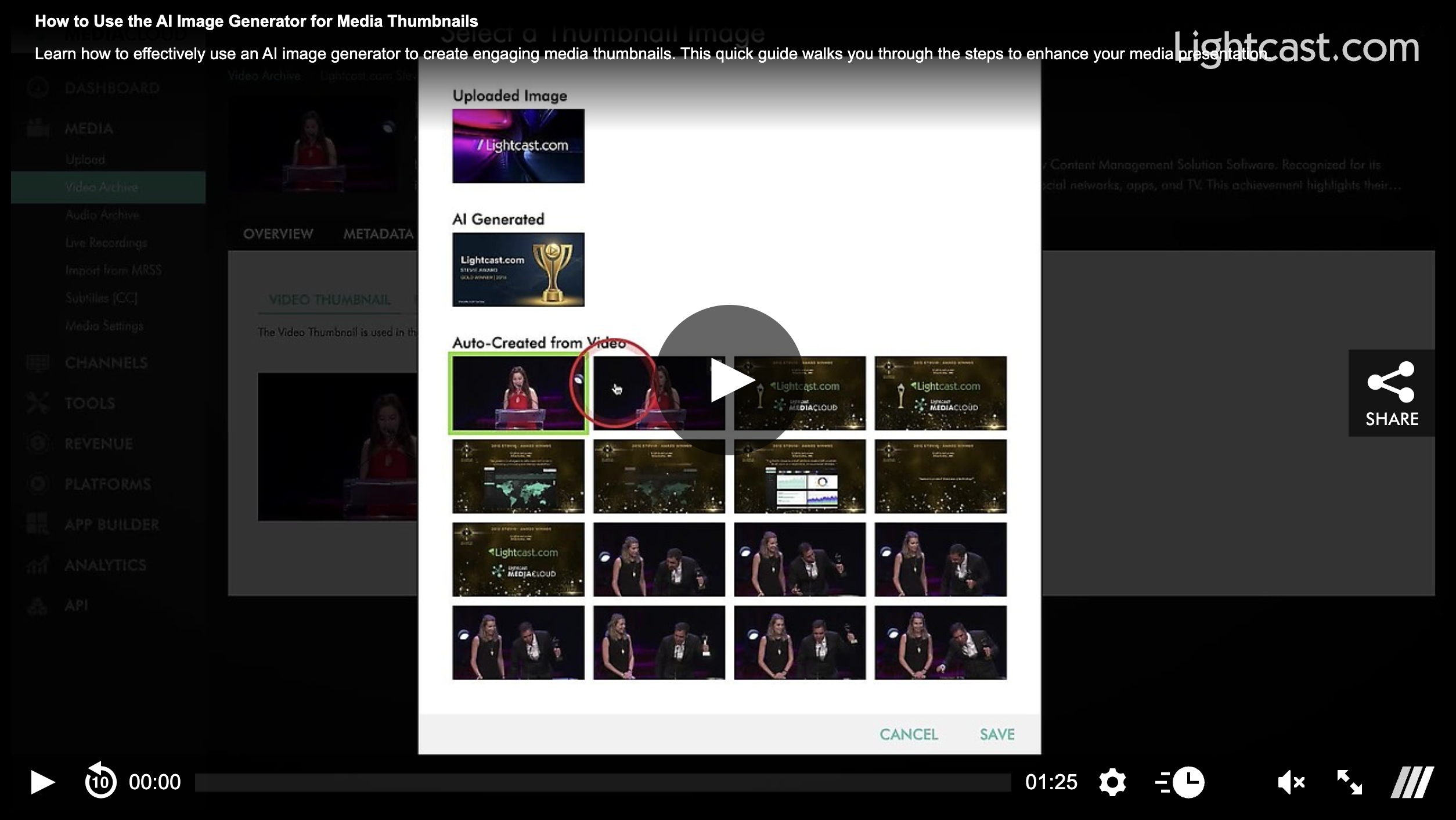
✅ Thumbnail Selection
Easily manage how your content appears with the Thumbnail Selector:
Choose between AI-generated, auto-generated, or custom thumbnails
Preview images in full size before selecting
Update or switch thumbnails anytime
Watch this Video to See How to Use AI-Generated Thumbnails:
Note: AI-generated thumbnail images are available on POWER packages and up.
For previous tips, visit our tips page!
Would you like a specific topic to be covered by an upcoming “Tip of the Week”? Click here to submit your request!

Happy Streaming!
Your Lightcast Success Team