
Work Smarter with AI Metadata
Managing metadata doesn’t have to be time-consuming. With AI built into your Media Cloud workflow, you can save time, reduce manual effort, and keep your content organized and discoverable.
🏷️ AI-Generated Metadata
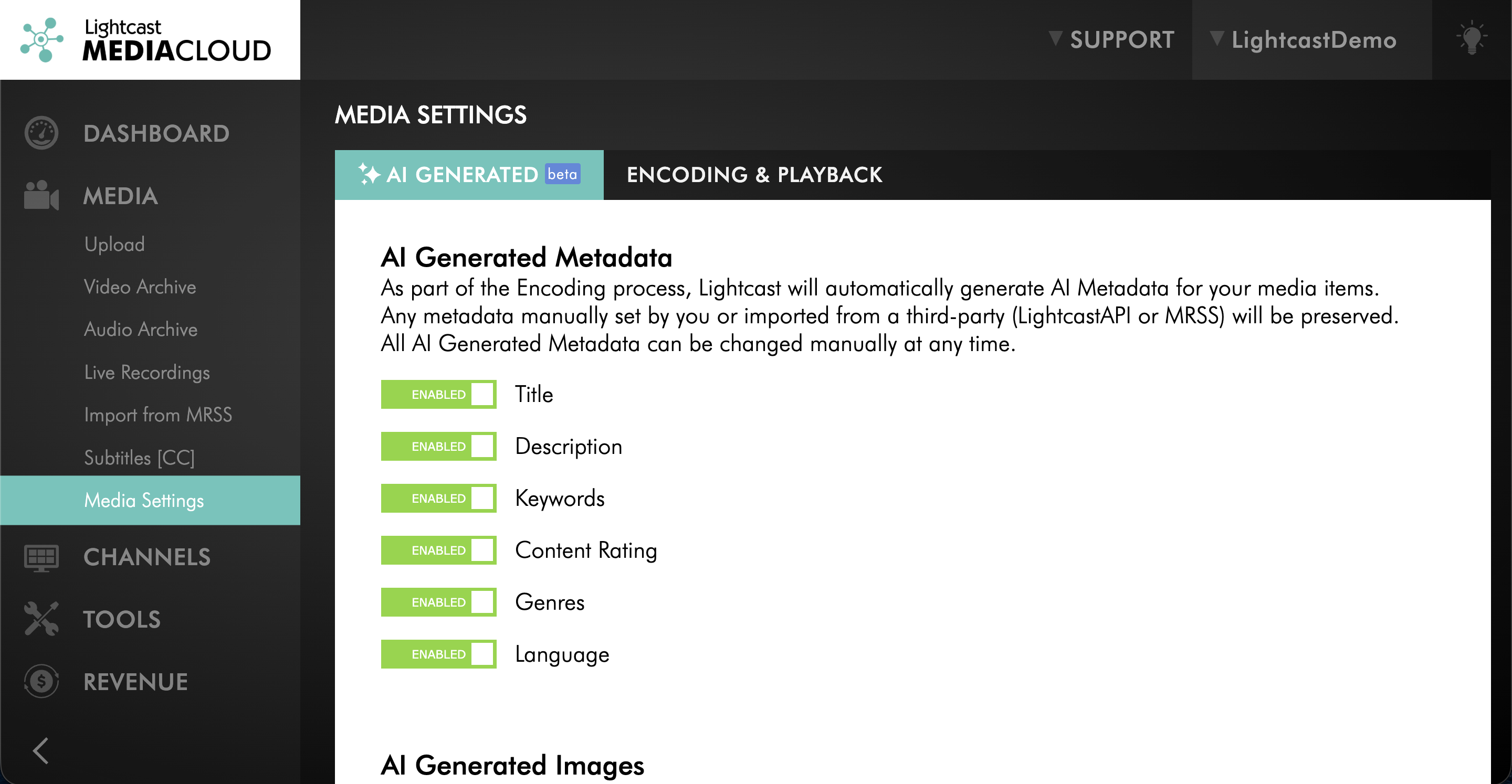
AI-generated metadata can include:
Title
Description
Keywords
Language
Genres
Content Rating
AI-generated metadata is enabled by default in your Media Cloud account, so metadata is created automatically when you upload media. If you prefer to add metadata manually, you can turn this feature off anytime under MEDIA > Media Settings.
✏️ Always in Control
AI helps with the heavy lifting, but you stay in control. You can review, edit, or replace AI-generated metadata at any time.
Metadata entered manually or imported through LightcastAPI or MRSS is not overwritten by AI.
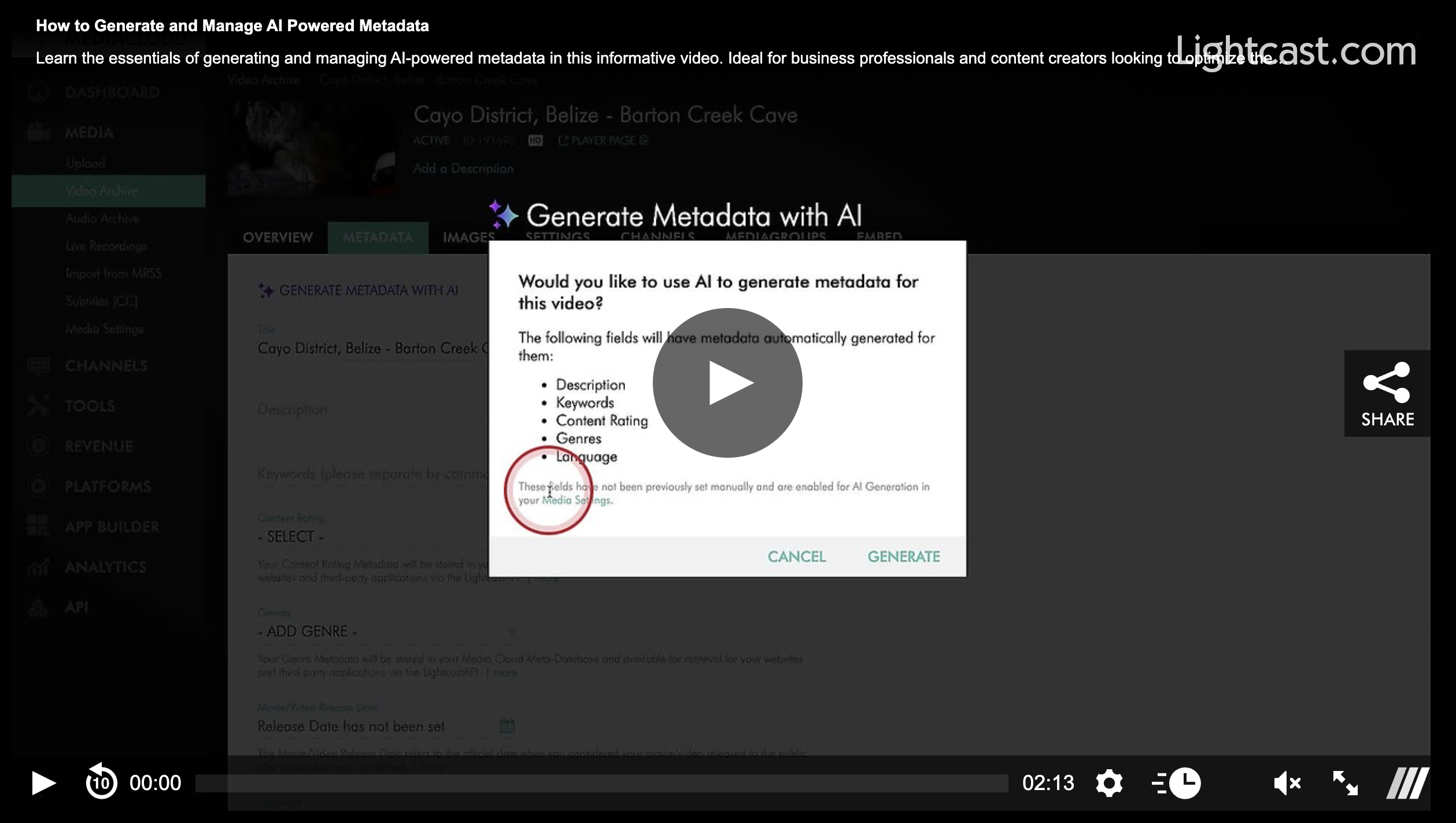
💡 Pro Tip: For previously uploaded files with empty metadata fields, open the video or audio item, go to the METADATA tab, and click GENERATE METADATA WITH AI.
Watch this Video to See How to Generate and Manage AI-Powered Metadata
Note: AI-generated metadata is available on POWER packages and up.
For previous tips, visit our tips page!
Would you like a specific topic to be covered by an upcoming “Tip of the Week”? Click here to submit your request!

Happy Streaming!
Your Lightcast Success Team