
Auto-Publish AI Subtitles
We're excited to introduce a new update that makes AI-generated subtitles even easier to manage in the Media Cloud!
You can now automatically publish AI-generated subtitles and translated subtitles as soon as they are generated, helping you streamline your workflow and reduce manual review steps.
What’s New?
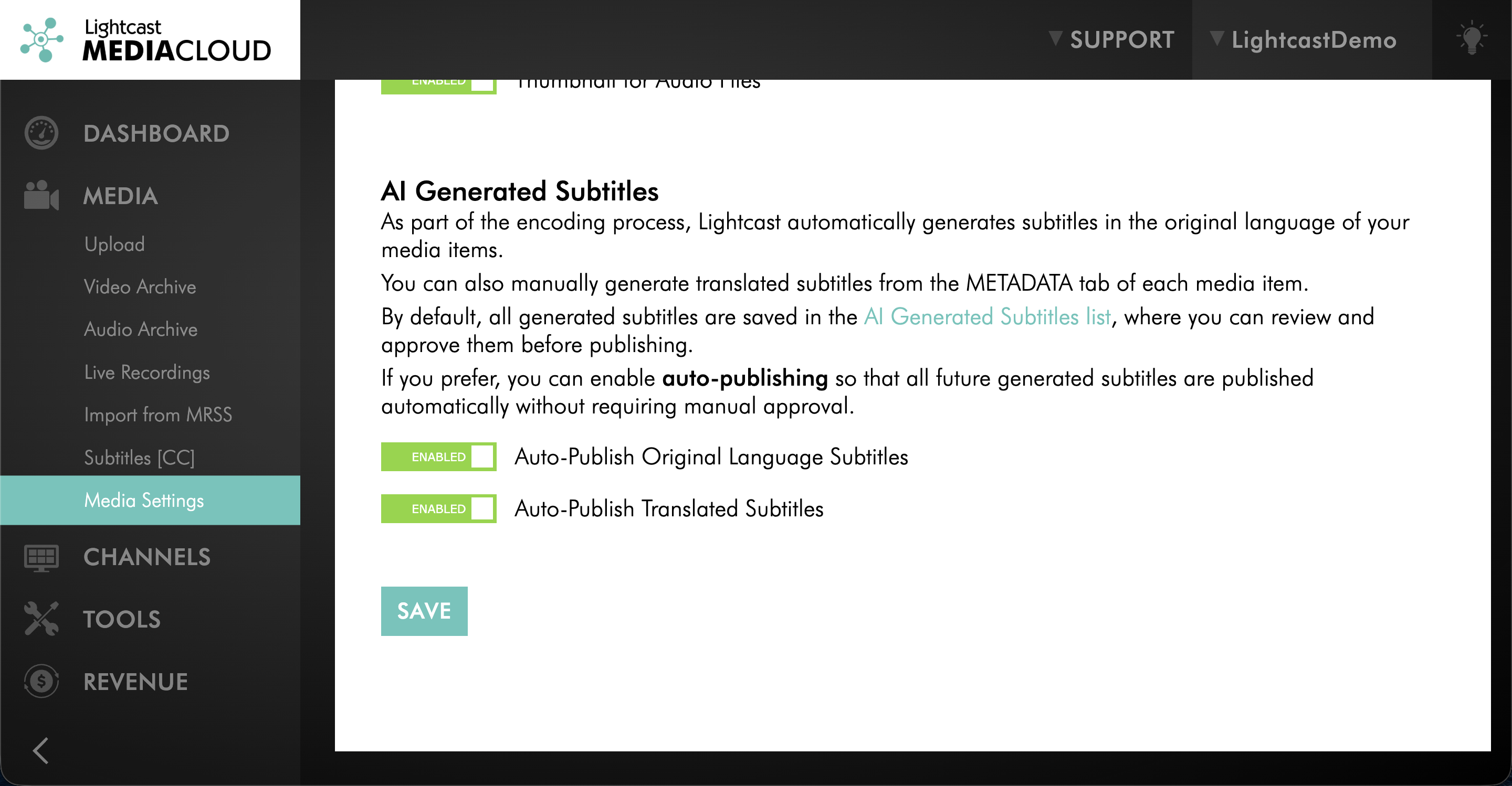
Two new settings are now available in MEDIA → Media Settings:
Auto-Publish Original Language Subtitles
Automatically publishes AI-generated subtitles in the original language of the video.Auto-Publish Translated Subtitles
Automatically publishes AI-generated translated subtitles in the languages you select when generating subtitle translations.
Both settings can be enabled or disabled at any time, giving your team more control over how subtitles are managed.
Why This Matters
AI Subtitles and AI Subtitle Translations already help save time when creating subtitle files for your content.
With these new auto-publish options, you can take automation one step further by removing the need to manually publish subtitle files after generation. This is especially helpful for organizations that regularly generate subtitles across multiple videos and languages.
With Auto-Publish enabled, you can:
Reduce manual approval steps
Accelerate subtitle publishing workflows
Make translated subtitles available faster
Streamline subtitle management across your Media Cloud
Helpful Resources:
Watch this video to learn how to generate AI Subtitles
Watch this video to learn how to generate AI Subtitle Translations
If you have any questions about Auto-Publish Settings for AI Subtitles, our team is here for you!
Enjoy Auto-Publishing for AI Subtitles in the Media Cloud — and happy streaming! 🎥
P.S. Check out our Release Page for more information about our releases.
Your Lightcast Success Team