
How to request additional publishing properties
Overview
This article explains how to request additional publishing properties in the Media Cloud and what to expect after a request is submitted.
When to request additional publishing properties
Use this article when you want to request a publishing property that has not been started yet, or when you are not sure whether a publishing property is included in your package setup or Service Subscription Agreement.
If a publishing property is already included in your package setup or Service Subscription Agreement, Customer Support will usually send you next steps during your Onboarding process.
Some clients choose to delay the development or submission of publishing properties that are included in their package. If you are not ready to begin, you can request the publishing property at a later time by contacting Customer Support or by submitting a request through your Media Cloud account.
Publishing properties may include TV apps, mobile apps, Web Apps, Podcast platforms, social platforms, or other supported destinations.
Some publishing properties may be included in your package. Others may require an upgrade, add-on, or additional setup fee.
How it works
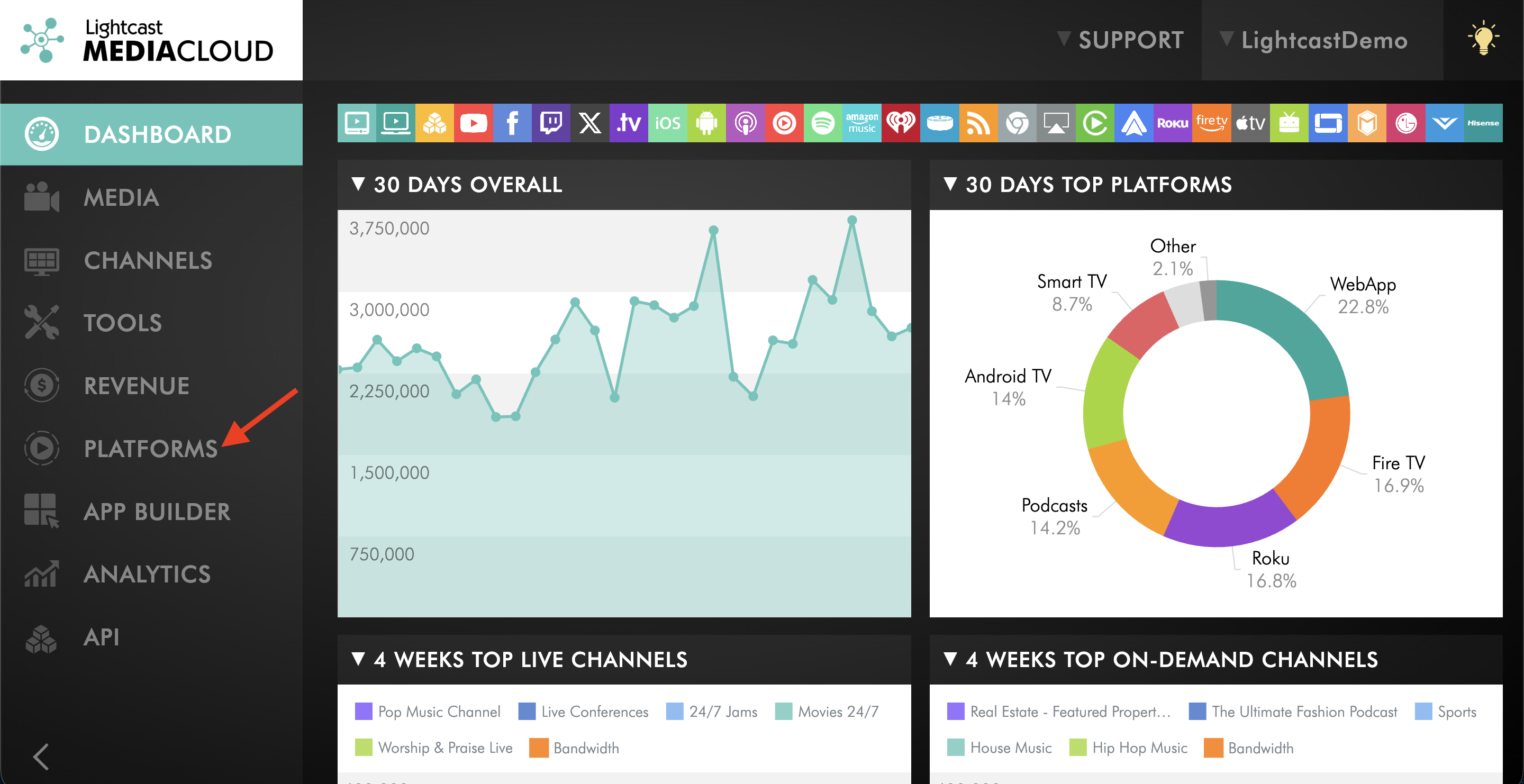
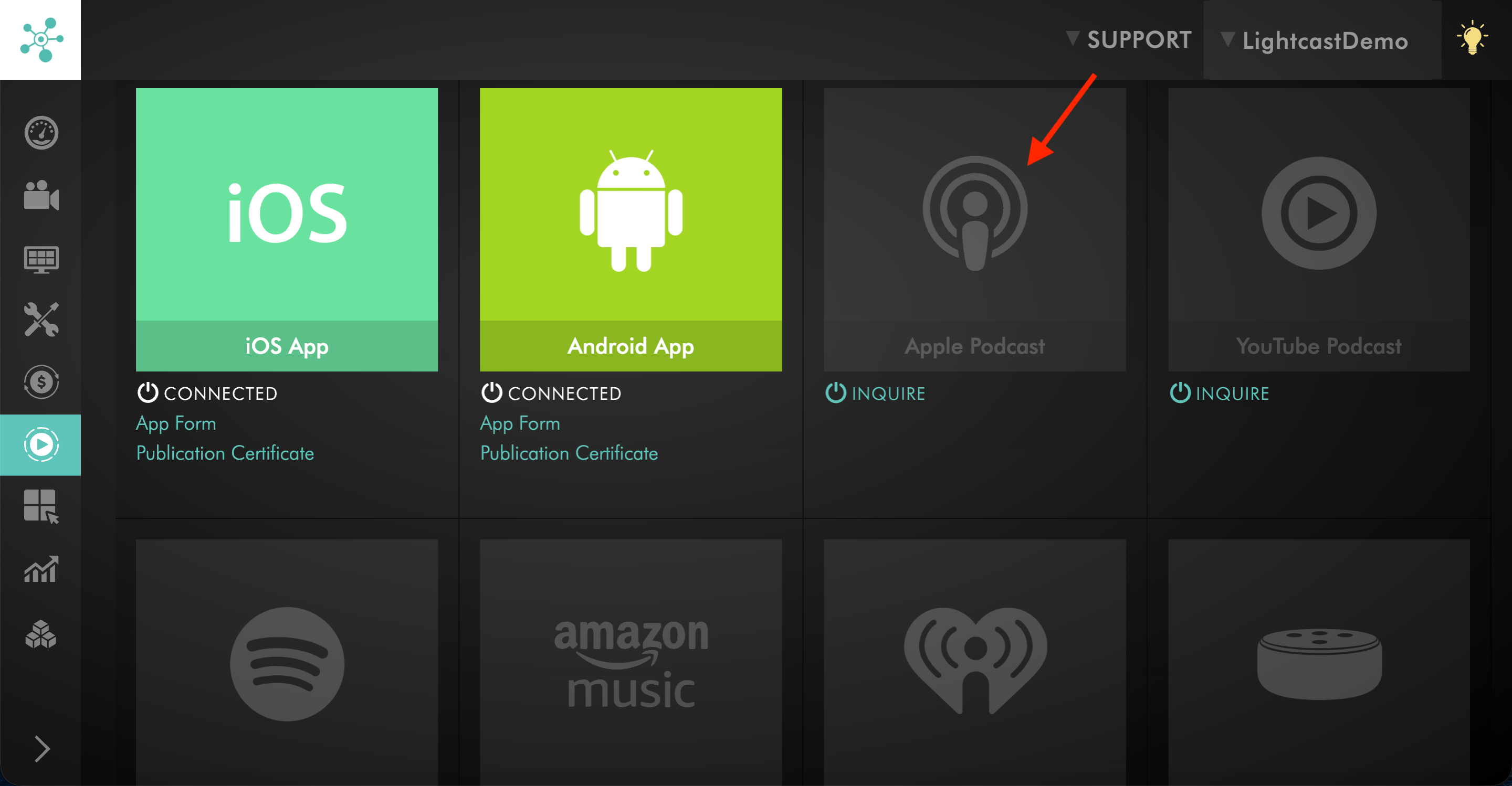
The PLATFORMS area in the Media Cloud shows available publishing properties that may be requested for your account.
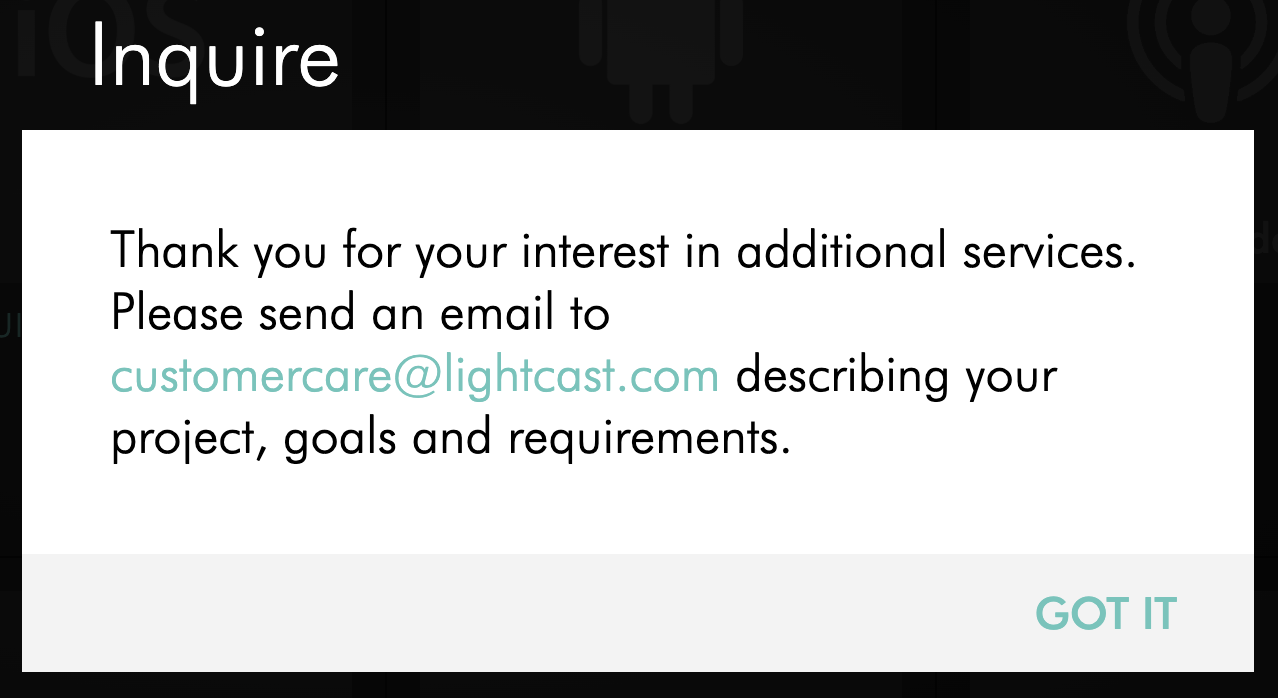
After you submit an inquiry, Customer Support reviews the request and confirms the next steps. If the publishing property is not included in your package setup or Service Subscription Agreement, Customer Support can provide available options.
Lightcast may need additional details before setup can begin. This may include the Channel ID, app or platform details, graphics, metadata, Developer Account information, Podcast RSS Feed details, or other production requirements depending on the requested publishing property.
Included publishing properties are not always built automatically because customers may not be ready to use every platform at the same time. Some customers may want to start with selected platforms first, may already have an existing app or publishing property, or may want to wait until their content, branding, graphics, or internal launch plan is ready.
Standard versions of included publishing properties are subject to the layouts, features, and scope included with the applicable package or Service Subscription Agreement. Additional extensions, customizations, or feature requests may be available, but development costs may apply.
Instructions
Step 1
Log in to your Media Cloud account.
Step 2
Go to PLATFORMS.
Step 3
Find the publishing property you want to request.
Step 4
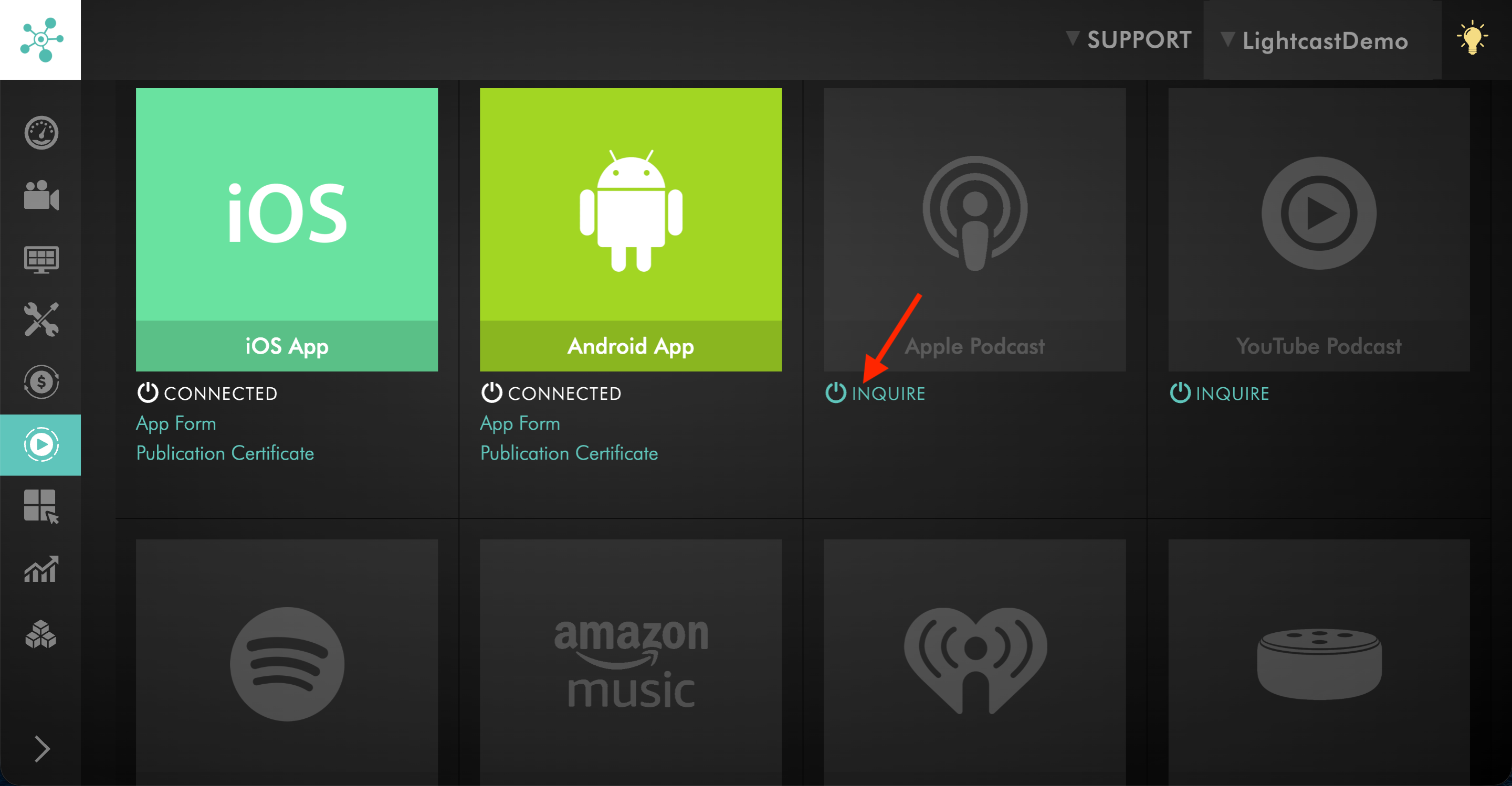
Click INQUIRE for the desired publishing property.
Step 5
Submit the request.
Step 6
Wait for Customer Support to review your request.
Customer Support will confirm whether the publishing property is included in your package setup or Service Subscription Agreement, whether additional fees apply, and what information is needed next.
Step 7
Provide any requested setup details.
Depending on the publishing property, Lightcast may need information such as the Channel ID, app details, graphics, metadata, Developer Account access, Podcast setup details, or other production requirements.
FAQs
Are included publishing properties built automatically?
Not always. Customer Support will usually send next steps for publishing properties included in your package setup or Service Subscription Agreement.
However, included publishing properties may not be built automatically because you may not be ready to use every platform at the same time. You may want to start with selected platforms first, already have an existing app or publishing property, or wait until your content, graphics, or launch plan is ready.
During onboarding, let your Onboarding Specialist know which included publishing properties you would like to start right away and which ones you would like to postpone until a later date.
If you decide to postpone an included publishing property, you can contact Customer Support when you are ready to begin, or submit a request through the Media Cloud.
What should be done if a publishing property is included in the package setup?
Follow the next steps email from Customer Support.
If you are not sure whether a publishing property is already included or in progress, you can contact Customer Support or submit an inquiry from the PLATFORMS area in the Media Cloud.
What should be done if a publishing property is not included in the package setup?
Go to PLATFORMS in the Media Cloud and click Inquire for the publishing property you want to request.
Customer Support will review your request and confirm available options, including whether an upgrade, add-on, or additional setup fee is needed.
What information may Lightcast need before setting up a publishing property?
The required information depends on the publishing property.
Lightcast may need details such as the Channel ID, app or platform details, graphics, metadata, Developer Account information, Podcast RSS Feed details, or other production requirements.
Can additional publishing properties be added later?
Yes. You can request additional publishing properties later if you are ready to expand where your content is published.
Use the PLATFORMS area in the Media Cloud to submit an inquiry, or contact Customer Support if you are not sure which option applies.
Can a publishing property be requested if an existing app or property already exists?
Yes. If you already have an existing app or publishing property, let Customer Support know before setup begins.
Lightcast may need to review whether the existing property can be updated, transferred, replaced, or connected to your Lightcast setup.
Can included publishing properties be customized beyond the standard version?
Possibly. Standard publishing properties are subject to the layouts, features, and scope included with your package or Service Subscription Agreement.
Additional extensions, customizations, or feature requests may be available, but development costs may apply.