
How to submit your Podcast to Amazon Music
Overview
This article explains how to submit your Podcast to Amazon Music using the RSS feed provided by Lightcast. Use these steps when you want to make your Podcast available on Amazon Music.
How it works
Amazon Music for Podcasters uses your RSS feed to import your Podcast details and episodes. Before you begin, make sure you have an Amazon account, the RSS feed link provided by Lightcast, and access to the email address associated with the Podcast.
Instructions
Step 1
Go to podcasters.amazon.com and click Add Or Claim Your Podcast.

Step 2
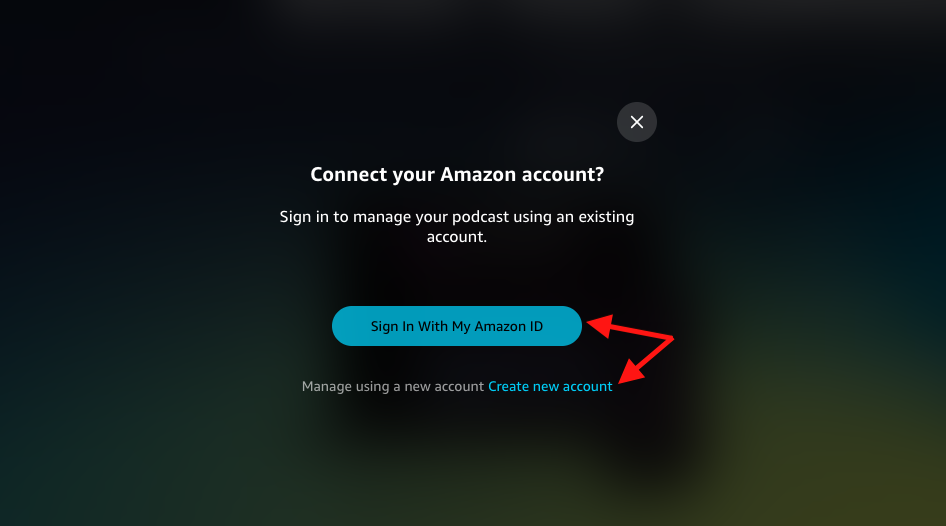
Sign in with your Amazon account. If you do not already have one, create a new Amazon account.
Step 3
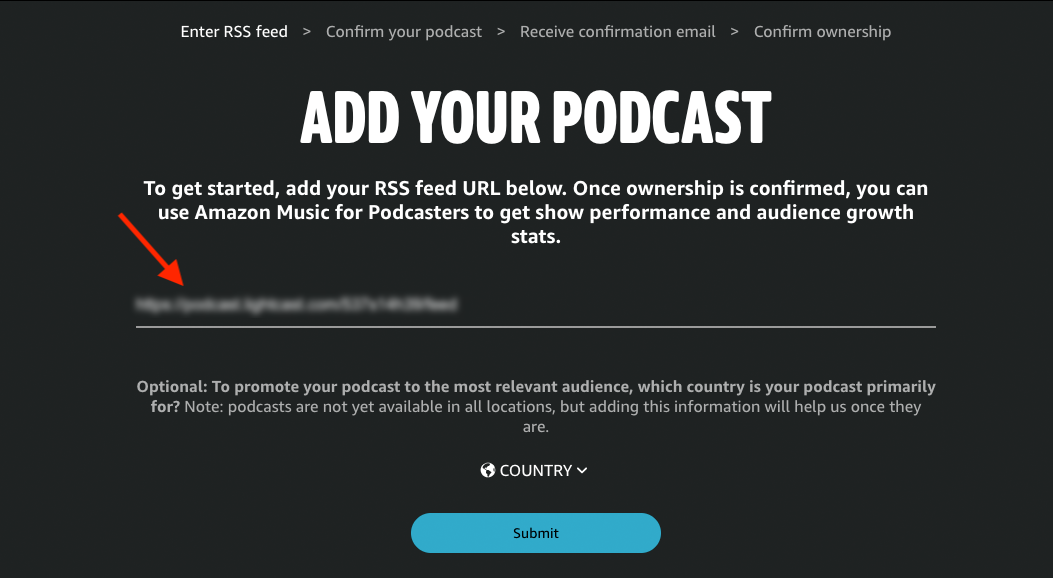
After you sign in, you will be redirected to the RSS submission page. Paste the RSS feed link provided by Lightcast, then click Submit.
Step 4
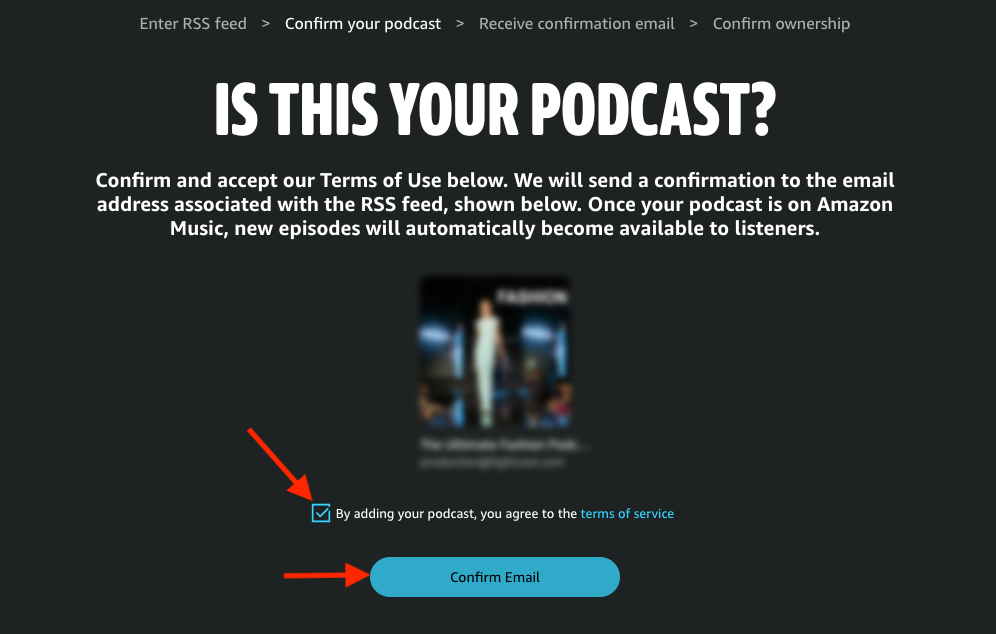
Accept the Terms of Service, then click Confirm Email.
Step 5
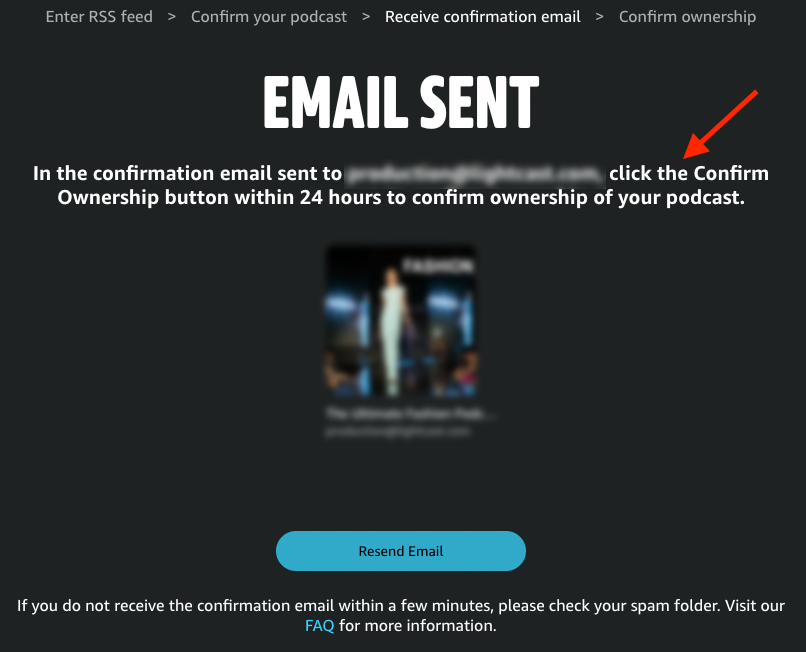
In the confirmation email, click the Confirm Ownership button.
FAQs
How long does Amazon Music take to publish my Podcast?
For a new Podcast submission, it can take up to 7 days for your show to appear in Amazon Music and Audible. In some cases, approval may happen sooner. After your show is approved, new episodes usually appear within 24 hours. It is best to submit your RSS feed at least 1 week before your planned launch date.
Can I check the status of my Amazon Music submission?
Yes. You can log in to Amazon Music for Podcasters to check whether your submission is pending, active, or suspended.
Can I manage my Podcast after submission?
Yes. After submission, you can open the Dashboard to view your submitted Podcasts or add another Podcast.