
EasyPay branding and publisher address settings
Overview
This article explains EasyPay branding and how to update your EasyPay Publisher Address.
How It Works
EasyPay branding
EasyPay branding may be shown to subscribers because EasyPay is the payment provider that processes subscription and PPV payments. Subscribers may also see EasyPay as the charge descriptor on their credit card statements.
This branding helps subscribers understand who processes their payments and where to manage subscription-related account details.
EasyPay Publisher Address
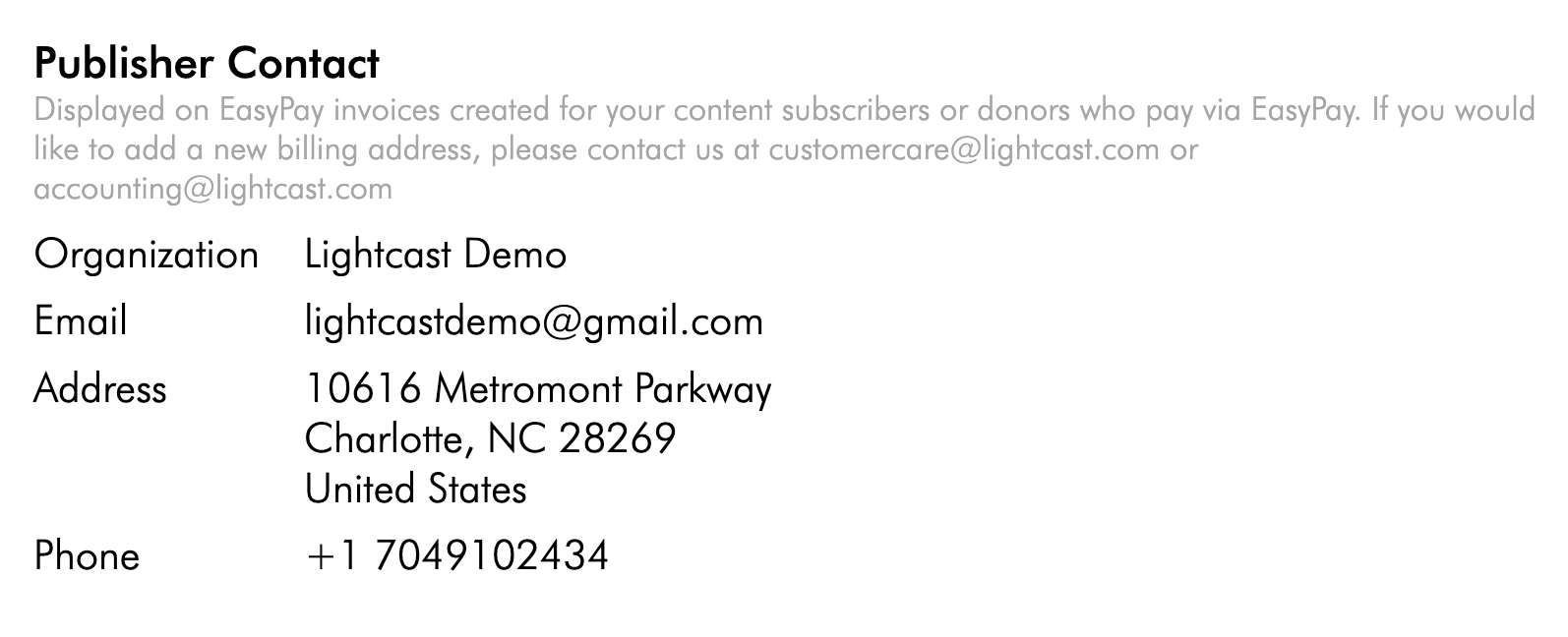
Your EasyPay Publisher Address is displayed on EasyPay invoices created for your subscribers (or donors) who pay via EasyPay. This helps subscribers see the publisher contact details associated with the purchase.
Instructions
Follow these steps to request an update to your EasyPay Publisher Address.
Step 1
Collect the publisher contact details you want displayed on EasyPay invoices, such as Organization, Email, Address, and Phone.
Step 2
Please contact Customer Support and request an update to your EasyPay Publisher Address.
Step 3
Include your updated publisher contact details in the request so the team can apply the changes.
FAQs
Why do subscribers see EasyPay branding?
Subscribers may see EasyPay branding because they register with the payment provider, accept its terms, and need to recognize the charge source on their credit card statement.
Can EasyPay branding be renamed or rebranded for subscribers?
EasyPay branding is displayed so subscribers understand who is processing payments and how charges may appear on statements.
How can a new Publisher Address be added?
Contact Customer Support to request a new Publisher Address.