
New in the Media Cloud: App Builder and more
If you are a Lightcast client with an active service subscription you have now access to the first phase of the App Builder 1.0 - a new Media Cloud area to manage your app's navigation structure in real-time, such as adding, removing and sorting Channels (Categories) to further control your App's Home Screen, as well as enabling SubChannels/MediaGroups for your Apps, adding/removing videos ads, changing the settings for pre-roll, mid-roll and post-roll ads, configuration of the time-out feature for your linear streams, and much more is to come! This is a one-of-a-kind product in the leading multi-platform OVP, the Lightcast Media Cloud, which will, yet again, set a new industry-standard moving forward.
WATCH THE INTRODUCTION
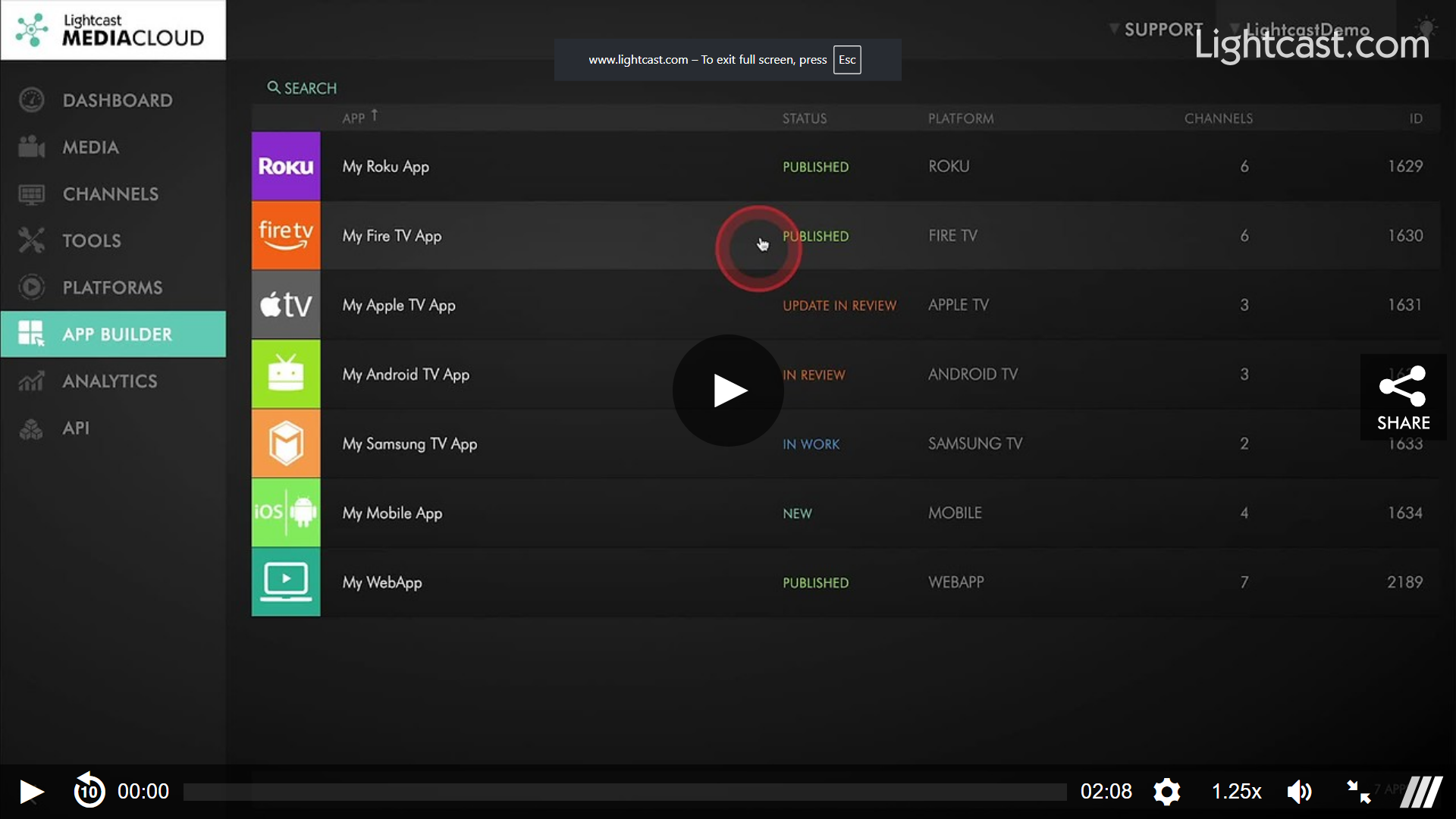
Wanna learn more about the App Builder? CLICK HERE
Of course, as always in the past you continue to have real-time control over all contents within the Apps via the Channel Managers, such as adding/removing/sorting Sub-Channels or Media Groups as additional navigation tiers, and adding/removing/sorting Videos, Live Events, and linear streams.
More new features in the Media Cloud
We rolled out some more new features and extensions we would like to highlight today:
The quick update
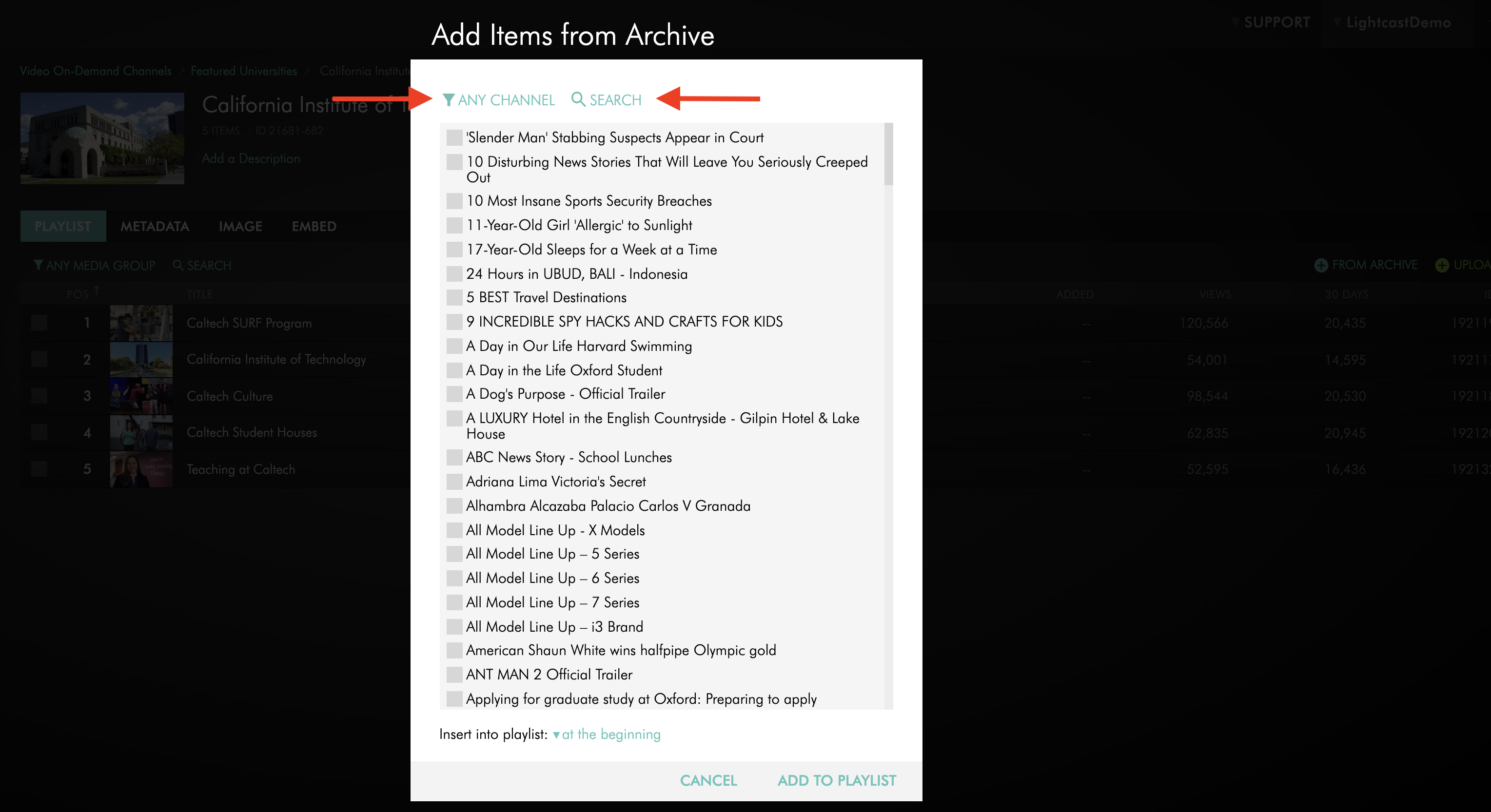
Filter and search option within "Add Items from Archive" dialog box and similar dialog boxes:
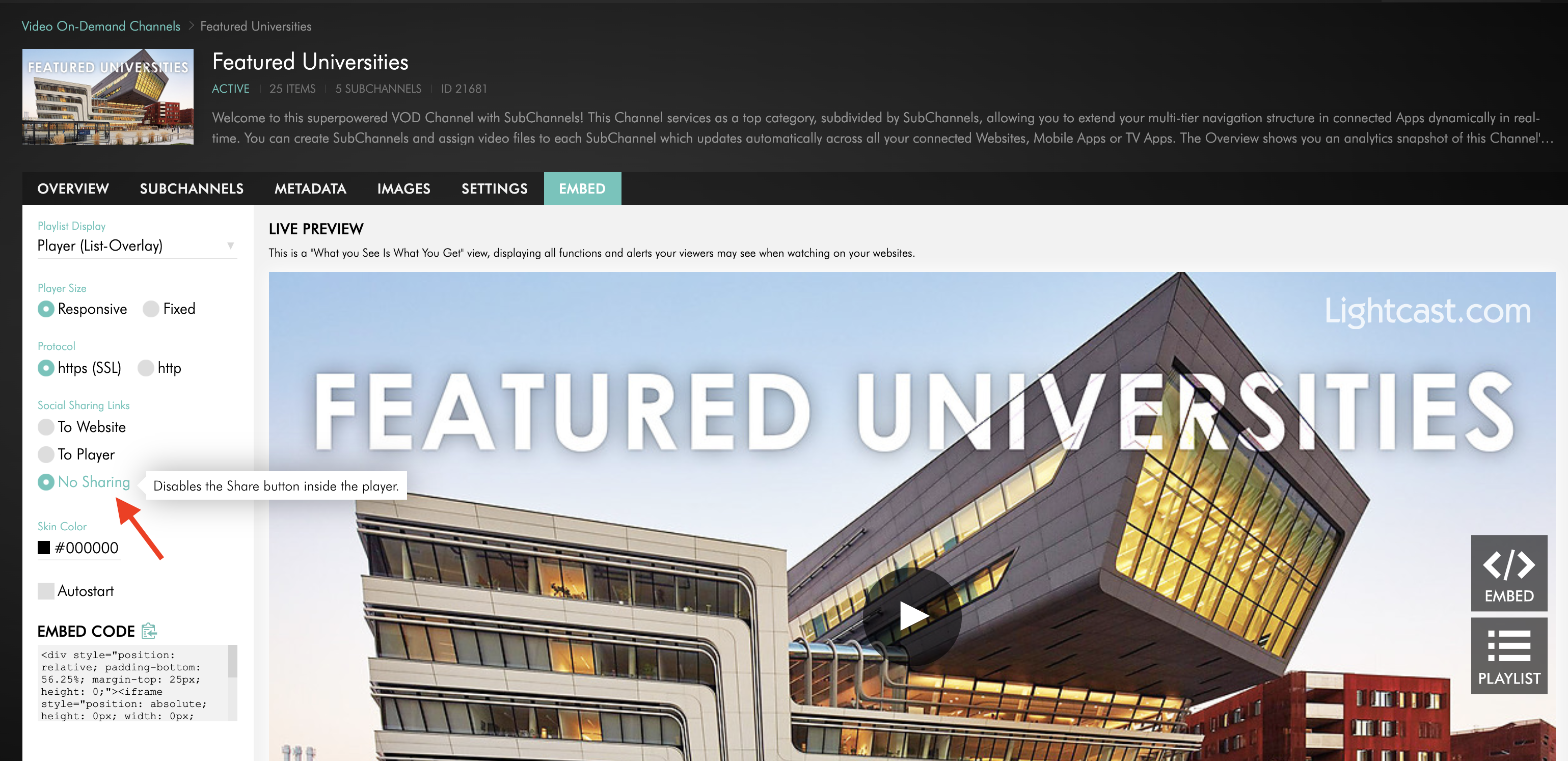
Control of the Share Button in the Player's Embed Tool:
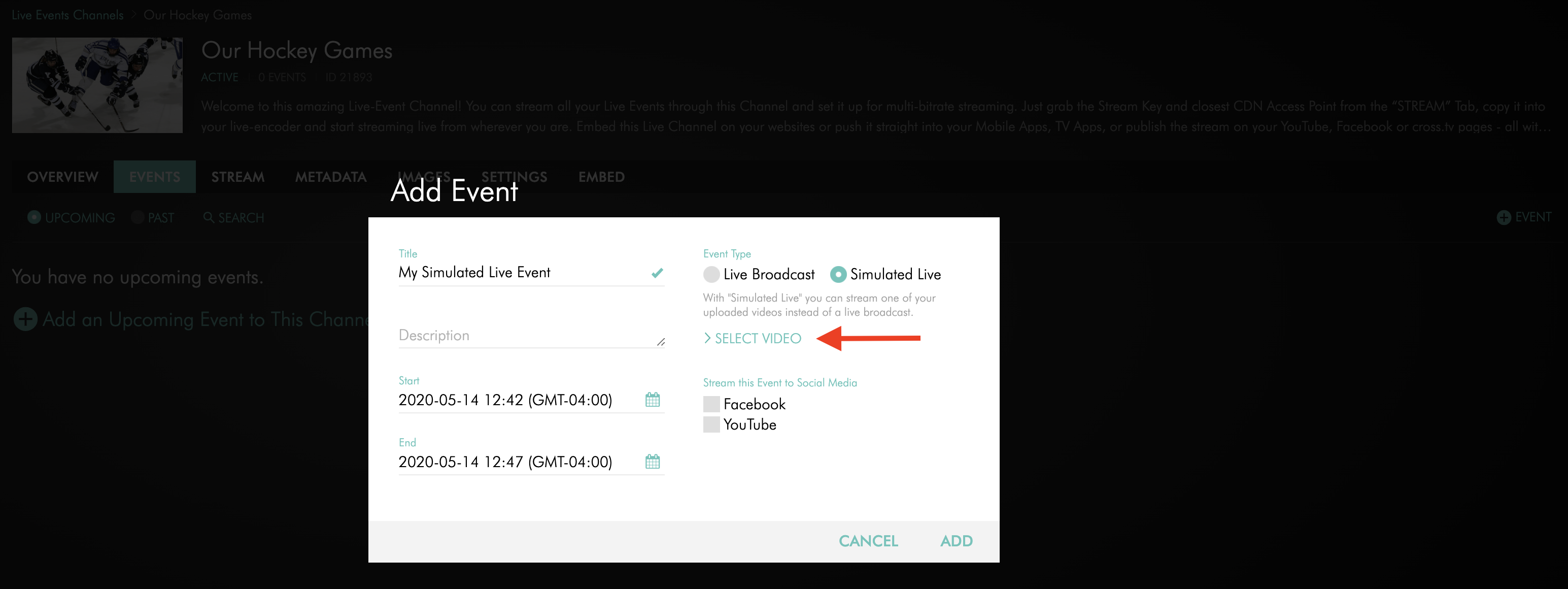
Easier selection of a video for simulated live events:
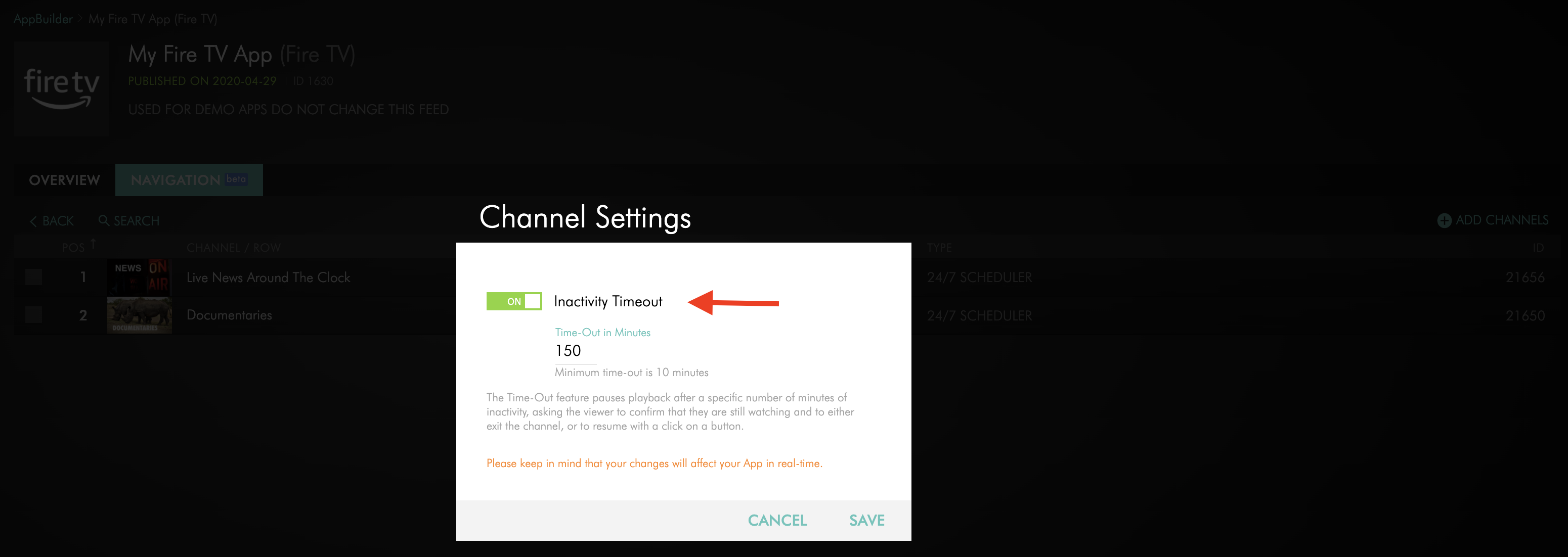
Manage your Inactivity Time-Out Feature for your linear streams via the App Builder:
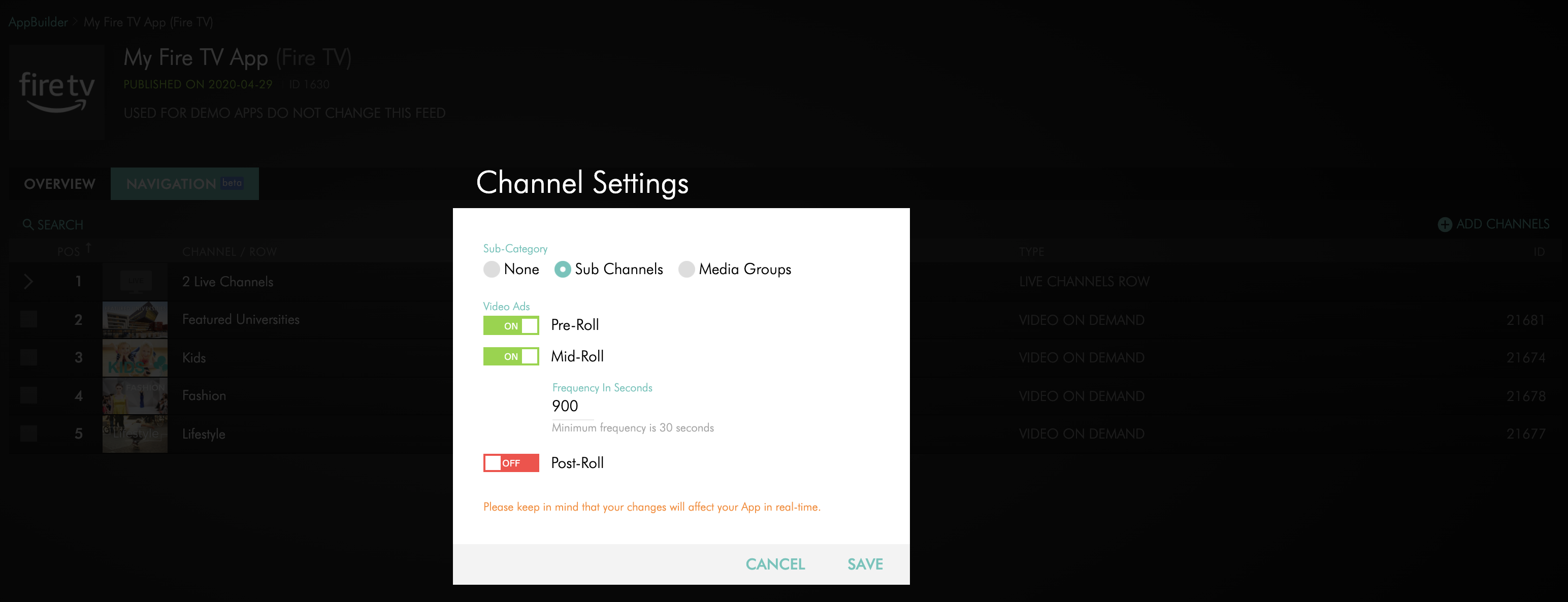
Manage your pre-roll, mid-roll and post-roll video ads via the App Builder:
P.S. Stay tuned on upcoming releases to the Media Cloud, the App Builder and App Frameworks which we are rolling out in the coming weeks!