
New in the Media Cloud: Dropbox Uploader
For even easier upload and migration of large content libraries, we developed and released the new Dropbox content uploader, which makes the upload of batches of audio and video files straight into your Media Cloud even more convenient. This is also a great alternative to FTP batch uploads. Simply connect your Dropbox account to your Media Cloud and start uploading. You can use the Dropbox Uploader to upload files of up to 25 GB, and there is no set limit to the number of video files you can upload at one time.
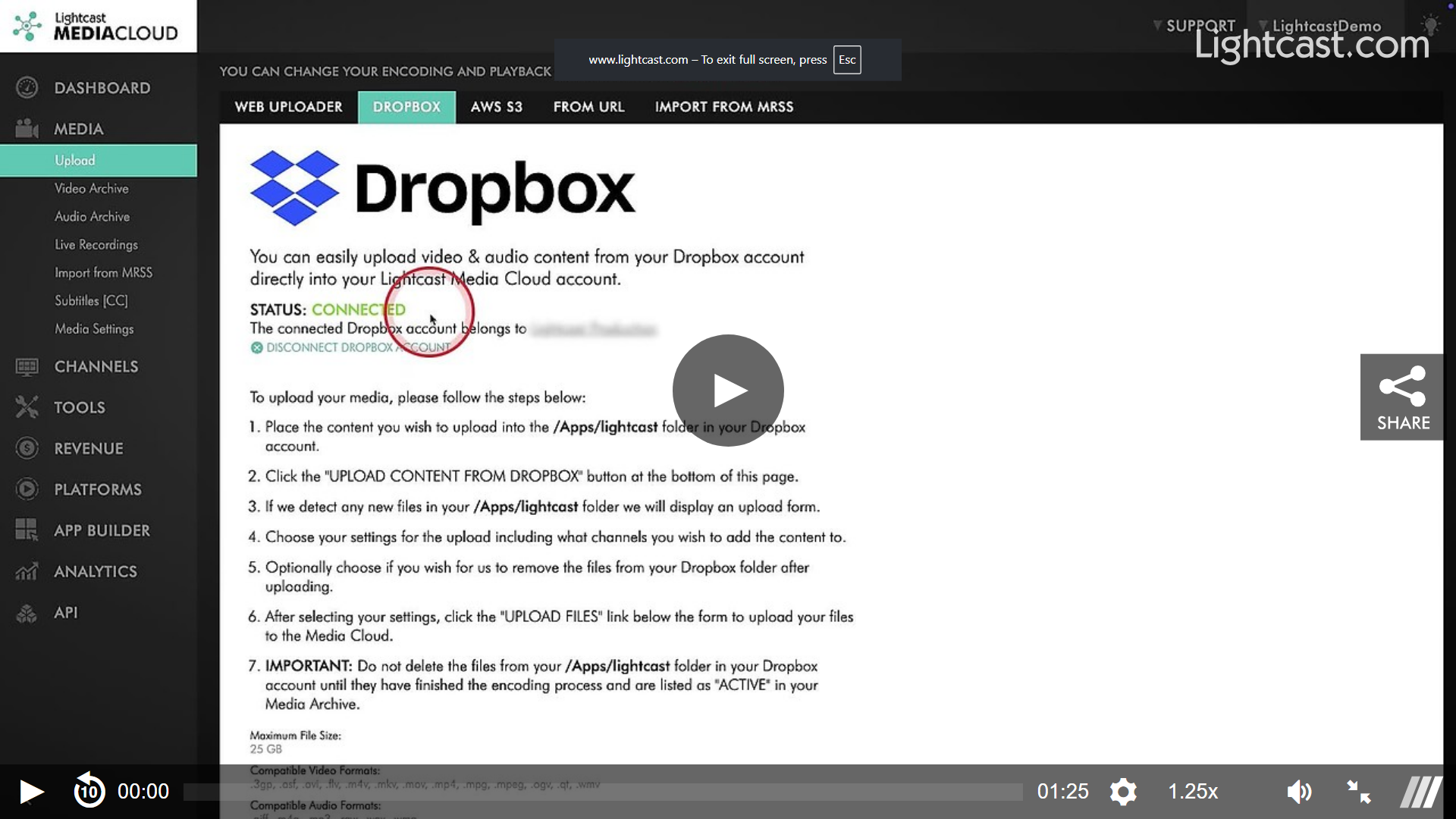
You can find the new Dropbox uploader by going to “Upload” under “Media” in the left-hand menu of your Media Cloud account. Next to the Lightcast Web Uploader, you will find a new tab called “DROPBOX”. Clicking on the new Dropbox tab shows a step-by-step instruction on how to connect your Dropbox account with your Media Cloud account.
Watch the Video Below to See How You Can Connect Your Dropbox account
We hope the new Dropbox content uploader provides you with yet another tool to support the growth of your streaming business.