New in the Media Cloud: Sub User Feature
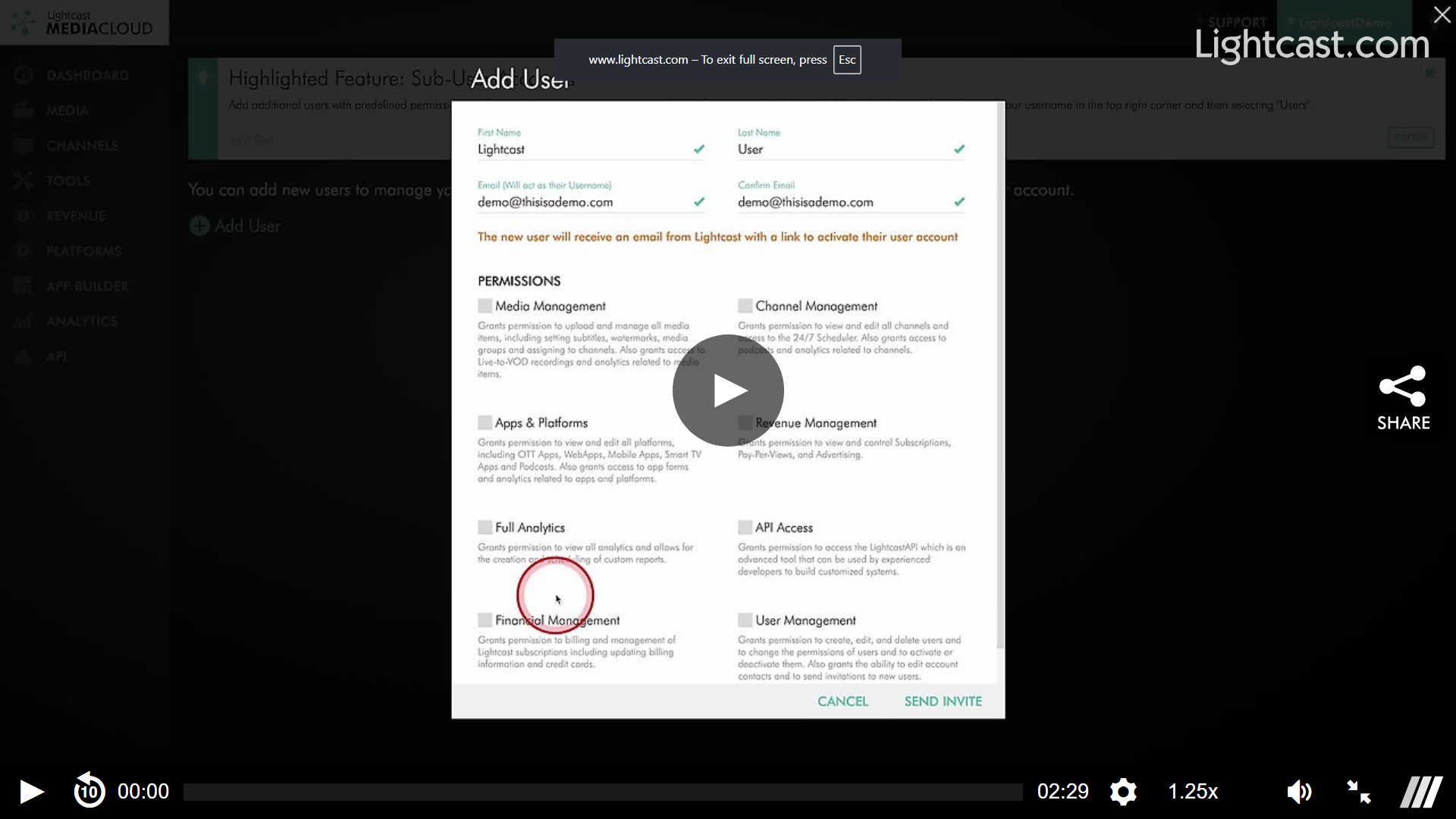
With the Sub User feature, Account Owners can add additional users with predefined permissions to share access to certain areas of the Media Cloud account.
Account owners can access this feature by clicking on their username in the top right corner and selecting 'Users’ in the dropdown.
When a new user is added an email is sent out to the end user inviting them to join the Media Cloud with a link to setup their account. Following that link will have them choose their own password (their email address is used as their username) which will grant them access to their new Sub Account.
The Account Owner (and any sub-user with the ‘Users’ permission) will get an email notifying them that the account has been activated.
If a sub user is deactivated or deleted they are instantly logged out of the Media Cloud.
Watch this video to learn all about the Sub User Feature