
New in the Media Cloud: Scheduling the Unpublishing of a Media Asset
Another sought-after efficiency tool has been added to your Media Cloud account: Schedule to Unpublish.
Similar to the Schedule Publishing tool, the Schedule Unpublish tool allows Publishers to automate the unpublishing of media items from their Channels.
Simply click on the media item you would like to unpublish on a specific date and switch to the CHANNELS tab. Select your preferred day and time by clicking on the orange "SCHEDULE UNPUBLISH" button. The media item will automatically be removed from the assigned Channel on the day and time you selected.
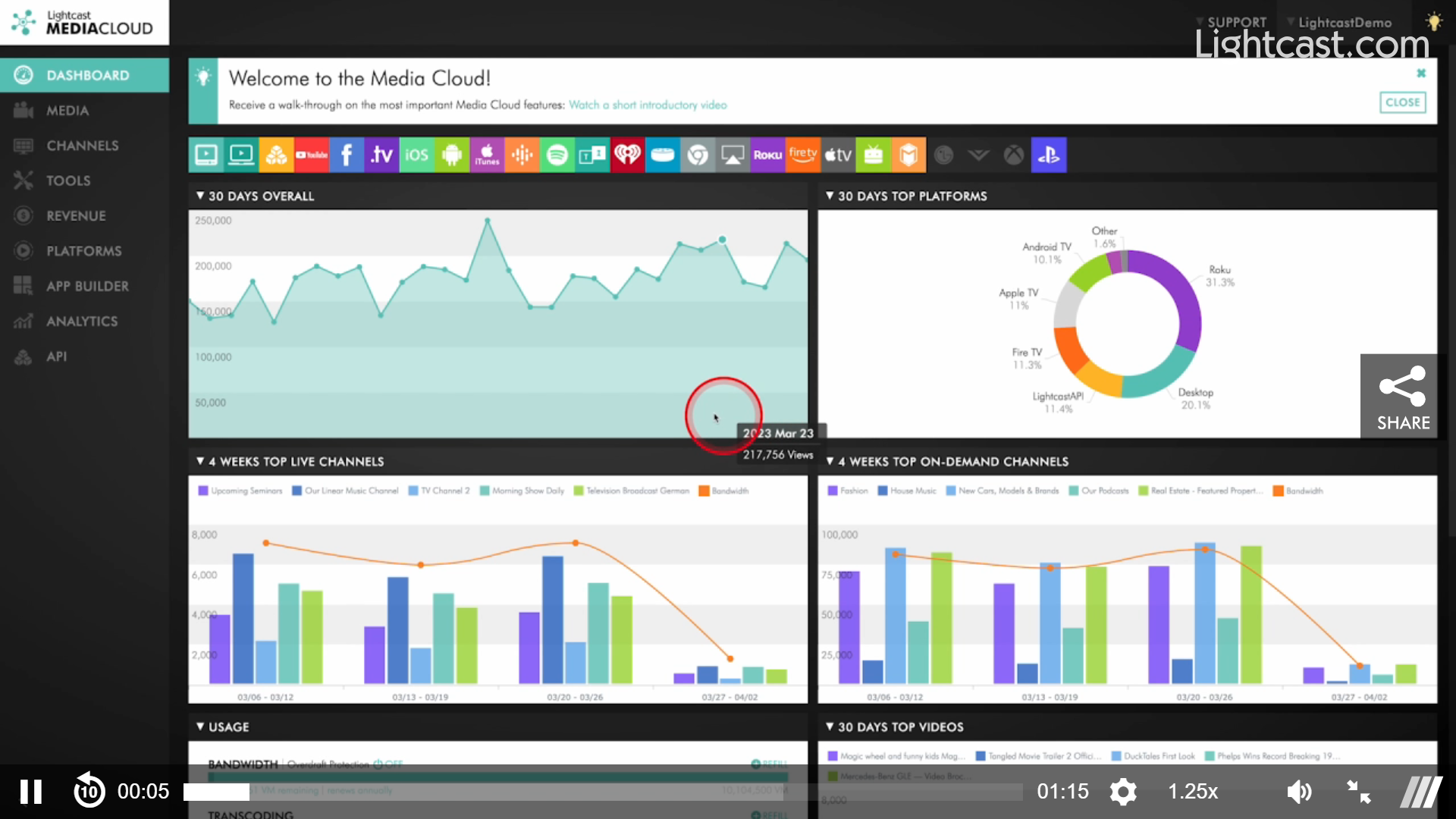
Watch the Video Below to See How to Unpublish a Video Item
Enjoy using this new feature, and managing your growing media libraries, streams and audiences across all devices, screens and platforms through the award-winning, and most user-friendly Media Management System, the Lightcast Media Cloud.