
New in the Media Cloud: Live Event Image
We're thrilled to introduce a powerful new upgrade in the Media Cloud: Live Event Images — giving you greater flexibility, stronger branding, and a richer visual experience for your audience.
With this enhancement, you can now upload a custom image for any upcoming live event, ensuring your live content looks polished and on-brand across all platforms.
What's New?
Custom Event Image Upload: When creating or editing an upcoming live event, you’ll see a new option to upload a dedicated event image. This gives you complete creative control over how your event is presented.
Simulated Live Support: If you’re setting up a Simulated Live event and select a video, the system will automatically use that video's thumbnail as the default event image — unless you choose to upload your own.
Full Editing Control: You can delete or replace the event image at any time, ensuring your visuals stay up to date and consistent with your branding.
Where Your Event Image Appears
Player Countdown Background
When an event image is added, you’ll see a new option: “Use Image for Player Countdown” (enabled by default)
This image will appear as the countdown background across:
Web Player
Web Apps
Mobile Apps
Your event now looks polished even before it starts!
Web App Event Lists
Select Web Apps that display event lists can now be configured to show your event image instead of the default channel image.
Note: Some Web Apps may require a small customization to enable this display. Please contact Customer Support for setup costs.
👉 See live event images on a Web App at https://webappdemo.lightcast.com ("Upcoming Live Events" row)
LIVE-to-VOD Thumbnail Selection
Converting a LIVE-to-VOD recording? If the event has an image, you will now see: “Use Event Image as Video Thumbnail” (checked by default)
This makes it easy to keep your branding consistent from live event → replay.
API Integration
For those using our API, the event image is now included in the LightcastAPI → Channels → Events endpoint.
Why This Matters
This feature empowers you to create visually consistent, branded live experiences — from countdown to event listings to VOD. Your viewers will enjoy a more professional, cohesive presentation, and you’ll gain greater control over your content’s visual identity.
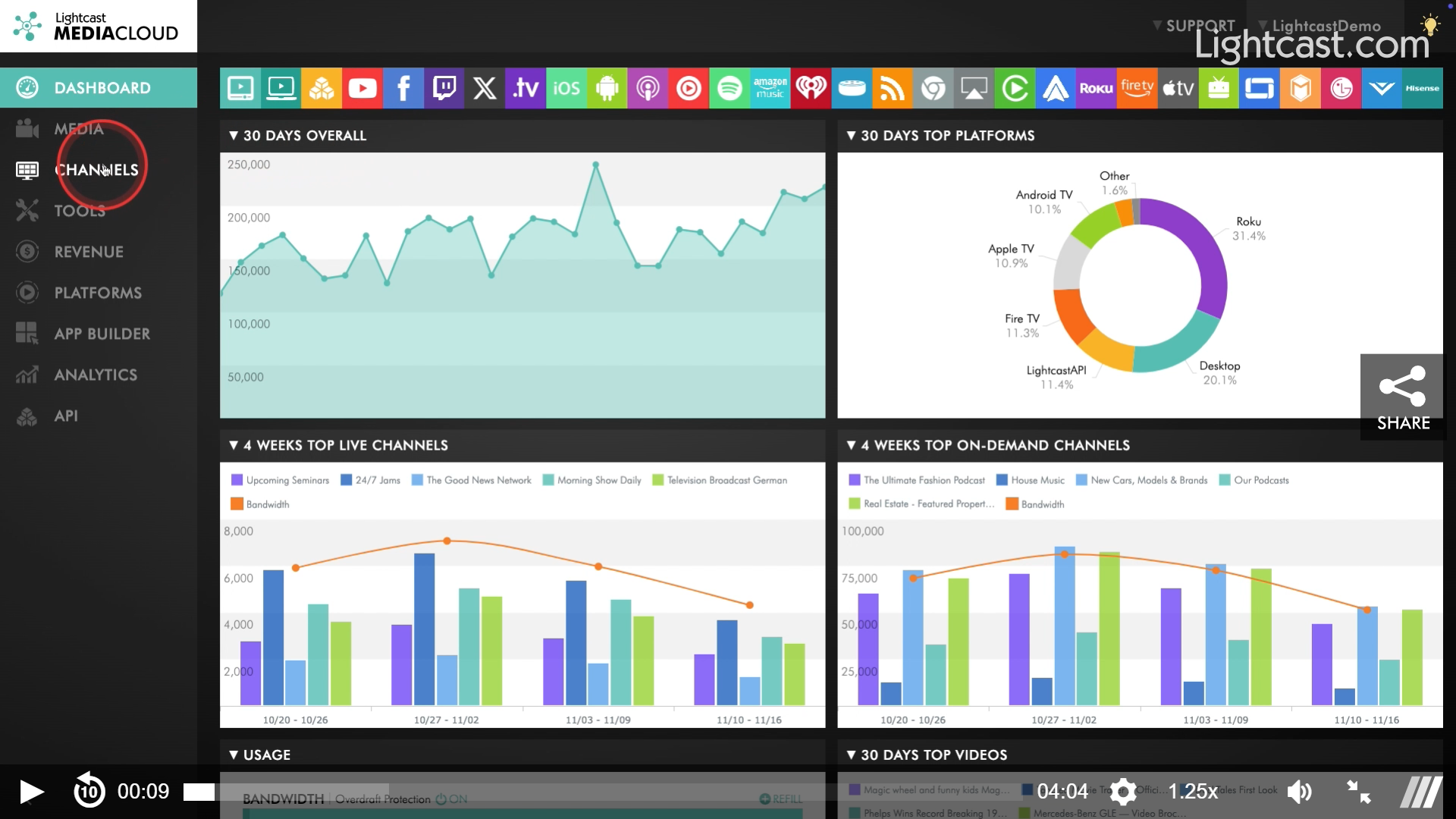
Watch This Video to See How It Works
If you have any questions or want help enabling this feature in your WebApp, our team is here for you!
Enjoy the new Live Event Images — and happy streaming! 🎥✨
Need help or have questions? Our support team is here for you.
P.S. Check out our Release Page for more information about our releases.
Your Lightcast Success Team