
New in the Media Cloud: Clipping Tool
We're excited to introduce a new feature in the Media Cloud that makes it easier to repurpose your video content: the Clipping Tool.
What is the Clipping Tool?
The Clipping Tool lets you create a new video clip from a specific portion of an existing video – without re-uploading or editing the original file.
It's perfect for turning long-form videos into highlights, promos, or shareable moments.
Availability: The Clipping Tool is available for all package levels.
How Does it Work?
Using the Clipping Tool is simple:
Open a video or audio file from your Video or Audio Archive
Go to the TOOLS tab and select Clip Video or Clip Audio
Set your desired Start and End times
Add a title, description, Workflow Preset, Channel assignment, and/or Watermark
Publish your clip
Once processing is complete, your clip is created as a new, active media item.
Why This Matters
With the Clipping Tool, you can:
Repurpose long-form content into shorter clips
Publish highlights and promos faster
Reuse content without re-uploading
Keep your original media item unchanged
A quick note on usage
Each clip is generated as a separate media file
Creating clips uses transcoding and storage
Usage is based only on the length of the clipped video – not the original file
Watch This Video to See How It Works
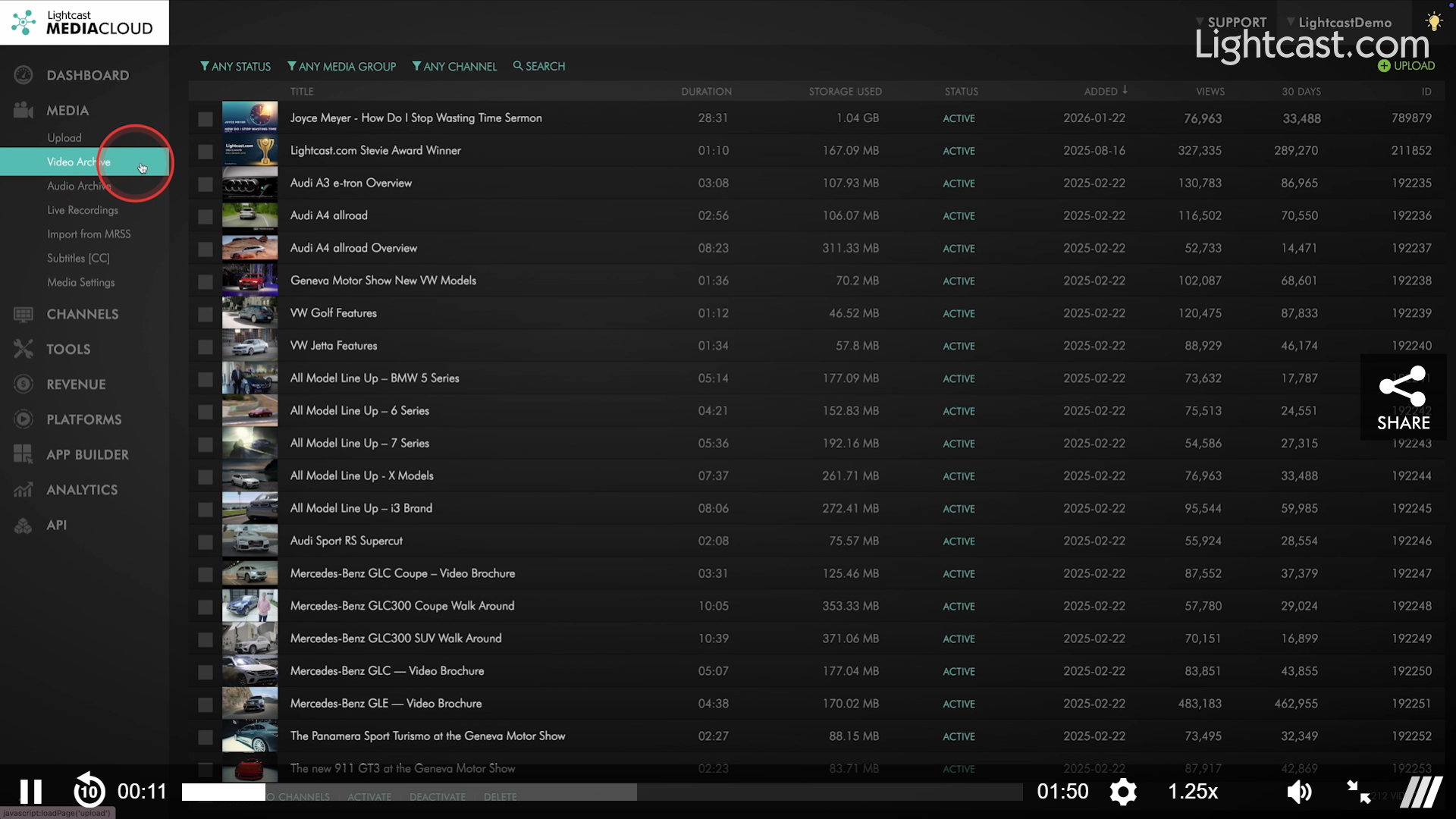
If you have any questions or want assistance creating your first clip, our team is here for you!
Enjoy the new Clipping Tool — and happy clipping! ✂️🎥
P.S. Check out our Release Page for more information about our releases.
Your Lightcast Success Team