
See Your Audience More Clearly
Media Cloud Custom Reports give you the flexibility to generate reports tailored to your specific needs. Each report type highlights a different metric, so you can focus on the insights that matter most to your organization.
🔎 Choose What You Track
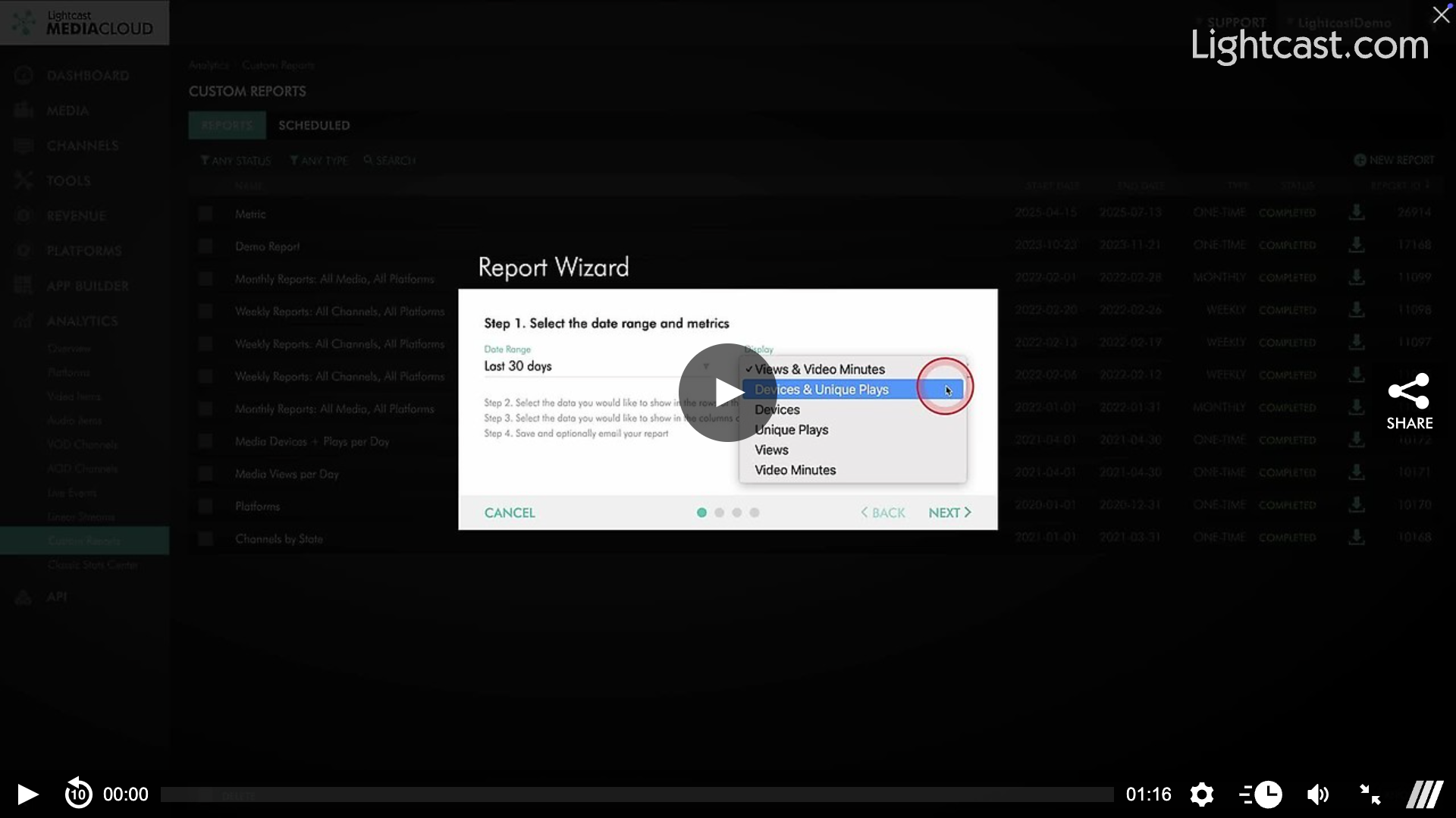
Use the Custom Reports Wizard to generate reports with:
Views & Video Minutes
Devices & Unique Plays
Devices only
Unique Plays only
Views only
Video Minutes only
This flexibility lets you customize your reports based on your specific tracking and analysis needs.
⚡️ Why This Helps
These metrics give you greater visibility into viewer behavior – helping you understand your audience, optimize engagement, and demonstrate the impact of your content across all platforms.
Devices & Unique Plays are especially useful when you want to:
Compare reach across platforms (e.g., Roku vs. iOS vs. Web)
Measure true audience size by filtering out repeat views from the same person or device
Track campaign impact by counting unique viewers
Spot device trends to optimize your app strategy
Report to stakeholders with more accurate reach & engagement numbers
👉🏼 Pro Tip: Run a Devices + Unique Plays report after each new campaign or live event — it’s the fastest way to see which platforms your audience prefers and how many unique viewers are engaging.
Watch this Video to See How to Create a Custom Report for Devices & Unique Plays

For previous tips, visit our tips page!
Would you like a specific topic to be covered by an upcoming “Tip of the Week”? Click here to submit your request!
Happy Streaming!
Your Lightcast Success Team