
Content Ratings & Genres
We're excited to highlight two powerful metadata options in the Lightcast Media Cloud that give you more control over your video content!
🎯 Content Rating
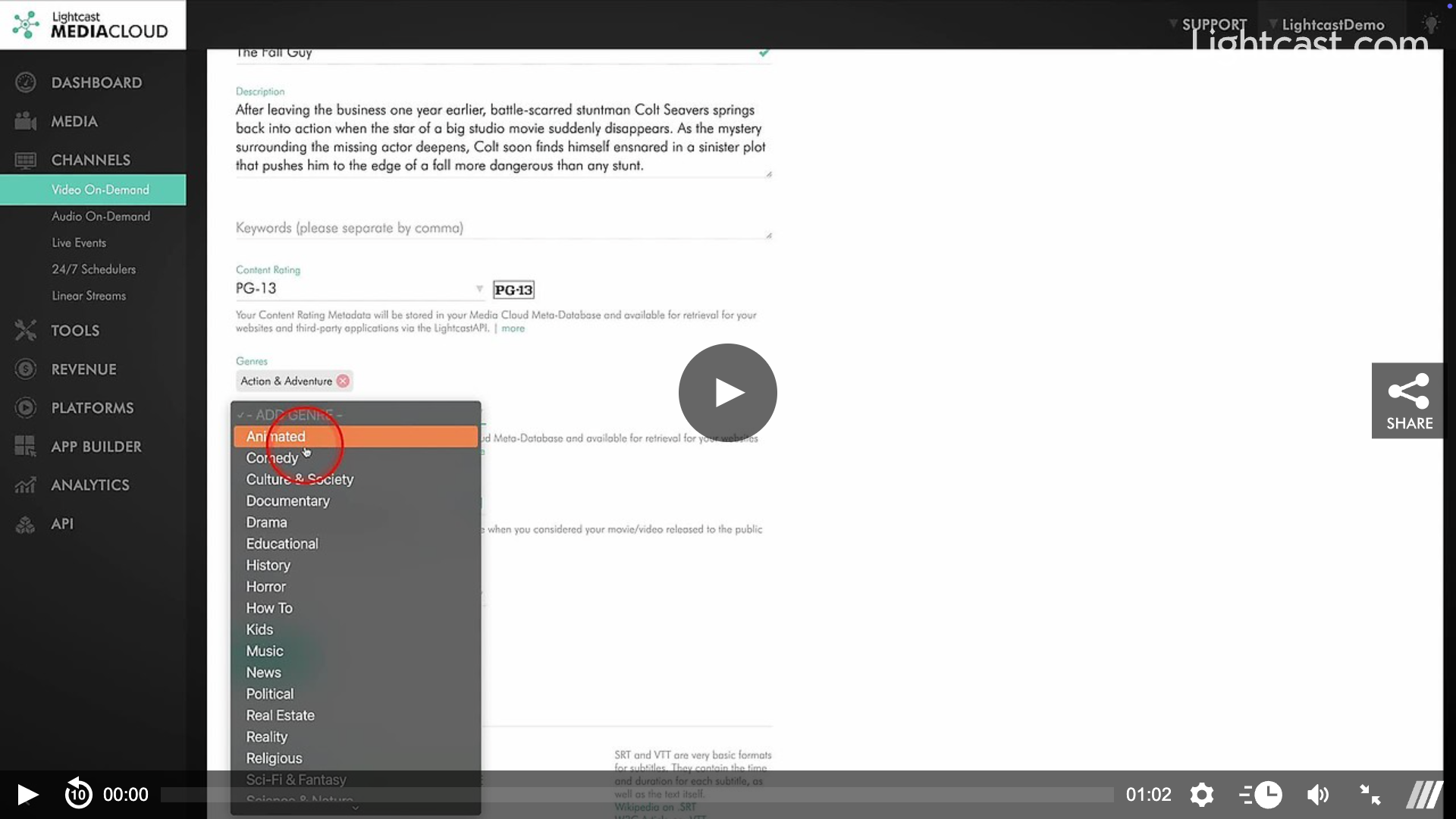
Easily assign appropriate ratings to your videos, ensuring compliance and suitability for your audiences. From family-friendly content to mature themes, you have the flexibility to label your media accurately.
🎬 Genres
Make your videos easier to discover with genre tagging! Categorize your content in ways that resonate with your audience and improve searchability, including Action & Adventure, Comedy, Documentary, and more!
❗Why It Matters:
Better User Experience: Help viewers find the right content faster.
Streamlined Management: Simplify organizing and filtering your media library.
Improved Distribution: Ensure your videos meet platform guidelines with clear content ratings.
🚀 Start Using These Features Today!
Ready to dive in? Log in to your Media Cloud account, and you'll find these options in your video metadata settings.*
*Setup Fees for App Integration may apply.
Watch this Video to See How to Add Content Rating & Genres
For previous tips, visit our tips page!
Would you like a specific topic to be covered by an upcoming “Tip of the Week”? Click here to submit your request!

Happy Streaming!
Your Lightcast Success Team