
ACH Payments
We offer multiple convenient ways for you to make payments — not just by credit or debit card. For an even more secure, cost-effective, and efficient option, you can also pay via ACH (Automated Clearing House) directly through your Media Cloud account.
Benefits of ACH Payments:
Lower Processing Fees – Save money compared to credit card or wire transactions.
Faster and More Secure Transactions – Direct bank-to-bank transfers for increased security.
Convenience – Set up automatic payments directly in your Media Cloud.
👉 Ready to switch to ACH? Contact our Customer Support Team today or update your payment preferences in your account.
Switch Payment Methods:
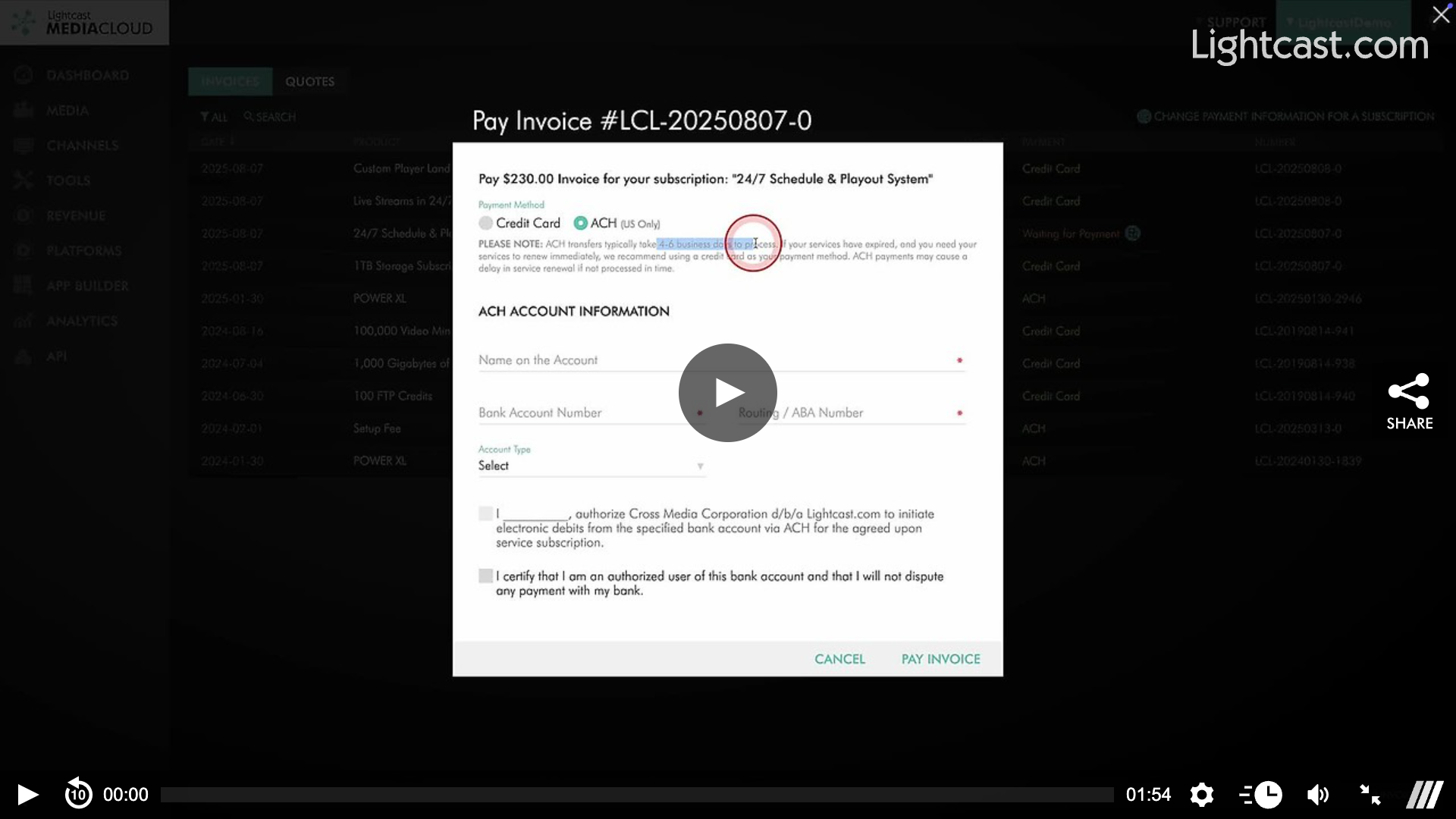
For a Single Invoice – Within the Billing section of your Media Cloud, select "Pay This Invoice," choose the ACH option, and then enter the necessary details to pay a single upcoming invoice.
For Future Recurring Payments – Within the Billing section of your Media Cloud, select "Change Payment Information For a Subscription," click on the credit card icon, choose the ACH option, and then enter the necessary details to change all future payments to ACH.
Watch this Video to See How You Can Switch to ACH Payments:
For previous tips, visit our tips page!
Would you like a specific topic to be covered by an upcoming “Tip of the Week”? Click here to submit your request!

Happy Streaming!
Your Lightcast Success Team