
Alternate Payment Method
Don't we all love flexibility? Here is another tool that gives the freedom to pay invoices with different credit cards and payment methods.
💡 Your invoices are always automatically charged against your credit card on file in your account, which you can change at any time.
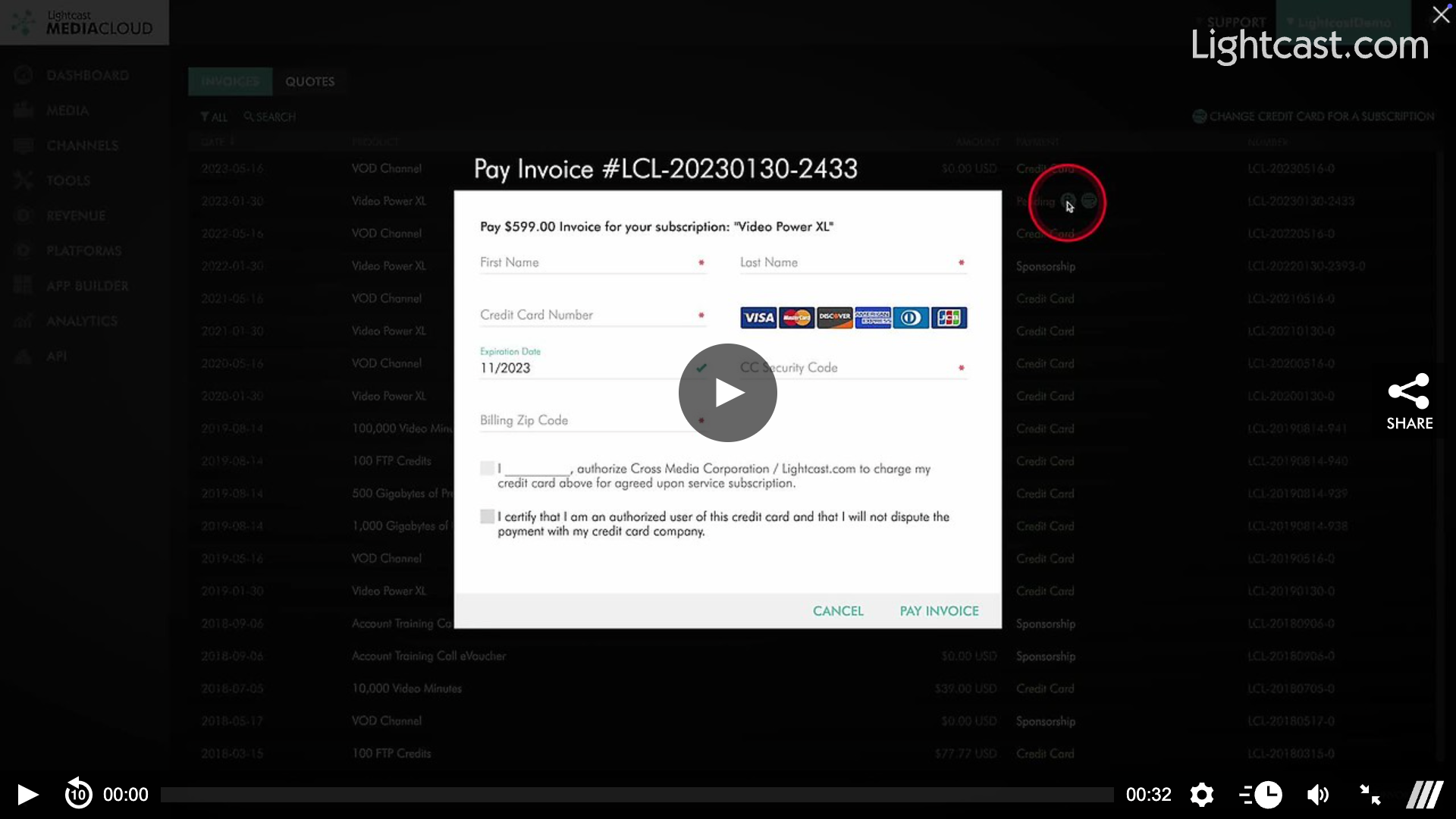
💡 Alternatively, you can click on the "pay this invoice" icon in your invoices overview for overdue, unpaid invoices, and enter a different credit card if you prefer to pay one, or several, overdue invoices with a different payment method than your default card on file in your account.
💡 If your subscription invoices are paid via wire transfer/ACH, and you would like to pay an overdue, unpaid invoice via credit card, you can choose credit card payment by clicking on the "pay this invoice" icon in your invoices overview
Watch the Video Below on How to Find the Alternate Payment Feature
For previous tips, visit our tips page!
Would you like a specific topic to be covered by an upcoming “Tip of the Week”? Click here to submit your request!

Happy Streaming!
Your Lightcast Success Team