
Podcast Details Page
Already have one or more Podcasts published but need to make updates? No problem! The Podcast Details Page gives you full visibility and control, making it easy to keep your published content up to date.
Here's what you can view at a glance:
🎙️ The number of media items linked to each Podcast
🔗 Direct links to your Podcast pages across all platforms
📺 The On-Demand Channel feeding into each Podcast
Make real-time updates to key metadata and categories:
✅ Add a custom Podcast title and modify the Podcast category
✅ Modify the Podcast Owner's name and the Podcast Author's name
✅ Update the Podcast language and website URL
✅ Upload and update your Podcast Thumbnail
Whether you're refining your branding or preparing for a new season, the Podcast Details Page gives you the flexibility to manage your content with ease.
👉 Log in now to make updates!
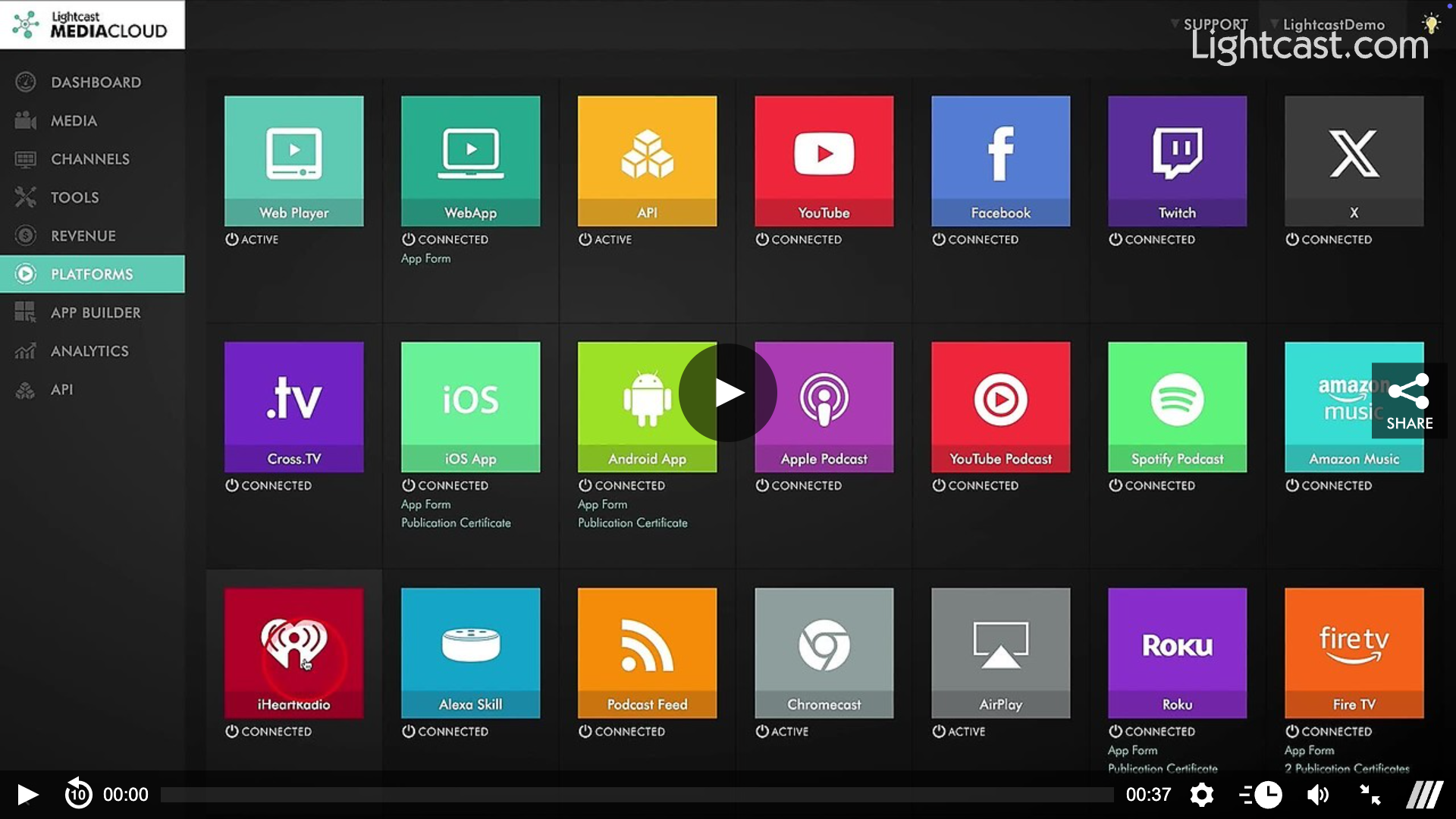
Watch this Video to See Where the Podcast Details Page is Located:
PLEASE NOTE: It is up to each podcast platform to update with any changes to your Media Cloud. Generally, this can take around 48 hours as it is done solely at the discretion of the platform.

For previous tips, visit our tips page!
Would you like a specific topic to be covered by an upcoming “Tip of the Week”? Click here to submit your request!
Happy Streaming!
Your Lightcast Success Team