
Lights, Camera, Facebook Live!
Want to expand your audience in the new year? You can publish your live stream from your Media Cloud directly to your Facebook page – it's easier than you think! Just open any LIVE Channel and create a Live Event to get started.
⚙️ Connect Your Facebook Account
When you select Facebook Live Streaming, a pop-up will prompt you to log in.
Once logged in, you can choose:
Who can see your stream
Which Facebook Page do you want to publish to (if you manage more than one)
👉🏼 Click here for a step-by-step guide.
🎥 Simulated Live Options
Not streaming live? No problem.
Use the drop-down menu to select a video from your Media Archive and broadcast it as a simulated live stream.
When your event begins, Facebook will automatically display your broadcast using Facebook's native live player.
👉🏼 Click here for more information about our Facebook Live Streaming feature.
🔐 Facebook Account Requirements
Effective Monday, June 10th, 2024: Facebook added new requirements that must be met before an account can go live on Facebook. The new requirements are as follows:
Your Facebook account must be at least 60 days old.
Your Facebook Page must have at least 100 followers.
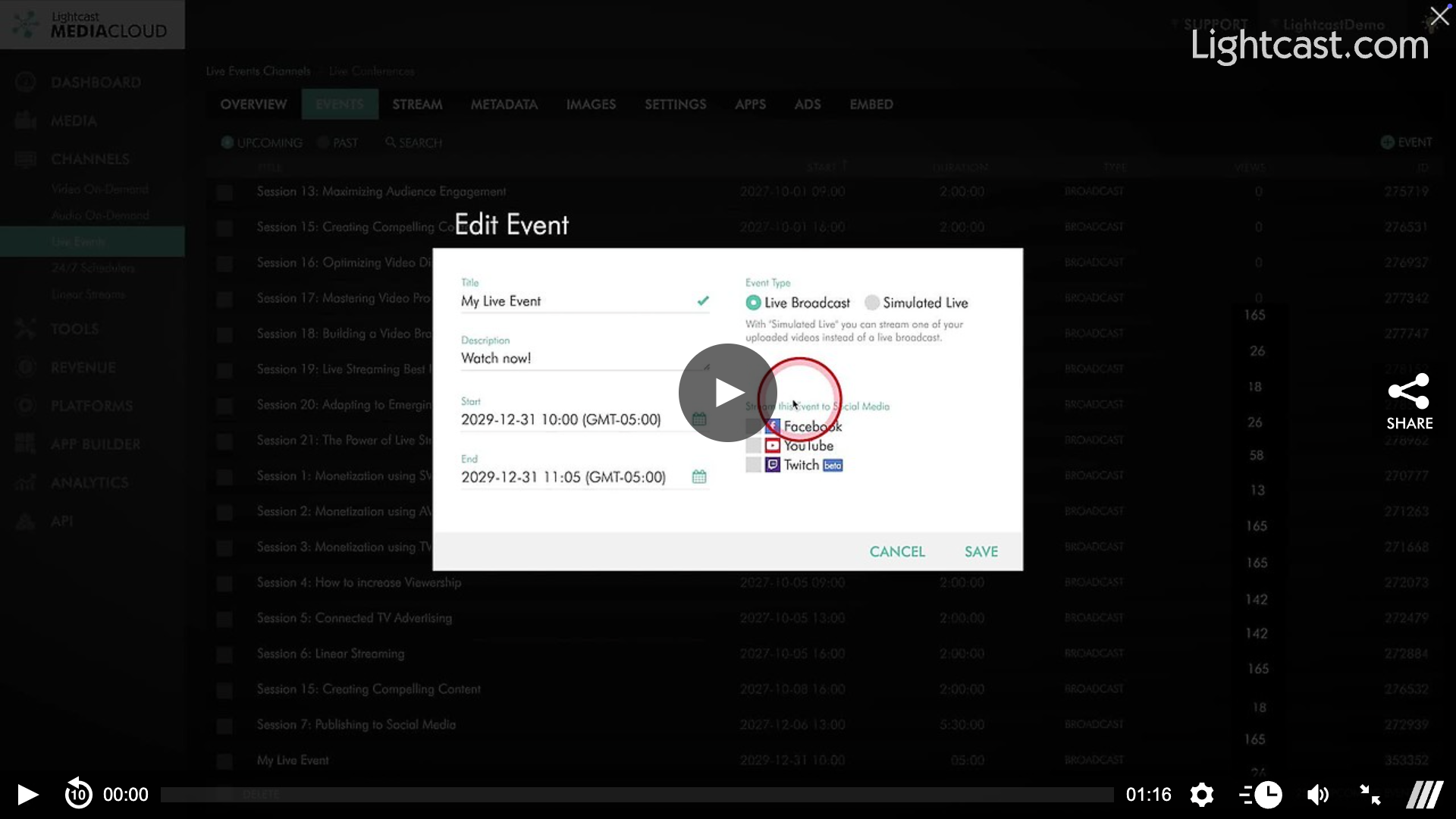
Watch This Video to See How to Publish Your Live Stream to Facebook:

For previous tips, visit our tips page!
Would you like a specific topic to be covered by an upcoming “Tip of the Week”? Click here to submit your request!
Happy Streaming!
Your Lightcast Success Team