
Custom Report Builder
Life is complicated enough. Let’s make media publishing and viewership reporting easier! This week's Tip of the Week is to show you how to easily build reports to analyze your media viewership. 📊
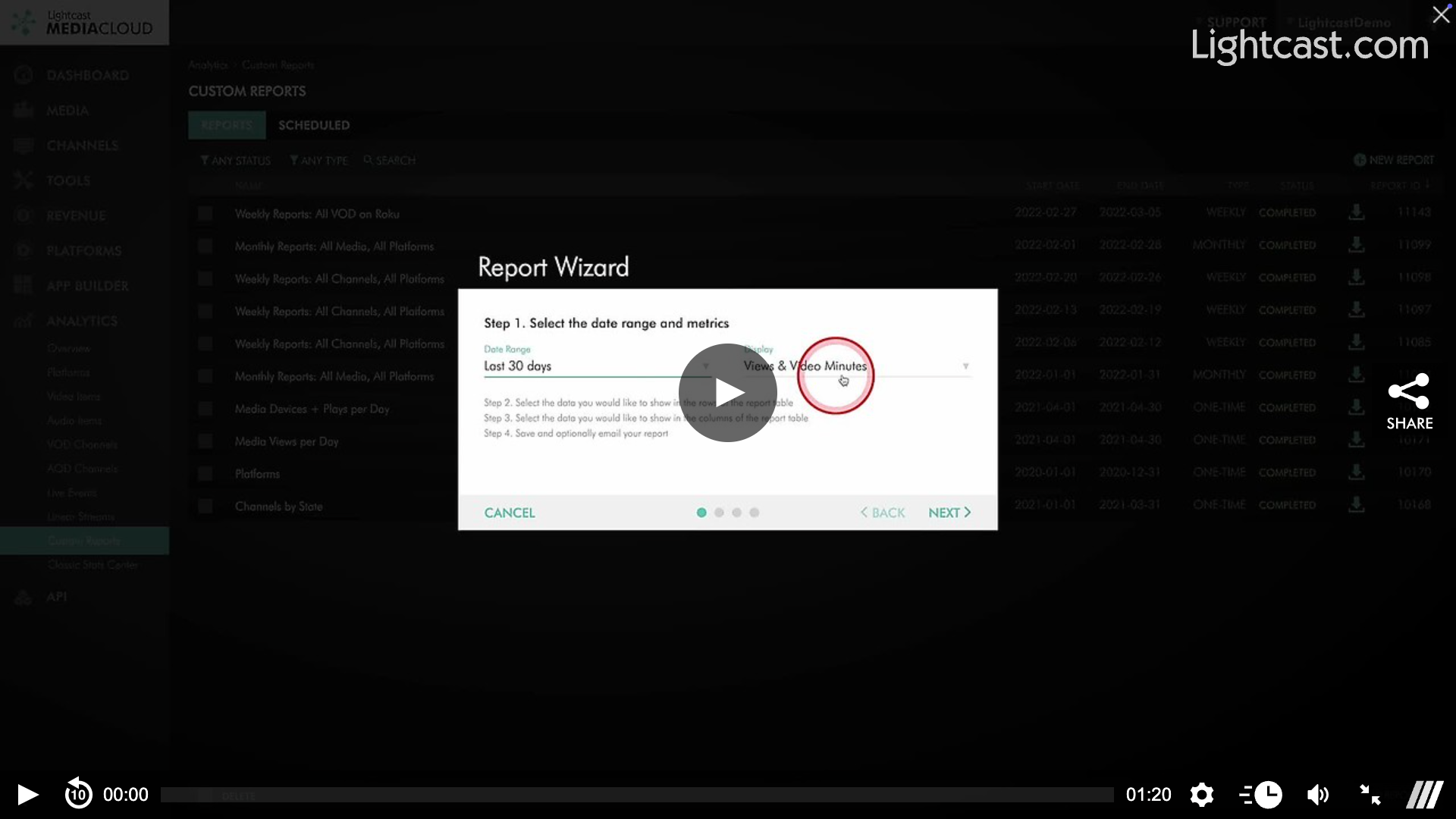
The Media Cloud Analytics Suite allows you to create custom reports easier than ever before. The simplified Report Builder can be found by going to Analytics, then Custom Reports.
👉 Here are the key advantages of the Report Builder:
Easier creation through the Report Wizard
Any date range possible
Ability to go back numerous years
Flexible combination of filters and metrics
Reports can be sent to an email address as CSV file
Reports remain stored in your Media Cloud
Reports can be downloaded at any time
Watch this video to See How to Create a Custom Report
Scheduled Custom Reports
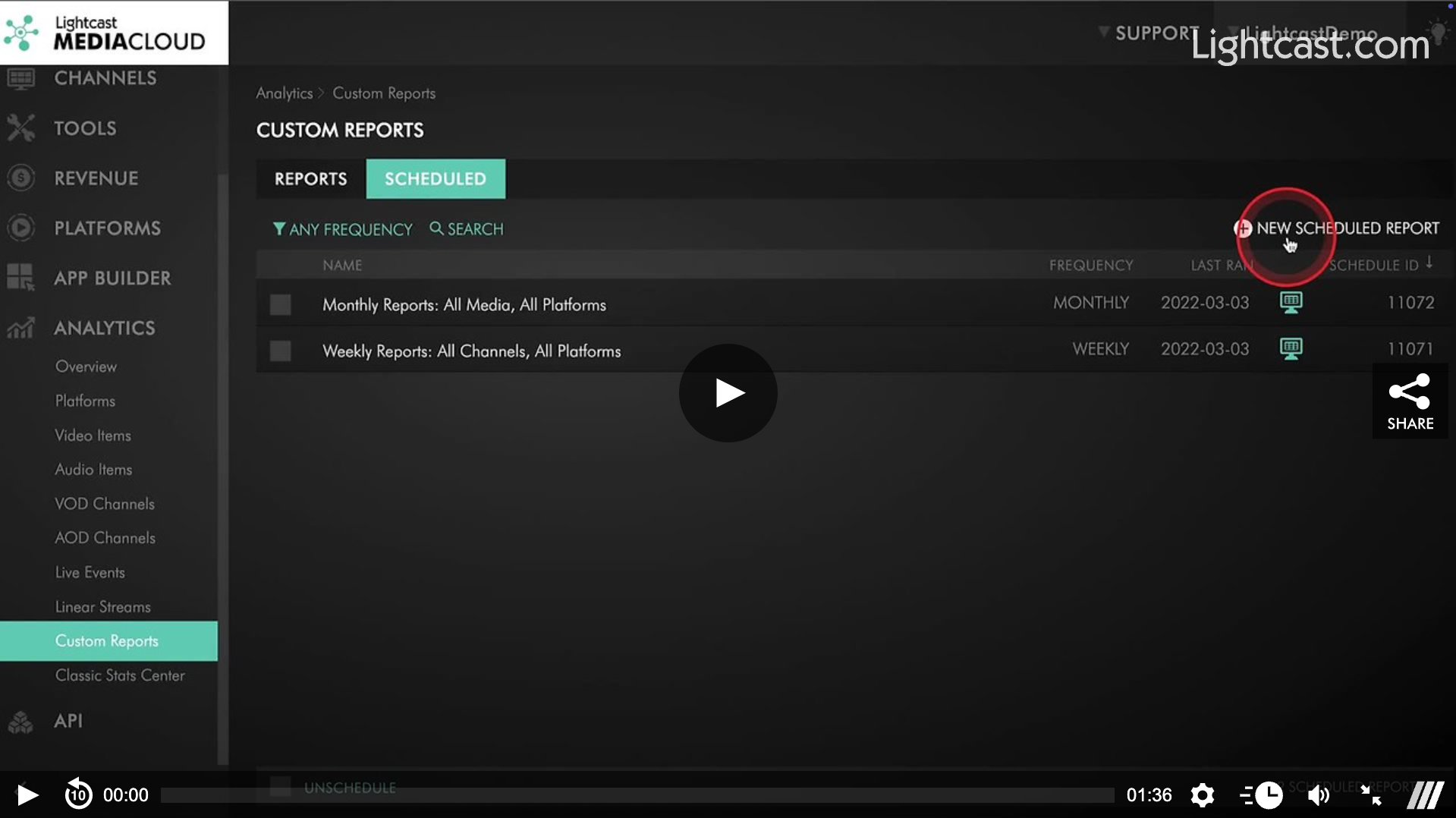
Want to automate your custom reports to be delivered weekly or monthly? No problem! The Scheduled Custom Reports feature puts the convenience of creating custom weekly and monthly reports in YOUR hands. Should you choose, you can also have these reports delivered to an email address in CSV format.
If you choose weekly reports, you will receive data covering Sunday through Saturday of the previous week.
Monthly reports will provide data for the previous calendar month.
Watch this video to See How to Schedule Custom Reports

For previous tips, visit our tips page!
Would you like a specific topic to be covered by an upcoming “Tip of the Week”? Click here to submit your request!
Happy Streaming!
Your Lightcast Success Team