
Email Capture Feature
We at Lightcast love to bring you closer together with your audience! One of the ways Lightcast offers further interaction is the Email Capture Feature, which captures the email addresses of your viewers inside your Apps. If you do not want to charge your audience (yet) but would like to simply capture leads by their email address, the Email Capture feature is the perfect tool for you!
The Email Capture Feature can be set up in a variety of ways depending on your preference:
💡 CSV Report: Each time a new viewer visits one of your apps, it will ask them for their email address. You will then have the ability to access and download CSV reports via your Media Cloud's App Builder section.
💡 MailChimp Integration: Each time a new viewer visits one of your apps, it will ask them for their email address. Email addresses that are captured will automatically be added to your MailChimp list.
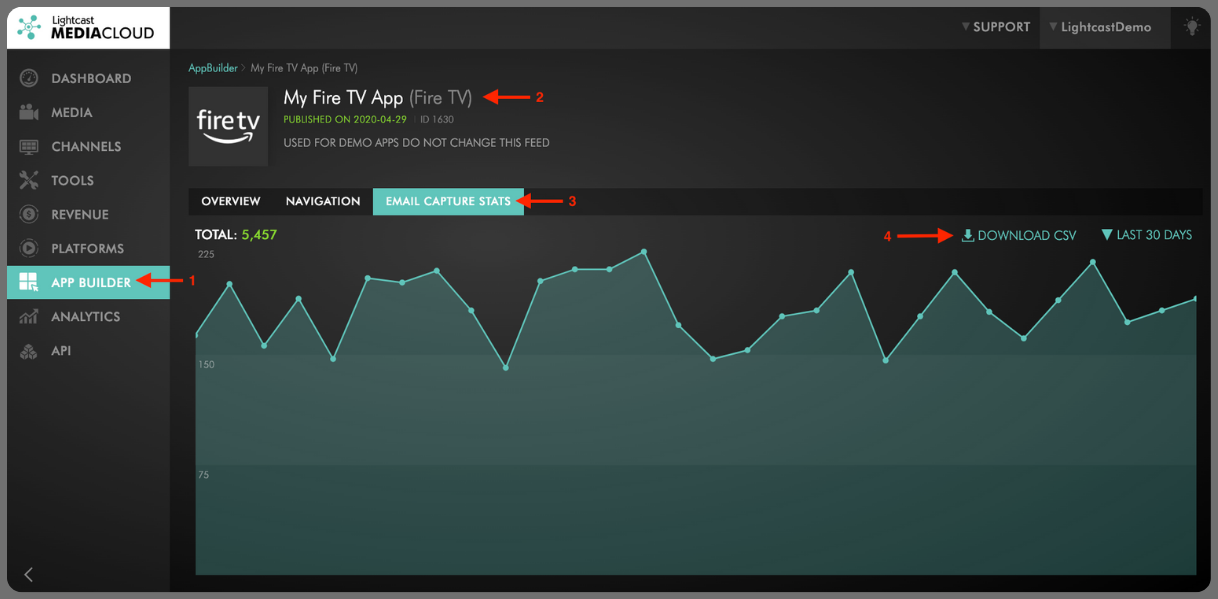
In addition to being able to access a CSV report for the captured email addresses, you can also see how many viewers submitted an email address each day, for each of your apps, with selectable timeframes dating from the last 7 days to 12 months, all at your fingertips within your Media Cloud account.
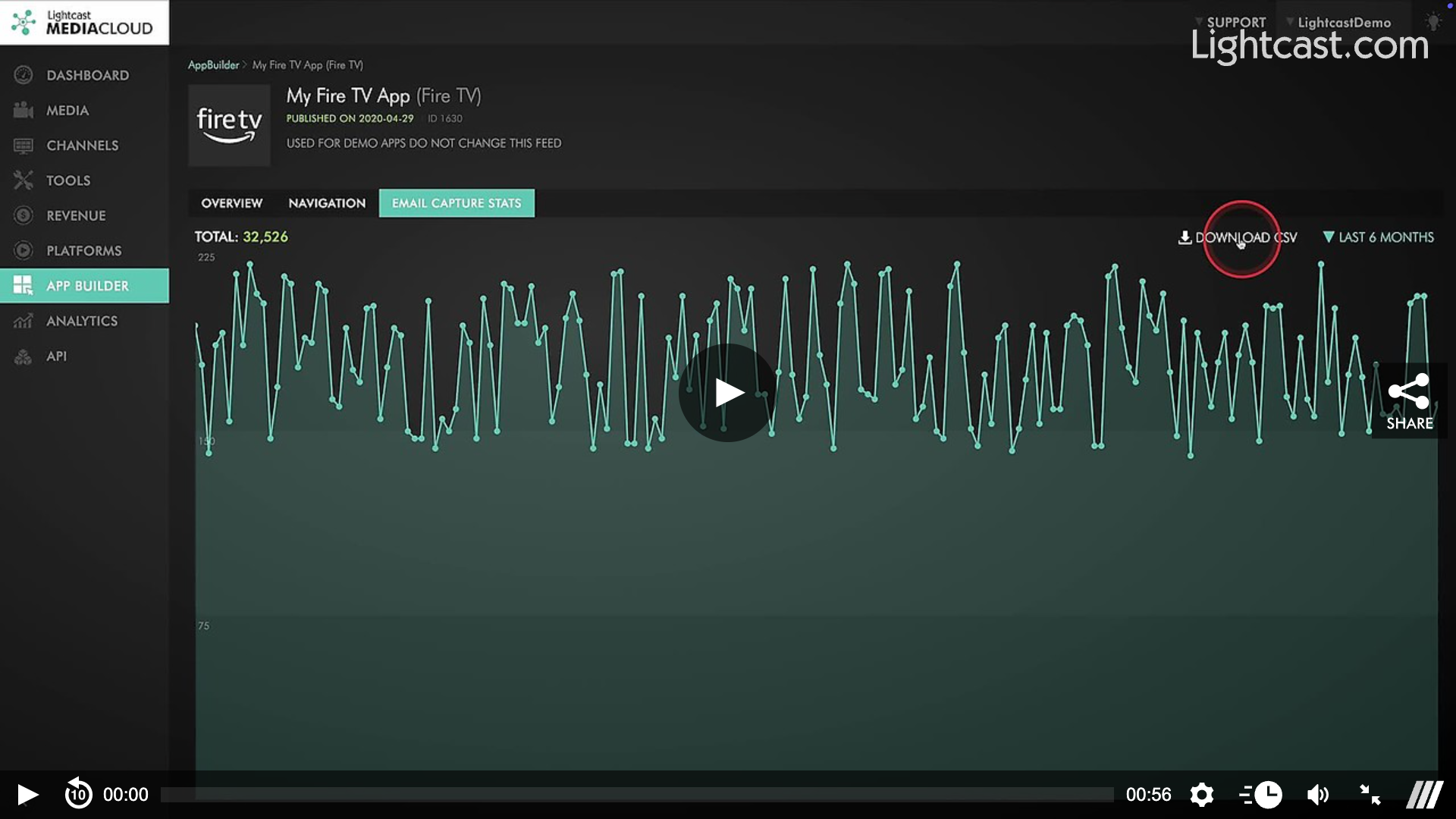
Watch this Video to See How to Find Your Email Capture Statistics
⭐ Want more information for this Add-On? Inquire about having the Email Capture Feature* added to your published app platforms by reaching out to Customer Support.
For previous tips, visit our tips page!
Would you like a specific topic to be covered by an upcoming “Tip of the Week”? Click here to submit your request!

Happy Streaming!
Your Lightcast Success Team