
Player Background Image
Ever wondered how to customize the image displayed to your viewers while they are waiting for your Live Event to begin? This week's Tip of the Week is meant to show you how to do just that!
💡 Similar to how you can upload a Player Background Image for your VOD, AOD, and Sub-Channels when autostart is disabled, you can also upload a Player Background Image that will be displayed to your viewers before your live stream begins.
💡 This feature provides you with yet another design tool to better control the visual appearance of your VOD, AOD, Sub-Channel, Live Event, and Linear Stream Players before viewers click on the Play button.
💡 The aspect ratio of the background image is 16:9 and at least 1024 pixels wide (we recommend 1280 pixels).
💡 You can preview the image you are displaying as the Player Background by navigating to the Images tab and then clicking on Player Background Image. Your chosen image can be switched out at any time!
Watch this Video to See How to Change the Background Image For Your Live Channel Player
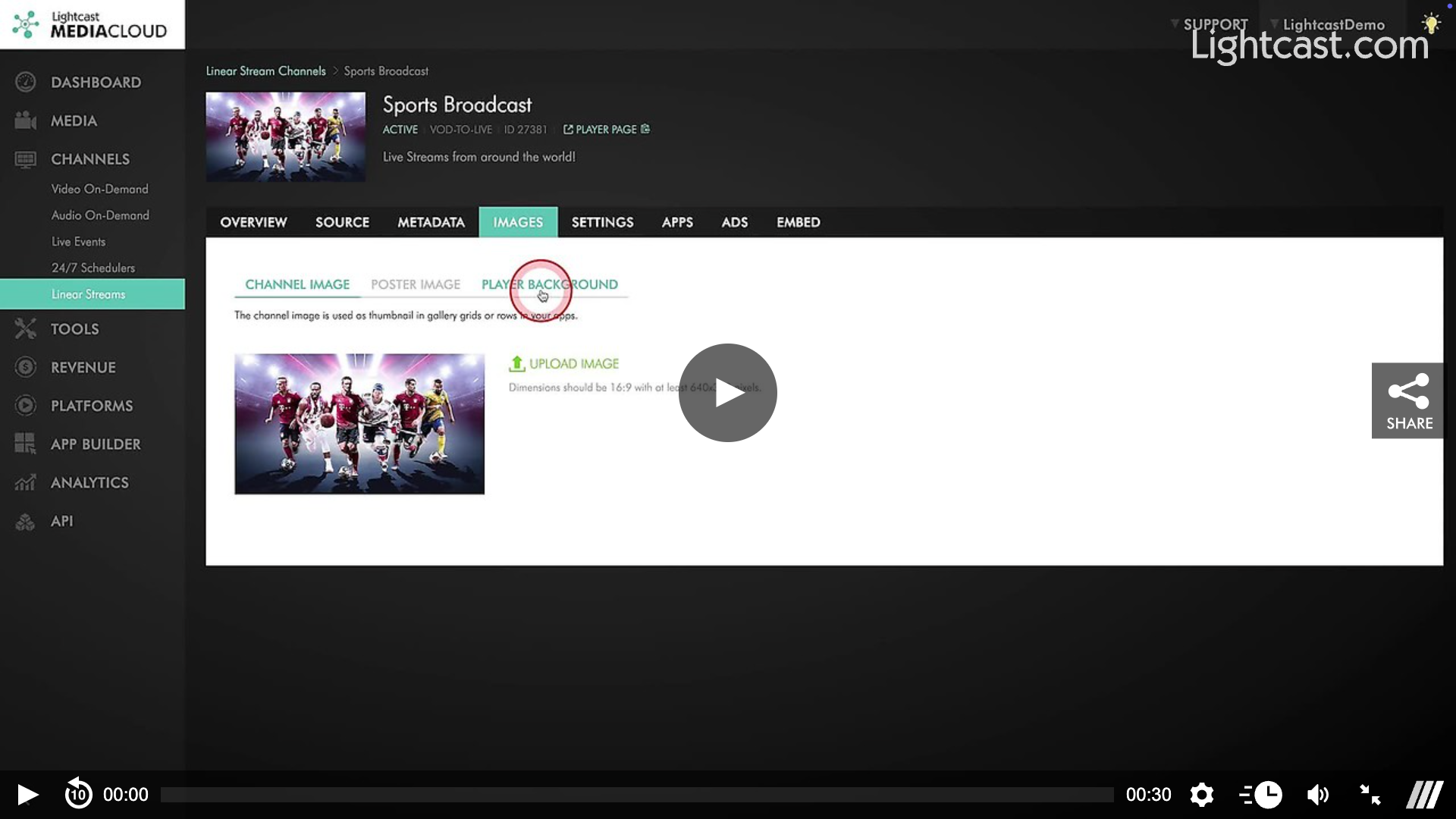
Watch this Video to See How to Change the Background Image For Your VOD Channel Player
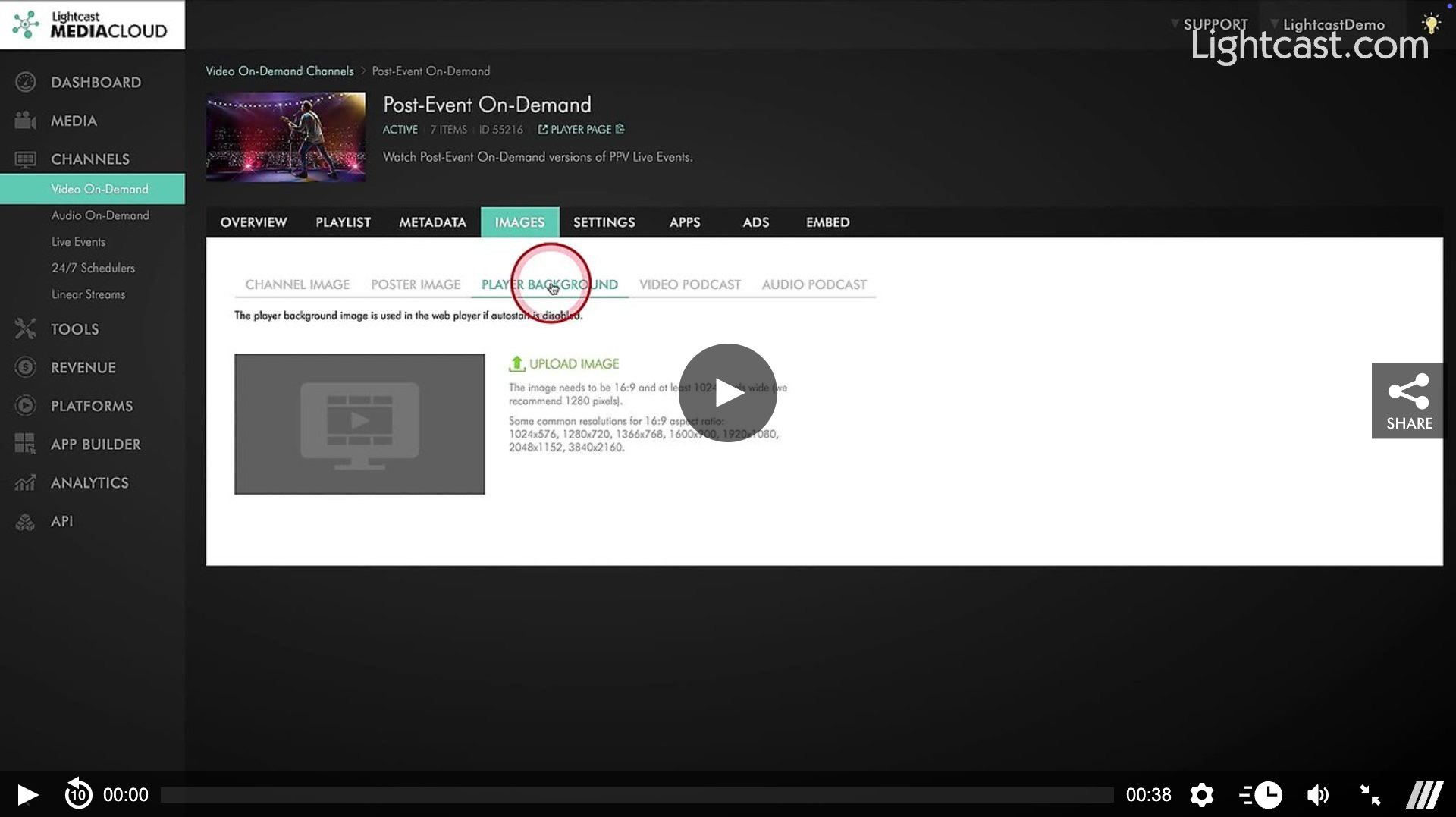
Watch this Video to See How to Change the Background Image For Your Sub-Channel Player
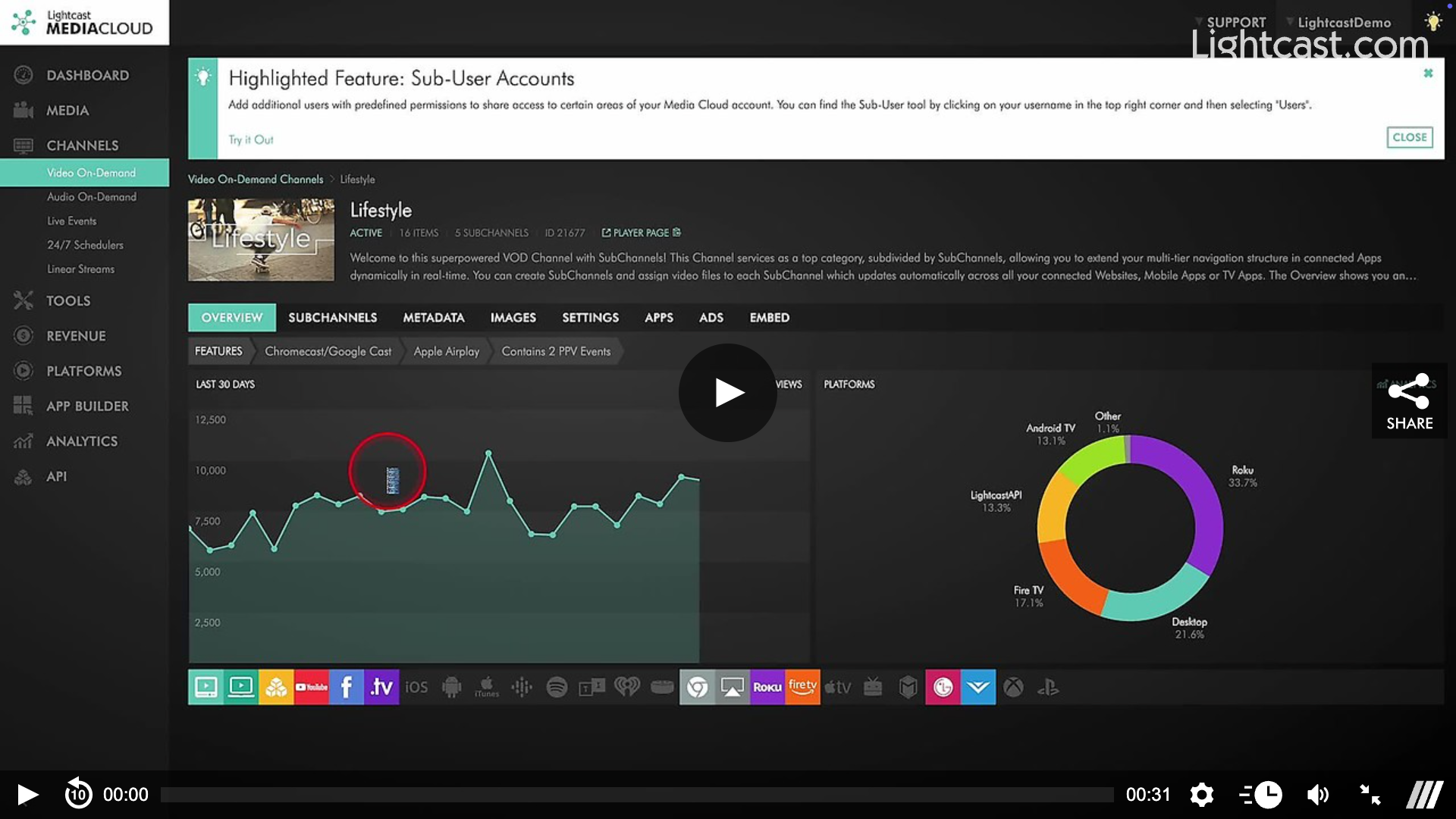
For previous tips, visit our tips page!
Would you like a specific topic to be covered by an upcoming “Tip of the Week”? Click here to submit your request!

Happy Streaming!
Your Lightcast Success Team