
Sub-User Feature
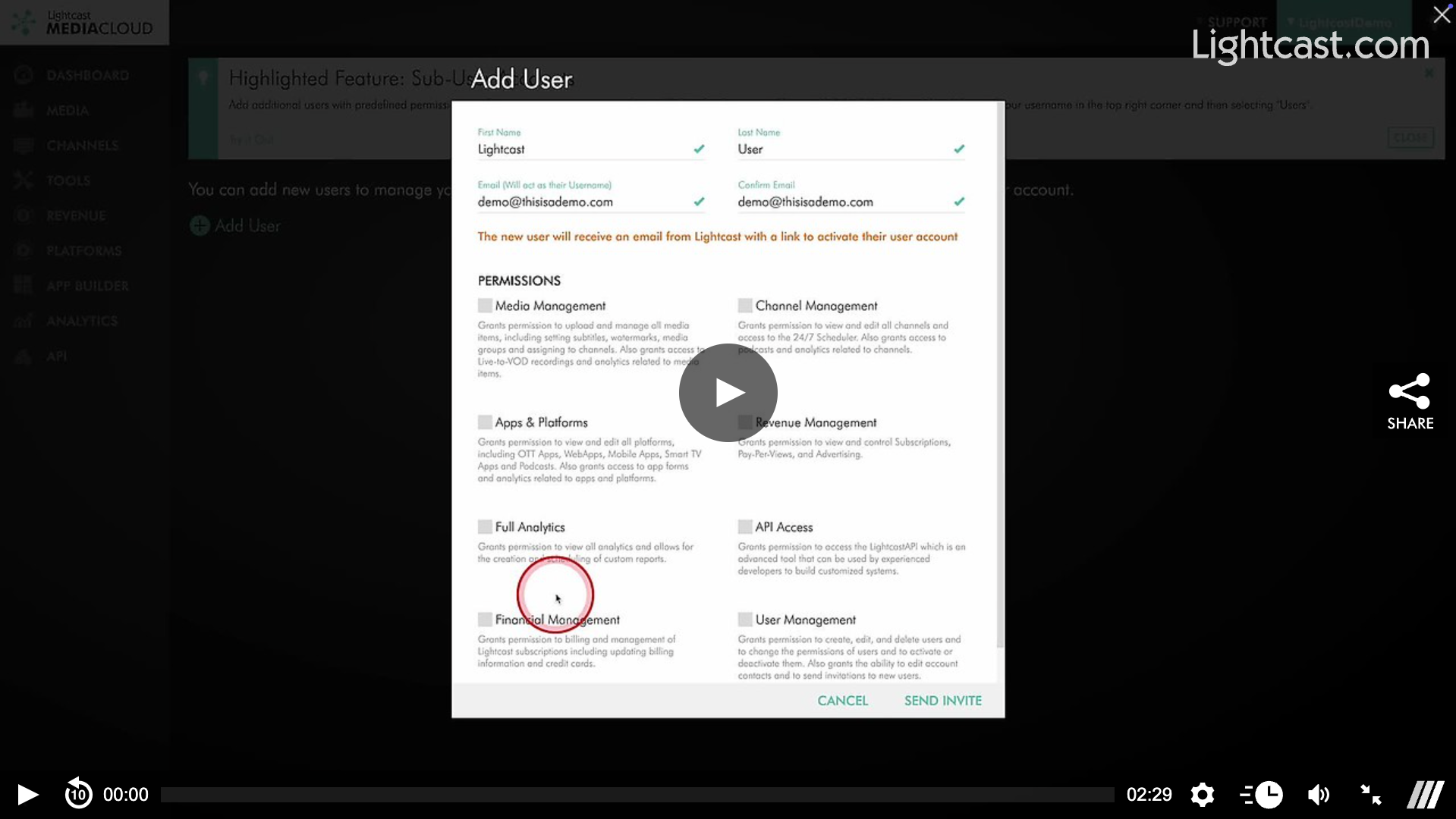
Everyone needs a helping hand! With the Sub-User feature, Account Owners can add an unlimited amount of additional users with predefined permissions to share access to certain areas of the Media Cloud account.
💡 Account owners can access this feature by clicking on their username in the top right corner and selecting 'Users’ in the dropdown.
💡 When a new user is added an email is sent out to the end user inviting them to join the Media Cloud with a link to set up their account. Following that link will have them choose their own password (their email address is used as their username) which will grant them access to their new Sub Account.
💡 The Account Owner (and any Sub-User with the ‘Users’ permission) will get an email notifying them that the account has been activated.
💡 If a Sub-User is deactivated or deleted they are instantly logged out of the Media Cloud.
Watch this Video to See How You Can Use the Sub-User Feature:
For previous tips, visit our tips page!
Would you like a specific topic to be covered by an upcoming “Tip of the Week”? Click here to submit your request!

Happy Streaming!
Your Lightcast Success Team