
Manage Storage Like a Pro
As a publisher, optimizing your Media Cloud storage ensures your content delivery remains efficient and cost-effective. This week, we're highlighting a few best practices to help you take control of your storage—whether you're looking to clean up, streamline, or expand.
🧹 Free Up Space: What Deletion Actually Means
Need to reduce your storage usage? Deleting media from your Media Archive is the only way to permanently remove files from your account and free up space.
Deactivating or removing content from a Channel will unpublish it, but it will remain in your account and continue using storage space.
Click here to learn how to delete files properly.
🎯 Optimize for Efficiency: Keep Quality, Save Space
Want to deliver high-quality streaming while minimizing storage and transcoding costs?
Before uploading, we recommend compressing videos using optimized export settings. Here's how:
Use the H.264 codec (MPEG-4 AVC) for excellent quality at lower bitrates.
Fine-tune these four key settings:
Compression rate
Resolution
Bitrate
Frame rate
Finding the right balance of these factors ensures the best quality with the smallest file size.
🔼 Need More Room to Grow?
Running out of space? No worries—scaling is easy:
Add more storage with a monthly add-on
Or upgrade to a larger package with more built-in storage
👉 Compare packages here
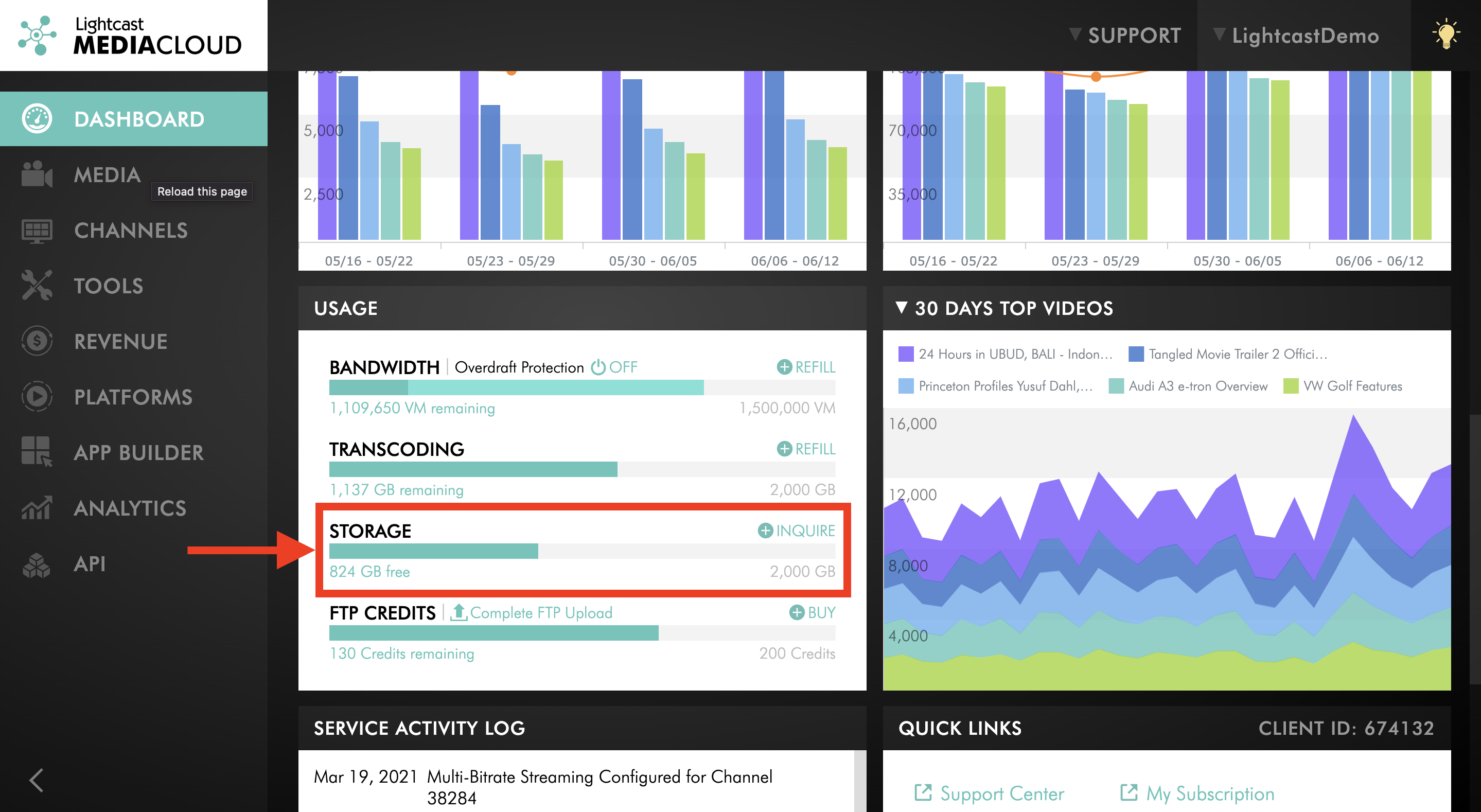
Where to Find Your Storage Balance Within the Media Cloud:

For previous tips, visit our tips page!
Would you like a specific topic to be covered by an upcoming “Tip of the Week”? Click here to submit your request!
Happy Streaming!
Your Lightcast Success Team