
App Builder
The App Builder, a unique feature within the leading multi-platform OVP, the Lightcast Media Cloud, established a new industry standard a few years ago. Since its initial release in 2020, it has been continually enhanced with additional features and functionalities. Most notably, it empowers you to dynamically manage and control your app's navigation structure in real-time.
Here is a List of Features Included in the App Builder to Make Real-time Changes to Your Apps:
💡 Add/Remove Channels to/from your Apps to further control your App’s Home Screen. See How!
💡 Reorder the position of your Channels on your App’s Home Screen. See How!
💡 Enable/Disable Sub-Channels or Media Groups. See How!
💡 Enable/Disable pre-roll, mid-roll and post-roll Ads for your Apps. See How!
💡 Change the frequency for mid-roll Ads in your Apps. See How!
💡 Enable/Disable and configure the Inactivity Timeout Feature for your Linear Streams. See How!
💡 Restrict/Allow access to a Channel using Subscriptions. See How!
💡 Allow/Remove access to the Code Authentication product. See How!
Other Features the App Builder Can Help You With:
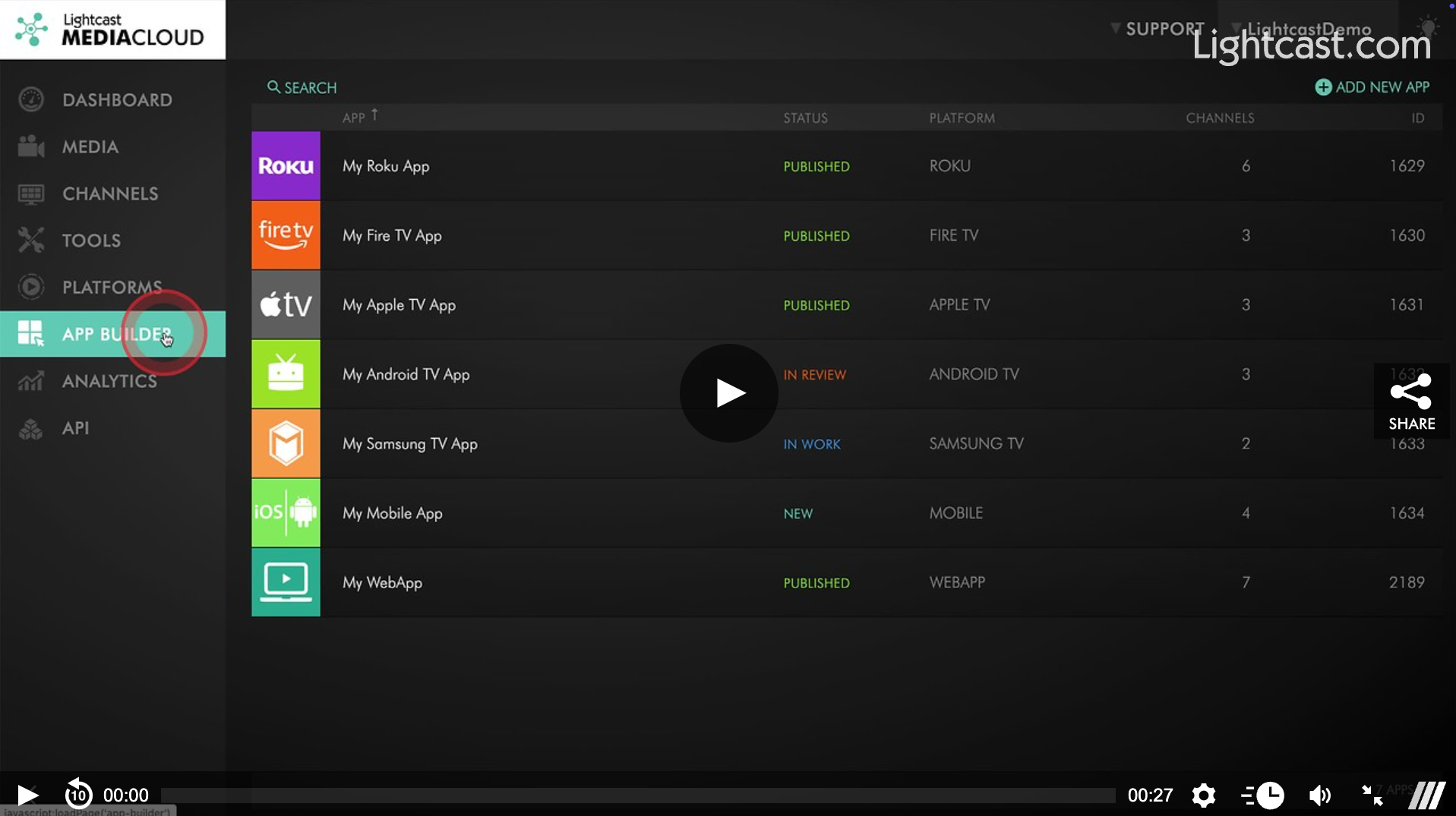
✅ View the status of your App and see if it is in work with our development team, in review with the app platform or published by the app store.
✅ See how many Channels, Sub-Channels, and Media Groups are assigned to your App.
✅ Check if your App is using any monetization services.
✅ Find links to your App in the App Store, the App Publication Certificate, and the App Form.
✅ See your App’s last 30 days' performance and top channels at a glance. See how!
Please note that real-time control over all content within your Channels and Sub-Channels or Media Groups are done through your Channel Managers (the Channels section of your Media Cloud), such as adding/removing/sorting videos, adding live events, configuring linear streams etc.
Stay tuned for upcoming releases to the App Builder which we are rolling out in the coming weeks!
Watch this Video to learn How to Determine Which Channels are in my Apps:

For previous tips, visit our tips page!
Would you like a specific topic to be covered by an upcoming “Tip of the Week”? Click here to submit your request!
Happy Streaming!
Your Lightcast Success Team