
Make Your Channels Stand Out
Your VOD, LIVE, and AOD Channels in your Lightcast.com account are the heart of your content organization. They deliver your media across all your connected publishing platforms – Roku, Fire TV, Apple TV, iOS & Android mobile apps, your website, and more. Channels help you organize and archive your media, live streams, and 24/7 streams efficiently.
Dynamic, real-time control of Channels is one of the reasons media publishers love the Lightcast Media Cloud. Any changes you make are instantly updated across all platforms.
🎨 Why Channel Thumbnails Matter
Here's why thumbnails can make a big difference for your Channels:
Look professional and polished across all platforms
Highlight key shows, series, or live events at a glance
Showcase logos, series artwork, or event creatives
Strengthen branding and visual identity
Make it easier for viewers to navigate and find content
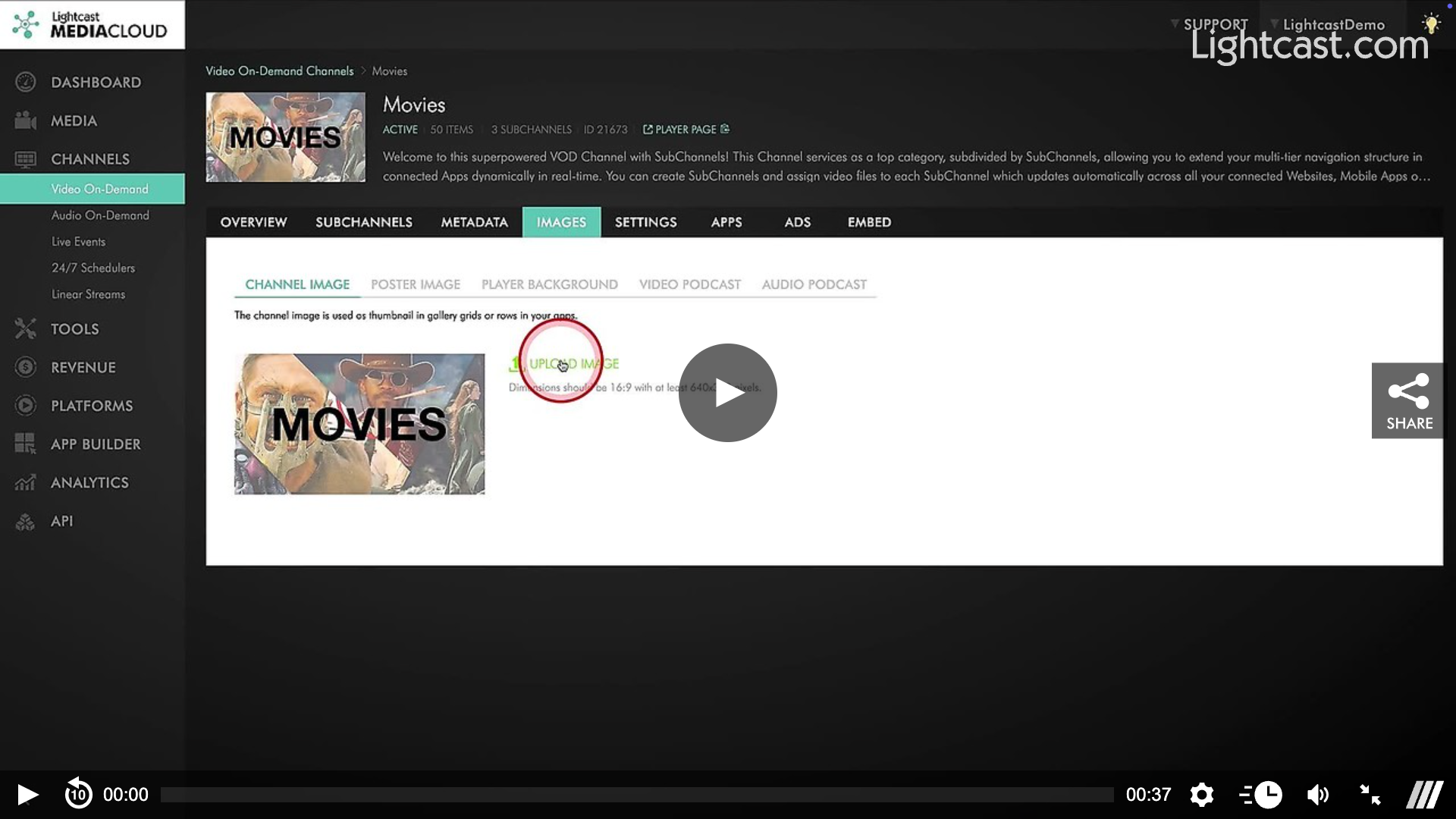
⚡ How to Update a Channel Thumbnail
Upload a unique thumbnail for each VOD, LIVE, or AOD Channel
Changes apply instantly across all connected platforms
Ensure thumbnails reflect the Channel's content and theme
👉 Click here to see how to add a Channel thumbnail image for a LIVE Channel
Watch this Video to See How to Change a Channel Thumbnail:

For previous tips, visit our tips page!
Would you like a specific topic to be covered by an upcoming “Tip of the Week”? Click here to submit your request!
Happy Streaming!
Your Lightcast Success Team