
Delayed & Scheduled On-Demand Publishing
With your Lightcast Media Management System - the Media Cloud - you have the flexibility to fully control your uploaded media content and decide, when to release your on-demand content to your viewers. Today, we would like to point out 3 different features, which gives you the flexibility you need to upload and publish your content any time you want:
Media Publishing via Scheduled Publishing:
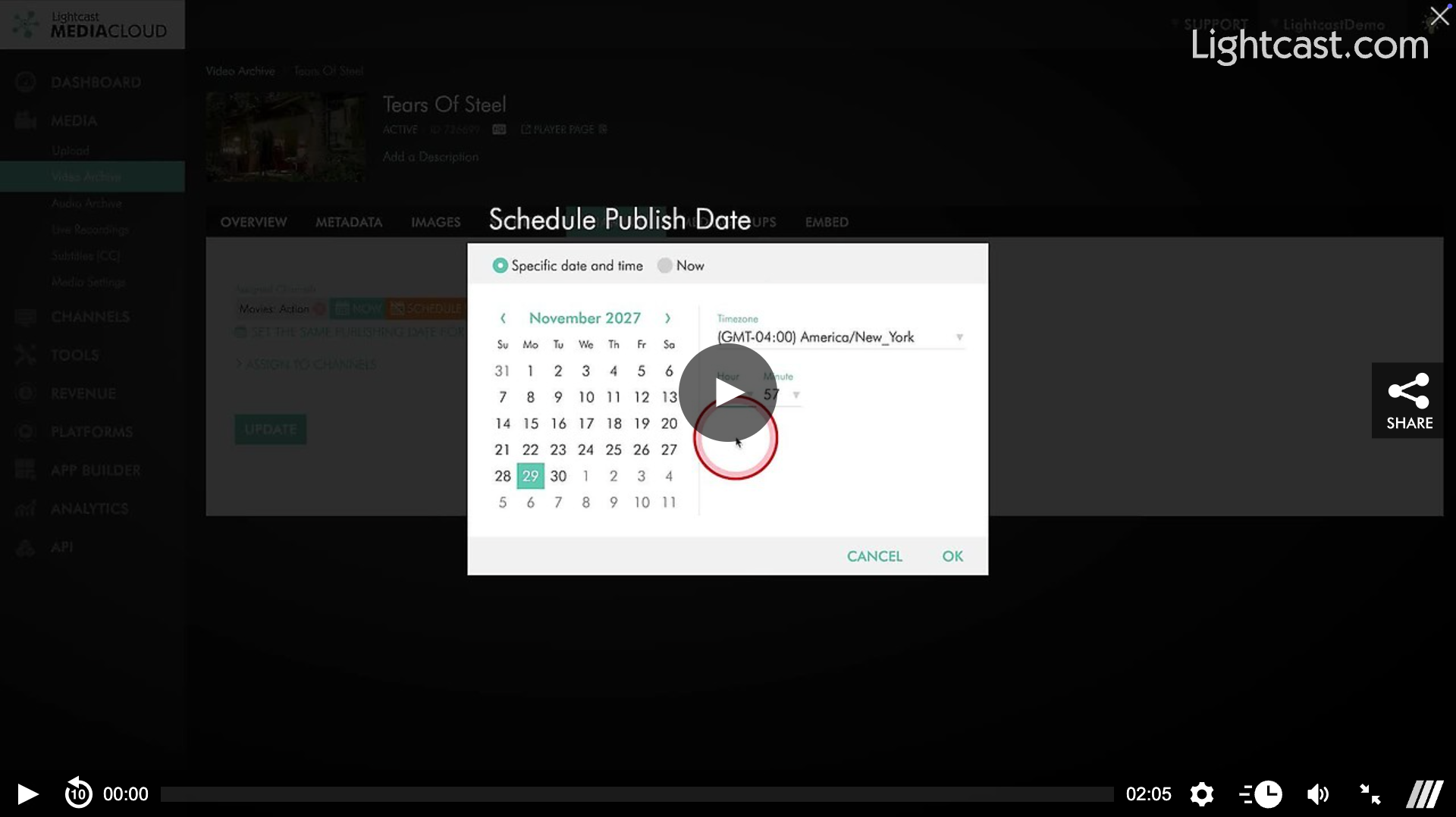
Allows you to publish on-demand assets (VOD and AOD) at a delay according to your selected publishing date. It allows you to decide whether your content should be available instantly, or at a specific date and time. You can assign a scheduled publishing date when you upload new content or later on when editing previously uploaded content. More information can be found at: Scheduled Publishing or watch the video below.
Media Publishing via Channel Assignment:
Most publishers find it easy to use their VOD and AOD Channels to publish on-demand content to websites, OTT Apps, Podcasts, Mobile apps, Web App, and other Publishing Platforms connected to their Media Cloud account. Once you assign a video or audio file to a VOD or AOD Channel, the assigned media asset will show up across all your publishing properties where you integrated that specific Channel. More information can be found at: How to Assign a Video to a VOD Channel
Media Publishing via Inactive/Active settings:
If you published content item prematurely and you would like to remove it again, you can do so by setting it to inactive via the control buttons in the Channel Playlist or Media Archive and activate again when you are ready. More information can be found at: How to Deactivate and Reactivate a Video through the Media Archive
Watch This Video to See How to Schedule the Release of a Video

For previous tips, visit our tips page!
Would you like a specific topic to be covered by an upcoming “Tip of the Week”? Click here to submit your request!
Happy Streaming!
Your Lightcast Success Team