
LIVE-to-VOD CDN Recording
The LIVE-to-VOD feature allows you to record your live streams directly on the Lightcast CDN and convert them into multi-platform VOD assets with one click. Each recording goes through premium transcoding, generating up to 10 bitrates and formats to ensure smooth playback on any device.
Importantly, nothing is auto-published. You choose which recordings to publish, where to distribute them, and whether to trim, watermark, or assign them to specific VOD Channels or Sub-Channels before transcoding.
🗄️ Quality and Storage
Recording quality matches your live stream quality (HD in = HD out).
Recordings are stored for up to 30 days after the live event.
To save permanently on the Lightcast CDN, send recordings to transcoding within 30 days.
Access recordings under Media > Live Recordings in your Media Cloud account.
📝 Editing and Customization
Before transcoding, you can:
Trim the beginning or end of the recording
Add metadata
Assign Channels or Sub-Channels
Set publishing preferences
Apply watermarks
All settings are managed on the video edit page prior to transcoding.
👉🏼 See how to use the trimming feature to manually edit the beginning and the end of a recording.
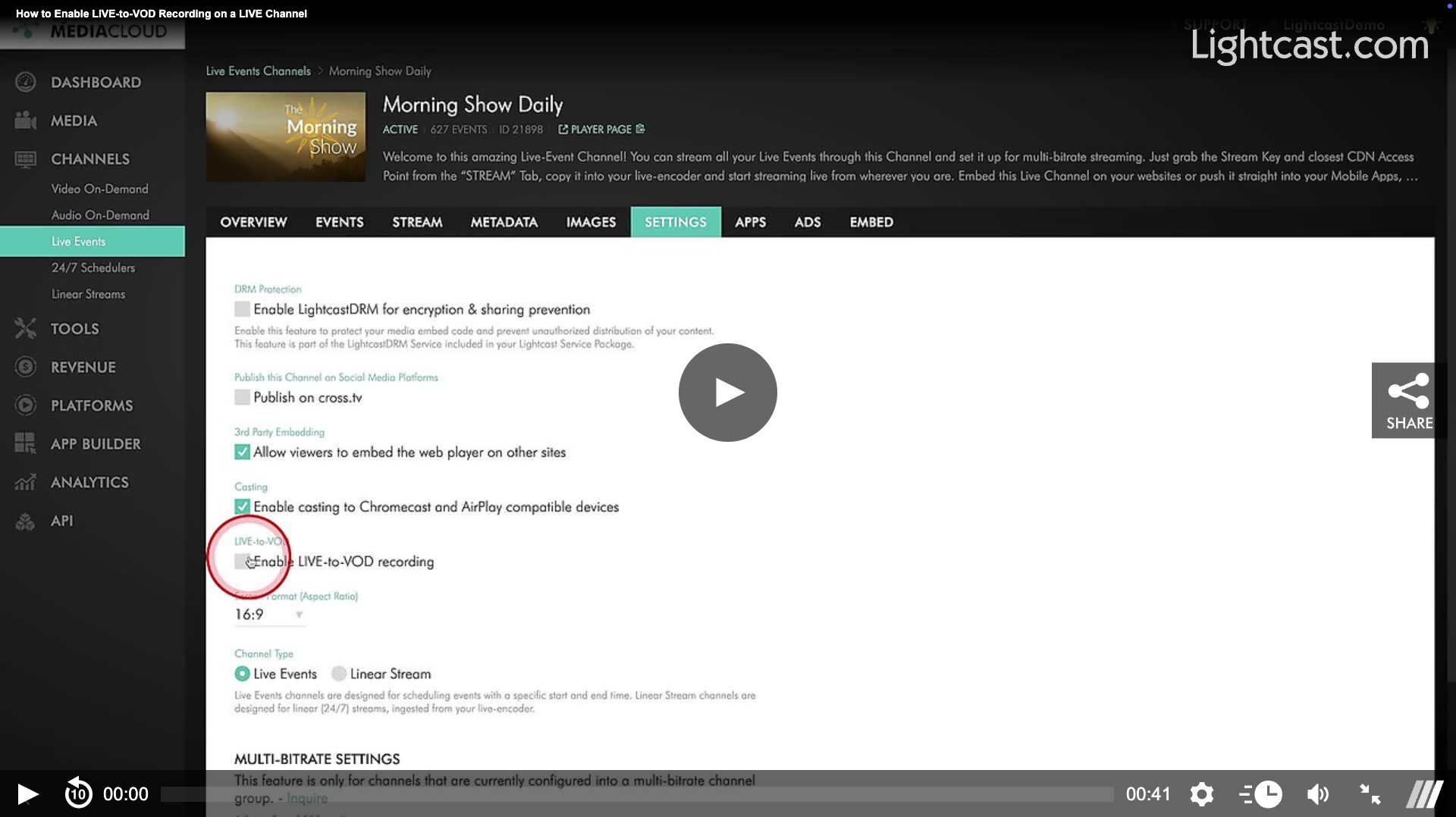
⚙️ How to Enable LIVE-to-VOD
To activate this feature:
Open your desired LIVE Events Channel
Click the Settings tab
Check the box to enable LIVE-to-VOD recording
Enable it for one or multiple LIVE Event Channels as needed.
Watch this Video to See How to Activate LIVE-to-VOD Recording on a LIVE Channel

For previous tips, visit our tips page!
Would you like a specific topic to be covered by an upcoming “Tip of the Week”? Click here to submit your request!
Happy Streaming!
Your Lightcast Success Team