
Simulated Live Streaming
It's time for our latest Tip of the Week!
This week, we're highlighting Simulated Live Streaming – a powerful way to deliver a live-style viewing experience using previously recorded content.
Simulated Live allows you to broadcast uploaded VOD content at a scheduled date and time, making it feel just like a real live event for your audience.
🎯 Why Use Simulated Live?
This feature is ideal when you want viewers to tune in together for a shared experience, such as:
Live chat or moderated discussions
Fundraising events
Promotions or premieres
Replays of past conferences, sermons, or special events
🕒 How It Works
Simply select a video from your Media Archive and schedule it as a Simulated Live event. Viewers will see a countdown timer in the player, letting them know exactly when the "live" broadcast begins.
⭐ Good to Know
Simulated Live is designed for individual scheduled events.
If you're looking to create an always-on experience, consider:
A VOD-to-LIVE continuous loop for nonstop programming.
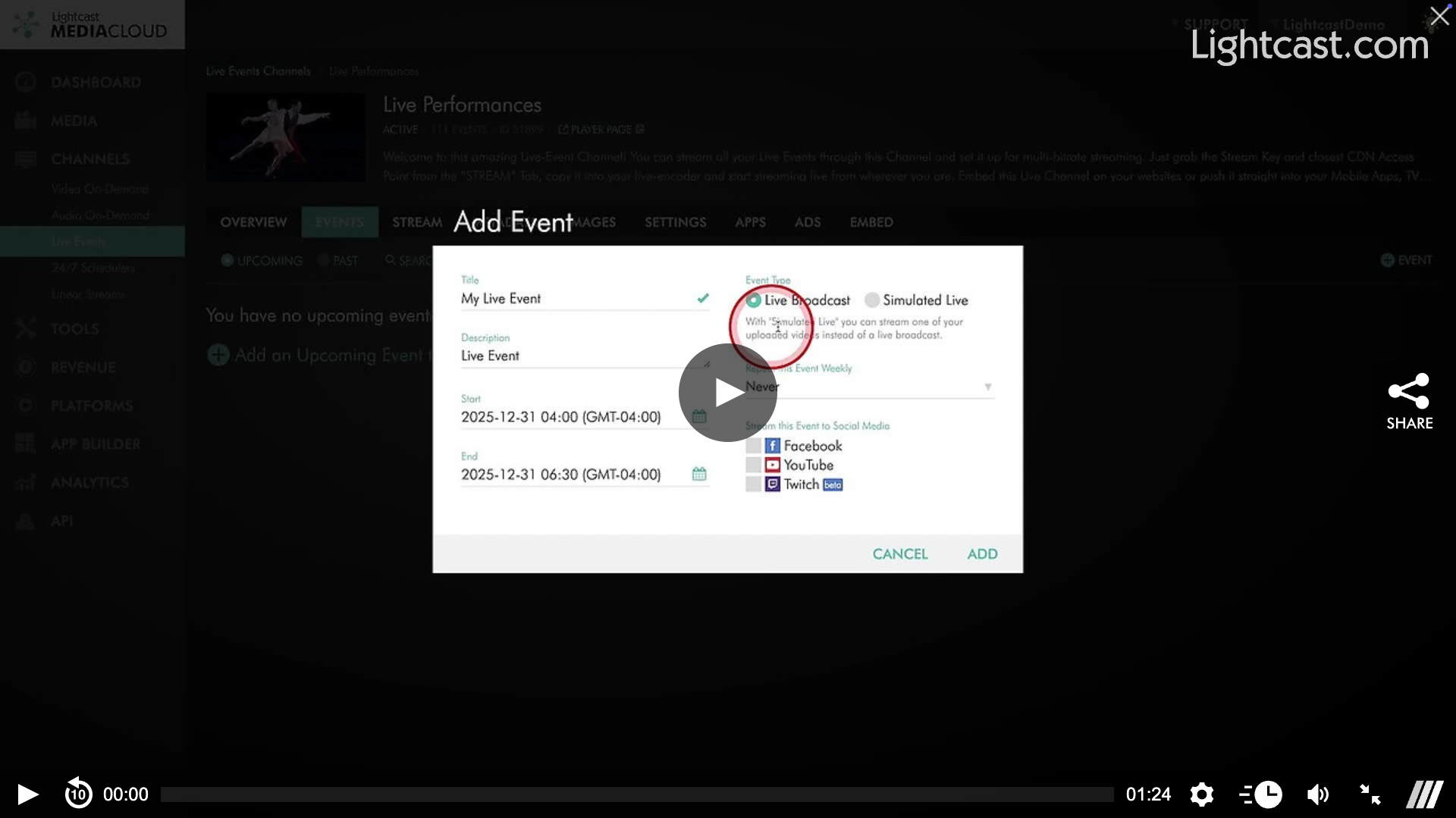
Watch this Video to See How to Schedule a Simulated Live Broadcast

For previous tips, visit our tips page!
Would you like a specific topic to be covered by an upcoming “Tip of the Week”? Click here to submit your request!
Happy Streaming!
Your Lightcast Success Team