
Live Event Scheduling
Ask yourself "Would I like to increase my reach and boost viewership of my live stream events?" If the answer is YES, then you can do just that by using Lightcast’s "Live Event Scheduler." You may wonder, "Why is it important to schedule a live event for your upcoming live streams?"
Well, here's why...
💡 A countdown will be displayed on the channel player embedded on your website, counting down to your next scheduled live event. Viewers will be able to see exactly when your livestream begins and when it is scheduled to end.
💡 If you have a Web App, the Events Schedule on the very top shows all scheduled live events coming up. Click here to see an example on a WebApp.
💡 It will allow you to see the exact statistics for the scheduled start and end times of your live event.
💡 See all your past live events in your Live Channel Event Manager with details on viewing stats, time frames, and more for every single live event.
💡 Many publishing destinations and platforms, such as Facebook Live, YouTube Live, iOS and Android mobile apps, Roku, and Fire TV require a scheduled start and end time for a live event in order to display and broadcast a live stream.
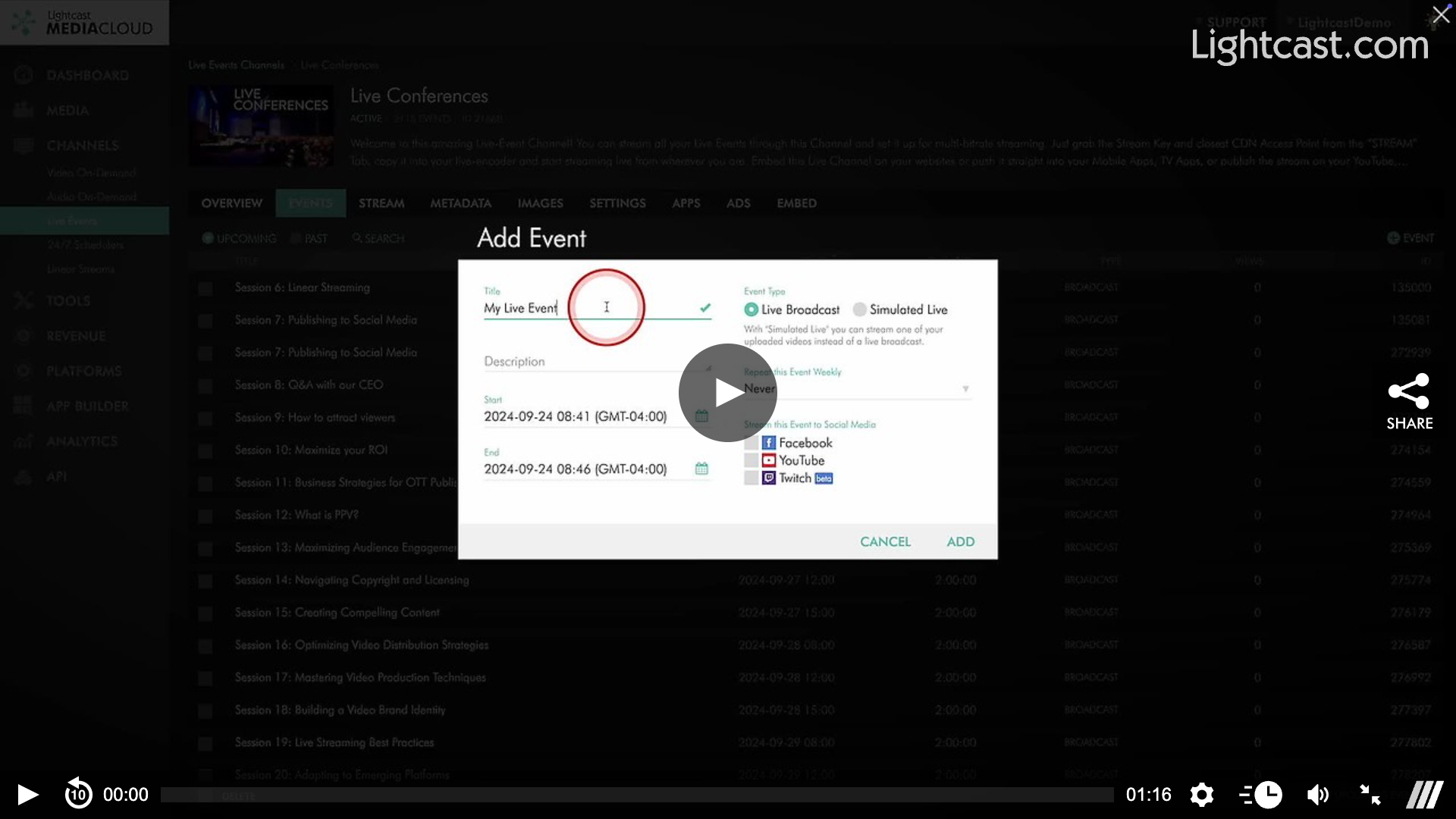
Watch this video to See How you Can Create a Scheduled Live Event

For previous tips, visit our tips page!
Would you like a specific topic to be covered by an upcoming “Tip of the Week”? Click here to submit your request!
Happy Streaming!
Your Lightcast Success Team