
Clear Space, Keep Creating
So far, we've shared strategies for optimizing uploads and removing extra content from live recordings. Now for the easiest trick of all... hit delete and free up space instantly.
🧹 Don't Just Deactivate – Delete!
The simplest way to free up storage is to clear out old or unused files from your Media Archive.
🗑️ Delete vs. Deactivate:
Deactivate: Unpublishes the file from a Channel, but keeps it stored (and billable) in your account.
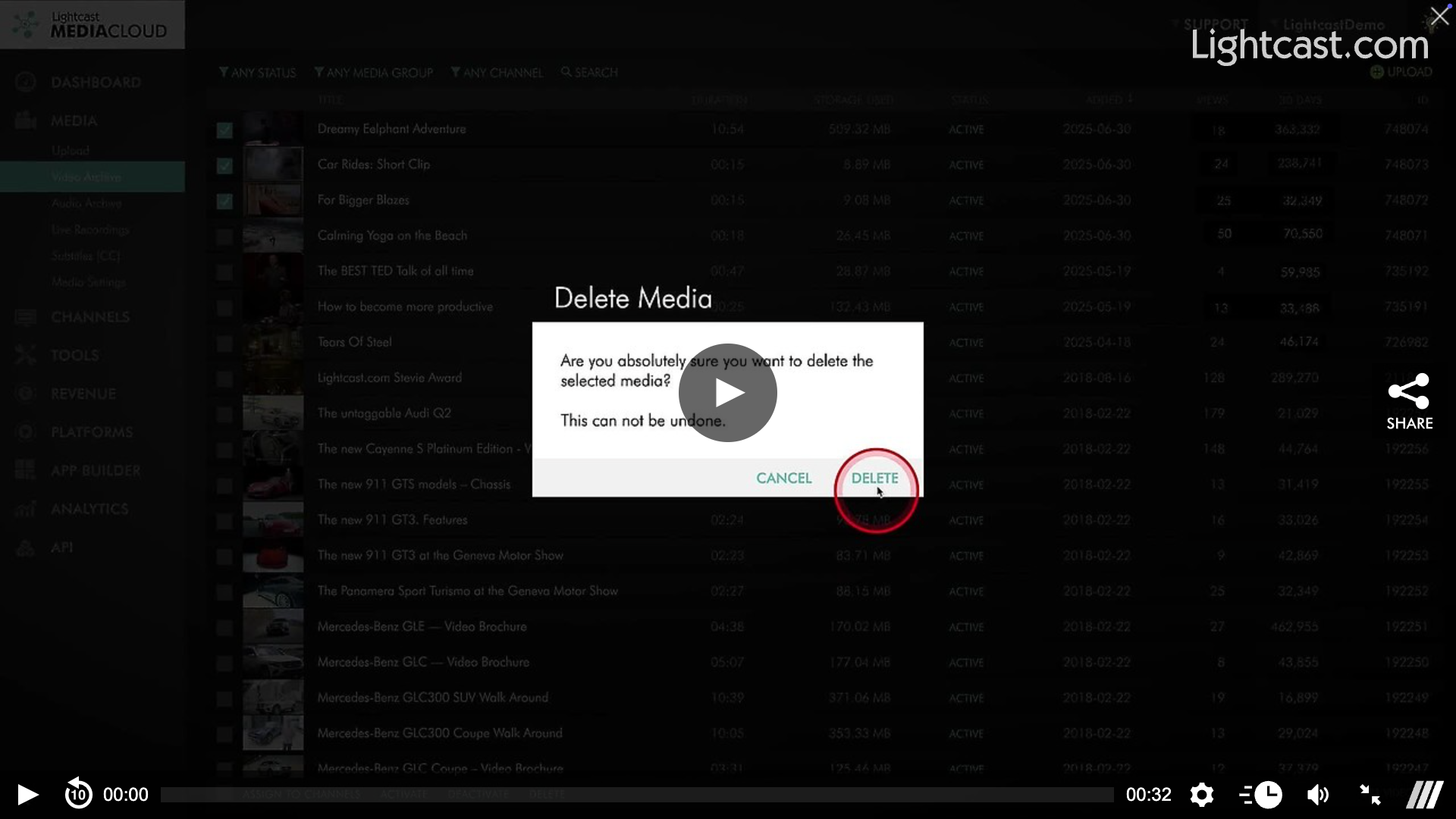
Delete (from Media Archive): Permanently removes the file, freeing up CDN storage space. If you only deactivate, the file remains stored.
📌 When To Delete
The file won't be needed for active or future Channels
You want to reduce monthly storage usage
You've already archived or backed up the file elsewhere
📥 Why this helps: Clearing out unused files frees up storage space, removes clutter, and keeps your Media Cloud lean and organized.
Watch this Video to See How to Delete a Video from the Media Archive

For previous tips, visit our tips page!
Would you like a specific topic to be covered by an upcoming “Tip of the Week”? Click here to submit your request!
Happy Streaming!
Your Lightcast Success Team