
VOD-to-LIVE Continuous Loops
Want to keep your audience engaged around the clock—without the hassle of manual scheduling? With VOD-to-LIVE Continuous Loops, you can instantly transform your on-demand library into a seamless, always-on LIVE channel.
🤩 Why Customers Love VOD-to-LIVE
Always-On Streaming, Zero Manual Scheduling
Convert a VOD playlist into a continuous LIVE stream in minutes. Viewers can jump in at any point, creating the experience of watching traditional live television.
Reach Viewers Everywhere
Your VOD-to-LIVE Channel streams seamlessly across Web, Mobile, and TV Apps—ensuring your content is accessible wherever your audience is watching.
Easy Website Embedding
Embed your LIVE stream on any website using the LIVE Channel Player and extend your reach beyond your apps.
Total Playlist Control
Update videos or reorder your playlist daily before 11:50 PM EST. Your stream refreshes each night automatically at midnight Eastern Time.
Up to 24 Hours of Continuous Content
Create a full-day programming loop that restarts every 24 hours. Need more than 24 hours? We can help with advanced scheduling options like the 24/7 Cloud Scheduler.
👉🏼 Click here to learn more about the 24/7 Cloud Scheduler.
❇️ Getting Started Is Simple
Choose a VOD Channel to use as your content source.
Email Customer Support with your request and VOD Channel ID.
We’ll handle the setup—delivering a fully configured, multi-bitrate LIVE channel.*
*One-time setup fee may apply.
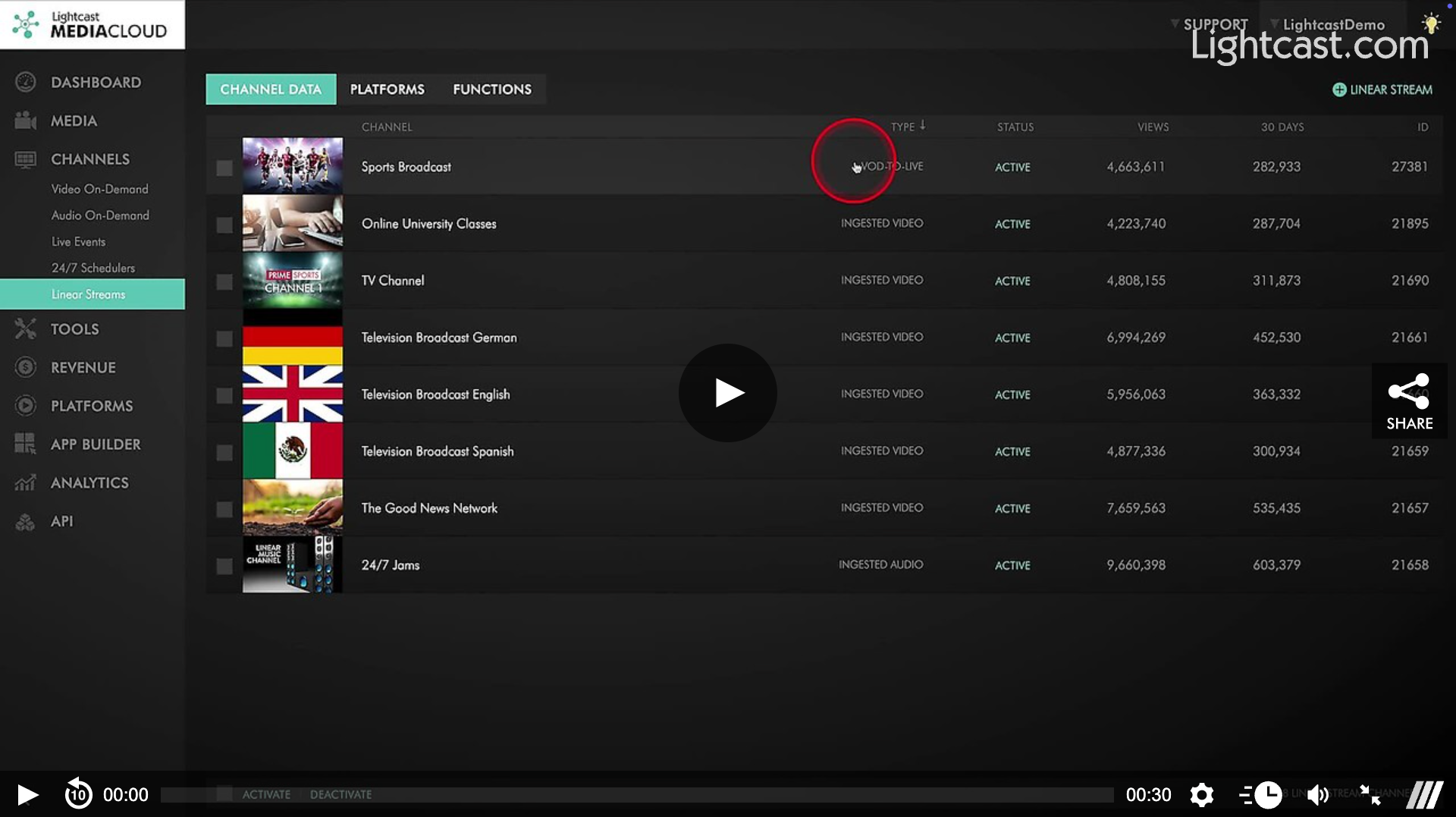
Watch this Video to See How to Find your VOD-to-LIVE Continuous Loop

For previous tips, visit our tips page!
Would you like a specific topic to be covered by an upcoming “Tip of the Week”? Click here to submit your request!
Happy Streaming!
Your Lightcast Success Team