
Recurring Live Events
As part of our ongoing focus on Live Streaming, here's a Tip of the Week designed to help you save time – especially if you run recurring live broadcasts.
Many broadcasters host weekly live events (or even multiple per week). Manually scheduling each event can add up quickly over the course of a year. That's where Recurring Live Events come in.
⏱️ Schedule Once. Stream Repeatedly.
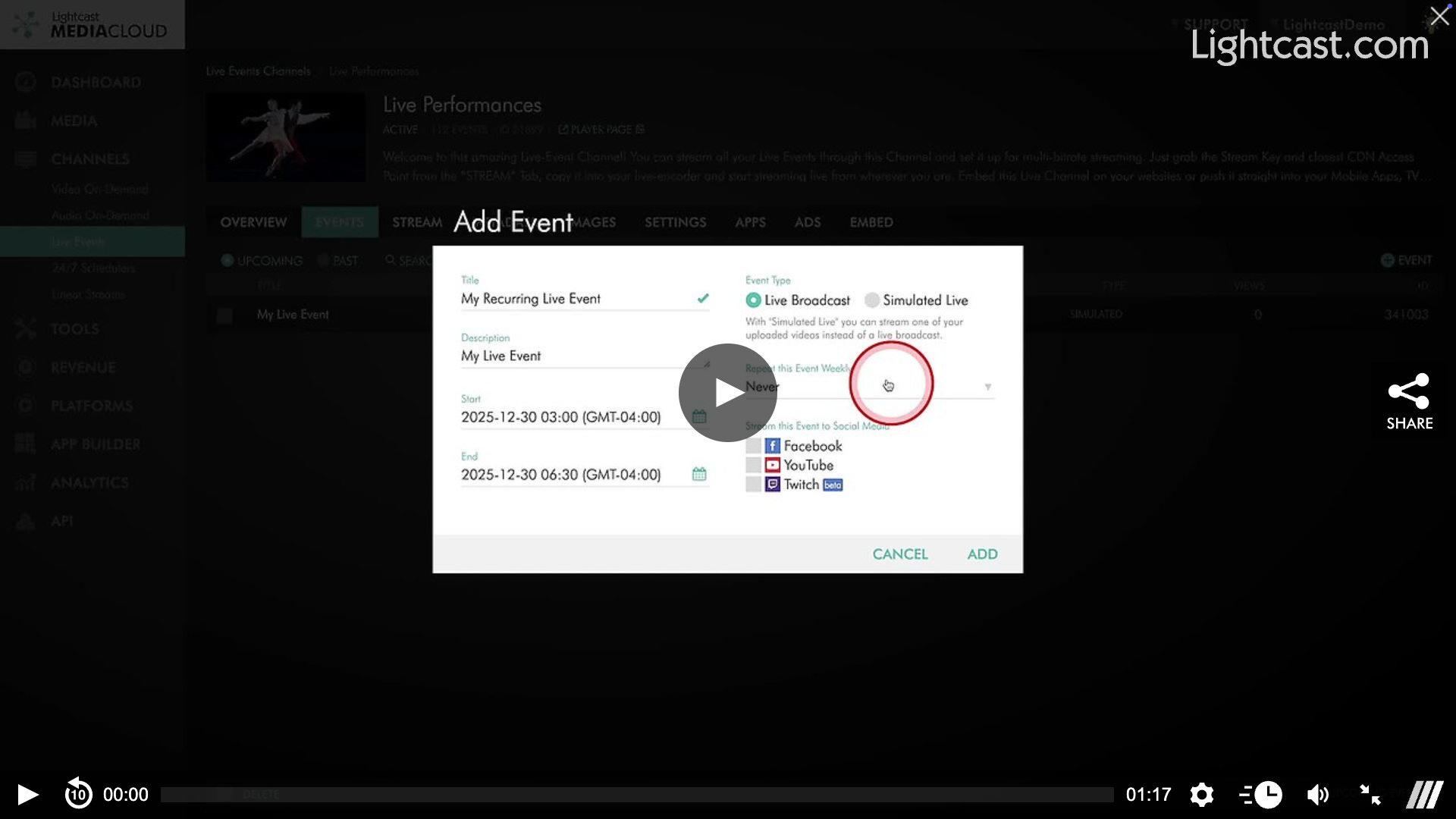
With the Recurring Event feature, you can create a live event once and set it to repeat up to 26 times – eliminating the need to rebuild the same event week after week.
This works perfectly for recurring programming where:
The event name stays the same
The start and end times are consistent
Think weekly services, shows, classes, or regular broadcasts.
🎯 Why It's Useful
Reduced repetitive setup
Keeps your live schedule consistent
Frees up time to focus on content – not configuration
Watch this Video to See How to Set up Recurring Live Events

For previous tips, visit our tips page!
Would you like a specific topic to be covered by an upcoming “Tip of the Week”? Click here to submit your request!
Happy Streaming!
Your Lightcast Success Team