
Sorting Videos
At Lightcast.com, you have complete control over your media! Many of our customers appreciate the effectiveness of the Media Management System of which the “VOD Channel Manager” is an integral part. Let’s have a closer look at the feature to order videos within a VOD Channel:
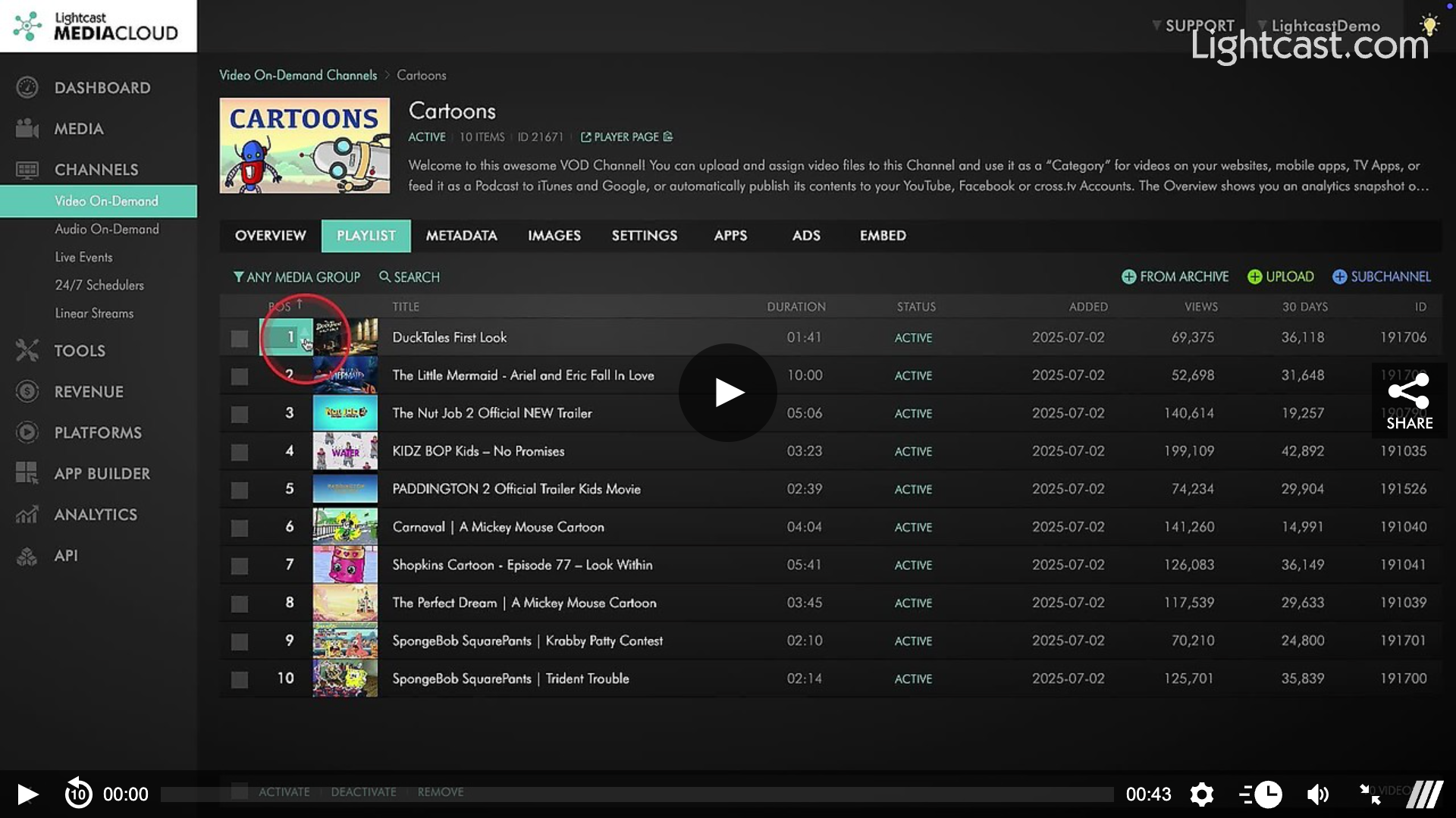
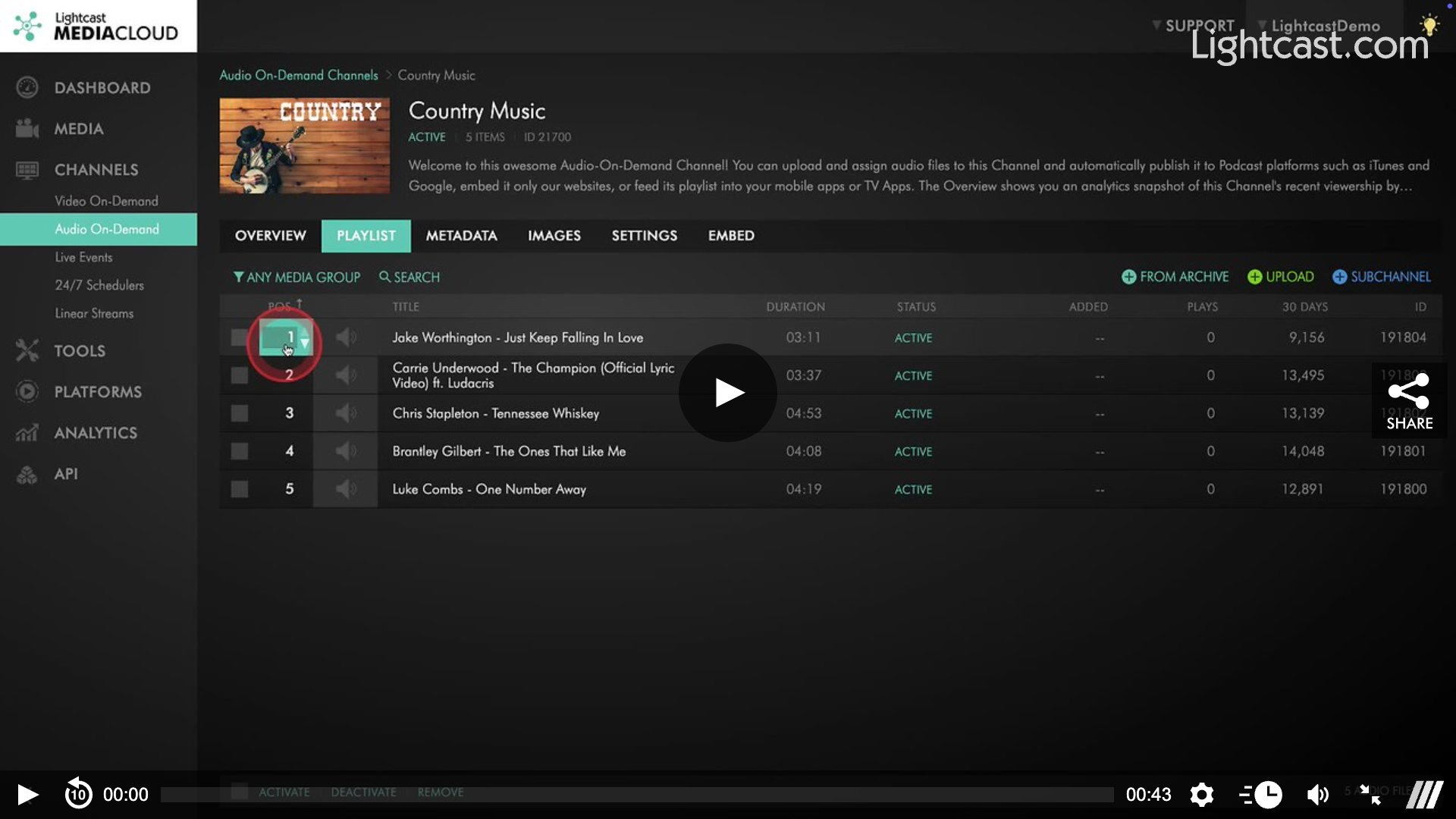
The order feature allows you to put your videos and audio files in any order you prefer, no matter in which order you uploaded your files.
💡 You can re-order them either by using the arrow buttons to move them up or dow
💡 Or, by simply adding the number of the desired position into the video-number field. This is the fastest way to move your uploaded files from one position to another.
And of course, your changes are instantly updated on all your publishing properties your Lightcast account is connected with, such as your Roku, FireTV, AndroidTV, AppleTV, LG, Samsung, Vizio, WebApp, Podcasts, Channel Player on your website, custom thumbnail galleries if you used the LightcastAPI, social network apps/channels, etc.
Watch this Video to See How to Rearrange Content in a VOD Channel
Watch this Video to See How to Re-arrange Content in an AOD Channel

For previous tips, visit our tips page!
Would you like a specific topic to be covered by an upcoming “Tip of the Week”? Click here to submit your request!
Happy Streaming!
Your Lightcast Success Team