
VOD and AOD Channels
The Channels in your Lightcast Account are essential to understand and master. They are like arteries through which the life of your content flows to all your members - to all your publishing properties and outlets. They are the most effective way to organize and archive your media content, live streams and 24/7streams. This week we would like to show you 5 different ways to use your VOD & AOD Channels:
Use them to organize your video or audio content by different topics. E.g. Movies, Music, News, Featured, Conferences, Webinars, Documentaries, etc.
Sub-divide uploaded content within your VOD/AOD Channels by sub-topics. E.g. ConferenceSessions 1,2,3, Webinar Series XYZ, Documentary Series A,B,C, etc.
Embed and publish your VOD/AOD Channels on your websites and social networks with Lightcast’s intelligent and customizable players.
Define the content you want to publish on your OTT/ConnectedTV Apps such as Roku, Fire TV, Apple TV, Android TV and on your Mobile Apps in real time via the App Builder.
Define the content you want to publish on your Podcast platforms such as iTunes, Spotify, Google Play and others in real time via the App Builder.
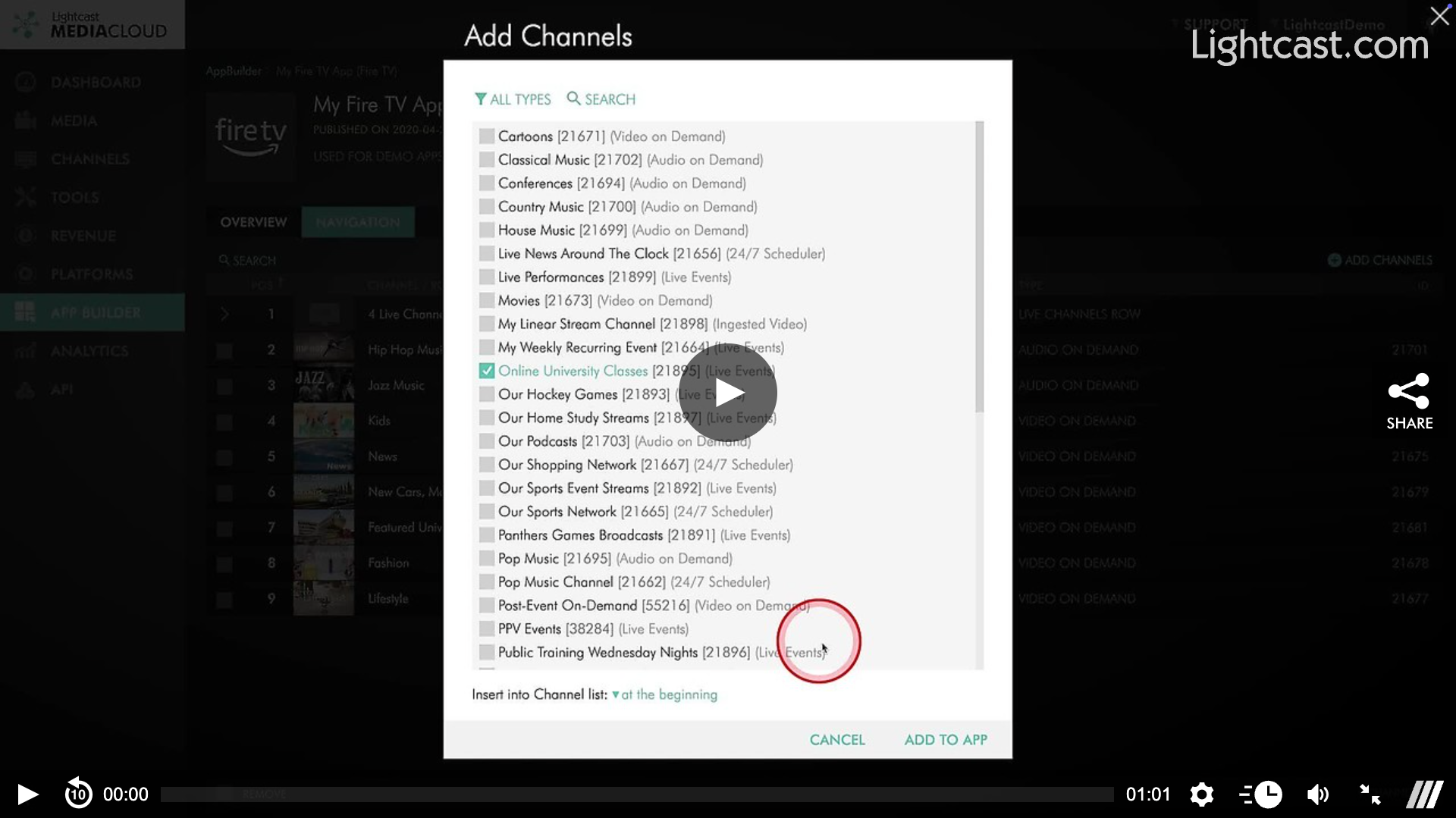
Watch this Video to See How to Add/Remove a Channel to/from My Apps

For previous tips, visit our tips page!
Would you like a specific topic to be covered by an upcoming “Tip of the Week”? Click here to submit your request!
Happy Streaming!
Your Lightcast Success Team