
Sub-Channels
Edited
Learn how to find, add, re-order, assign, and edit Sub-Channels
How to Find my Sub-Channels
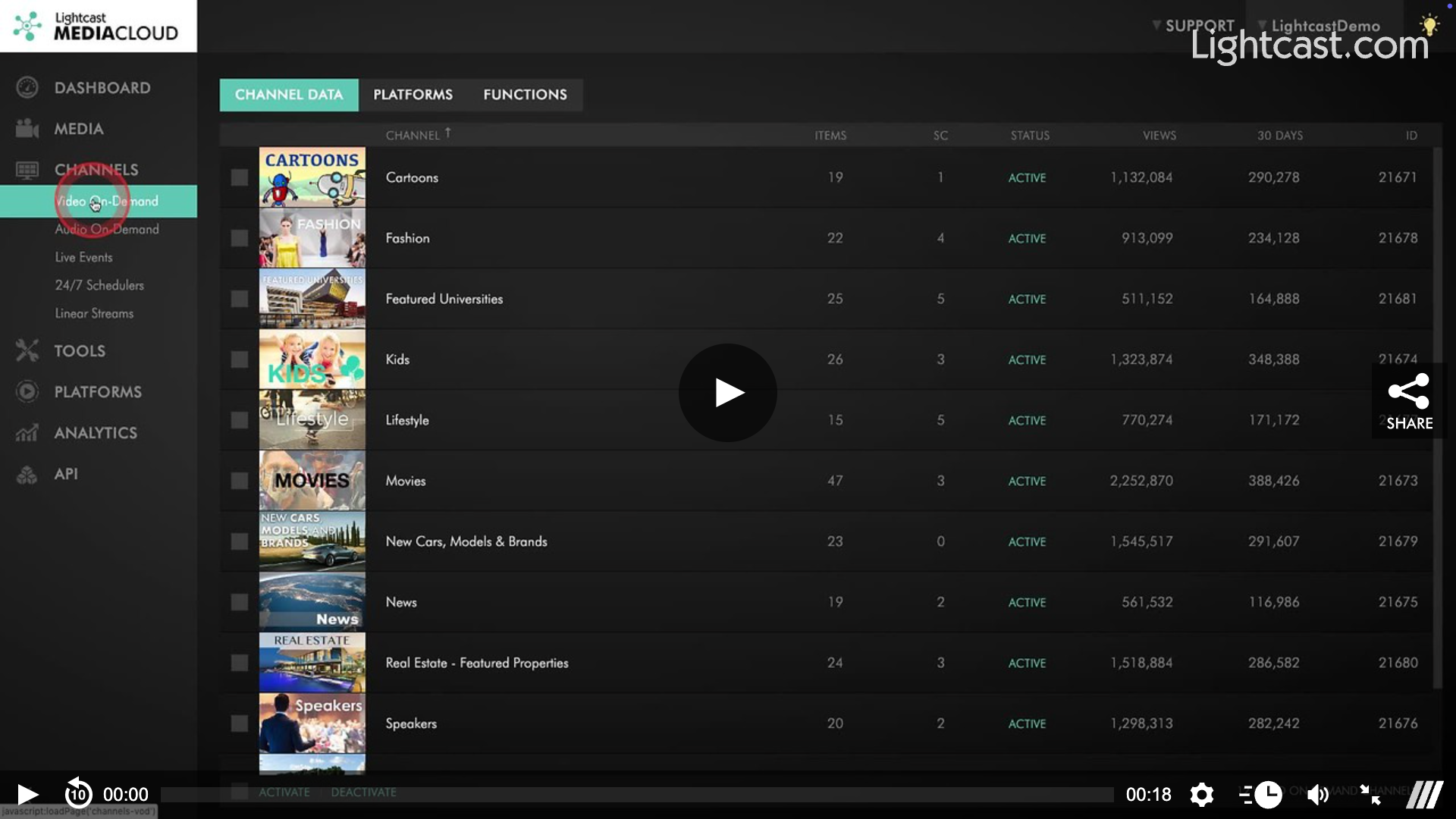
How to Add a Sub-Channel to a VOD Channel
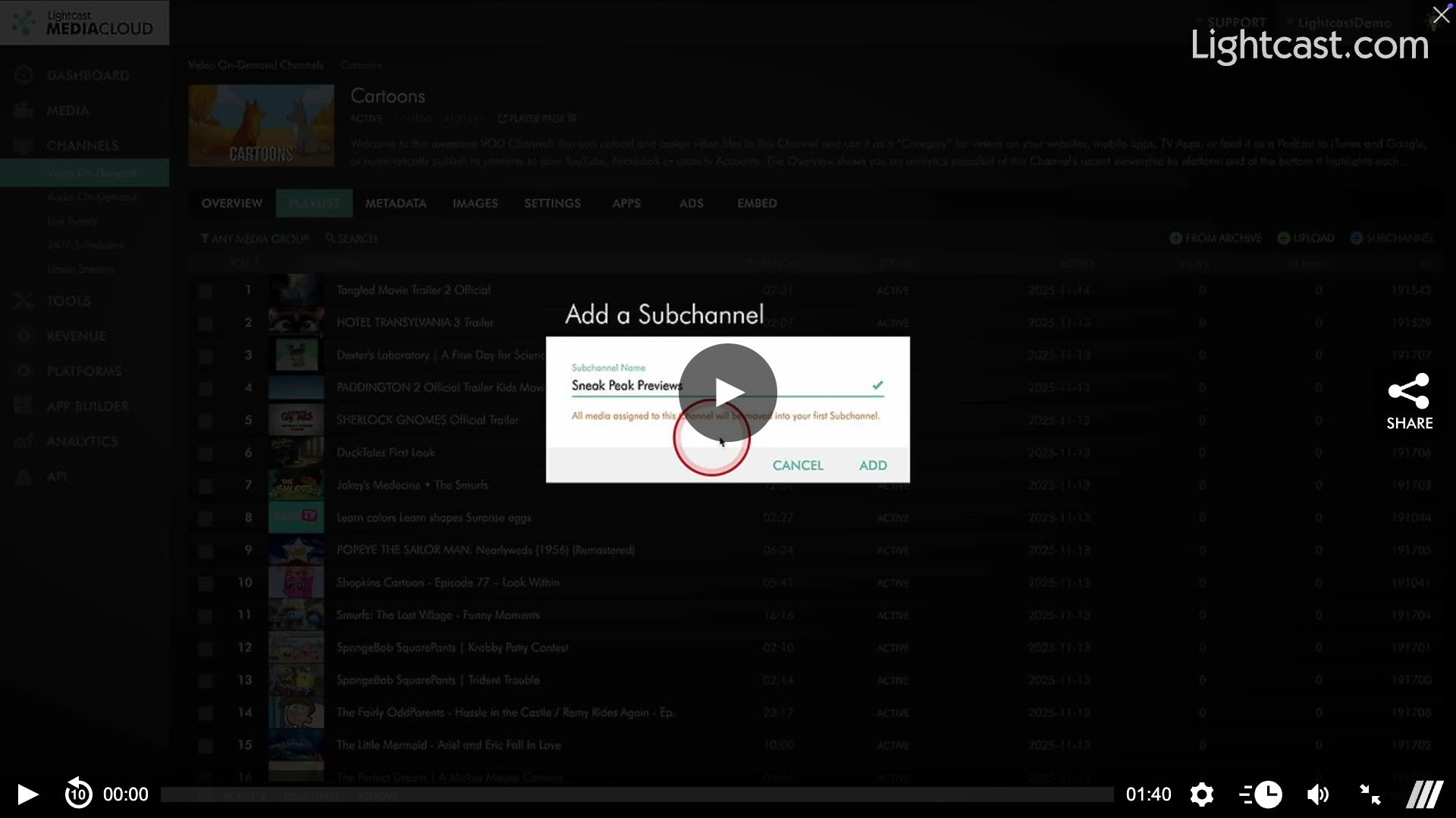
How to Delete a Sub-Channel from a VOD Channel
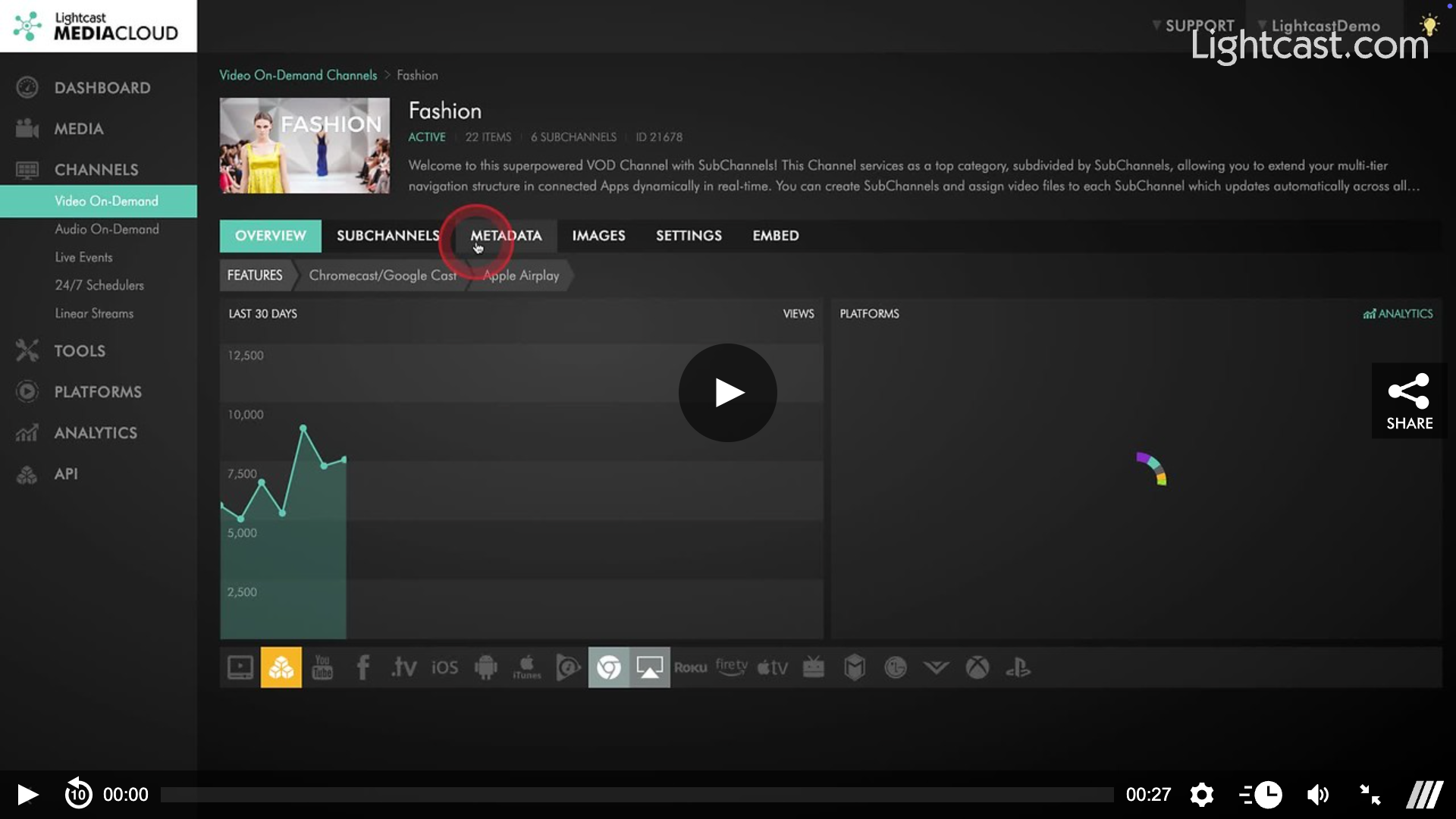
How to Add a Sub-Channel to an AOD Channel
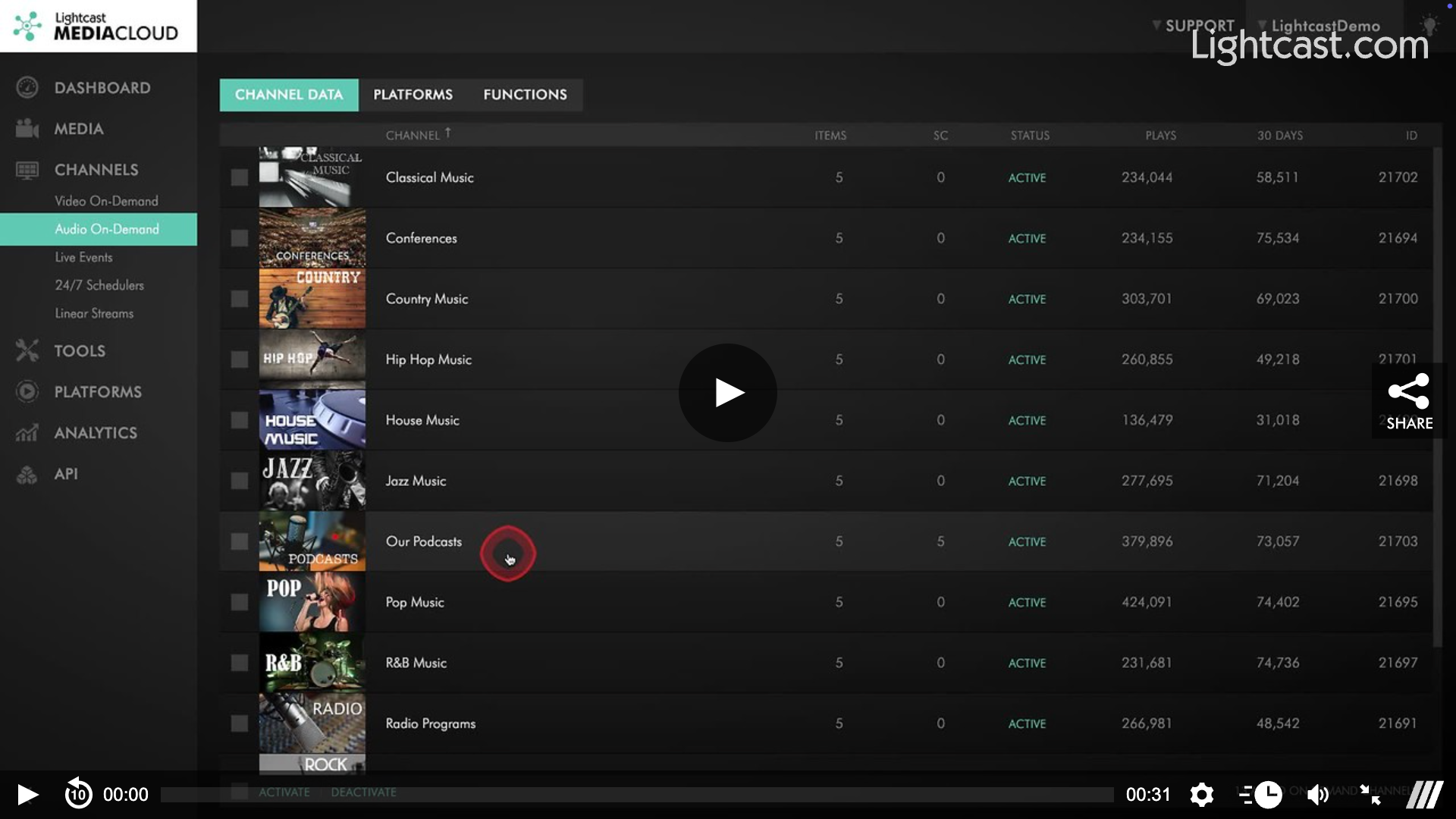
How to Delete a Sub-Channel from an AOD Channel
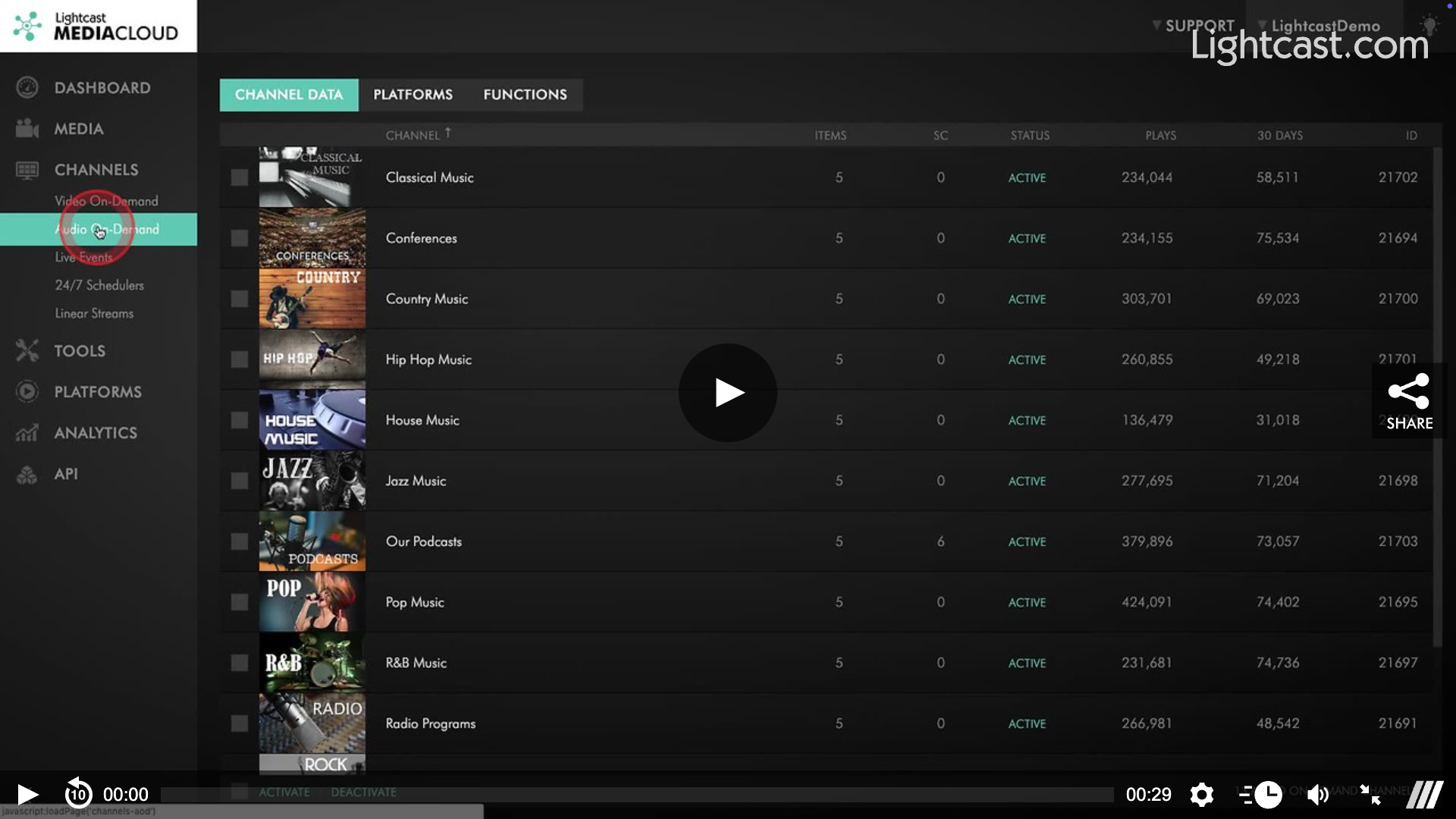
How to Add a Video to a Sub-Channel
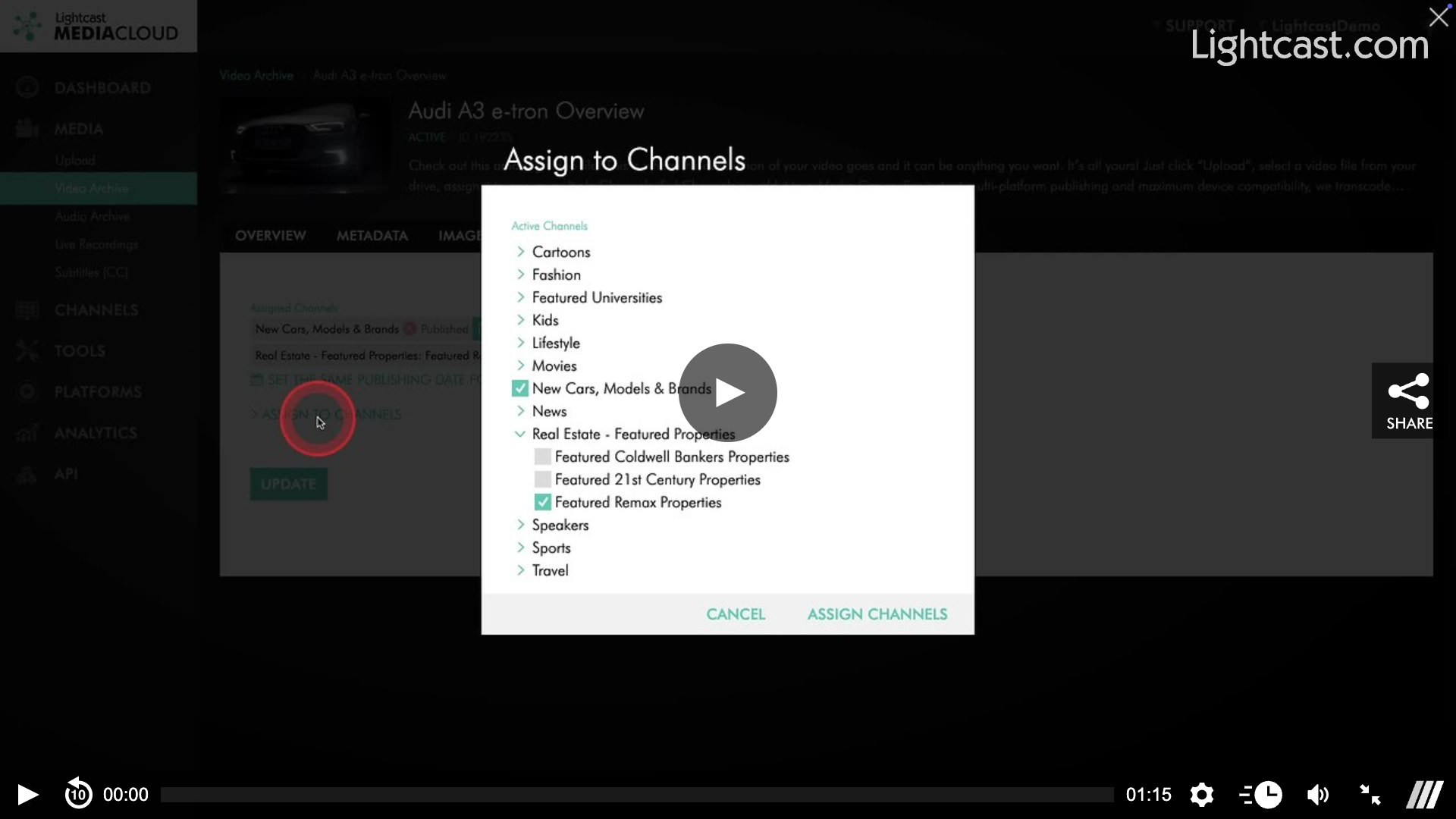
How to Upload a Video into a Sub-Channel
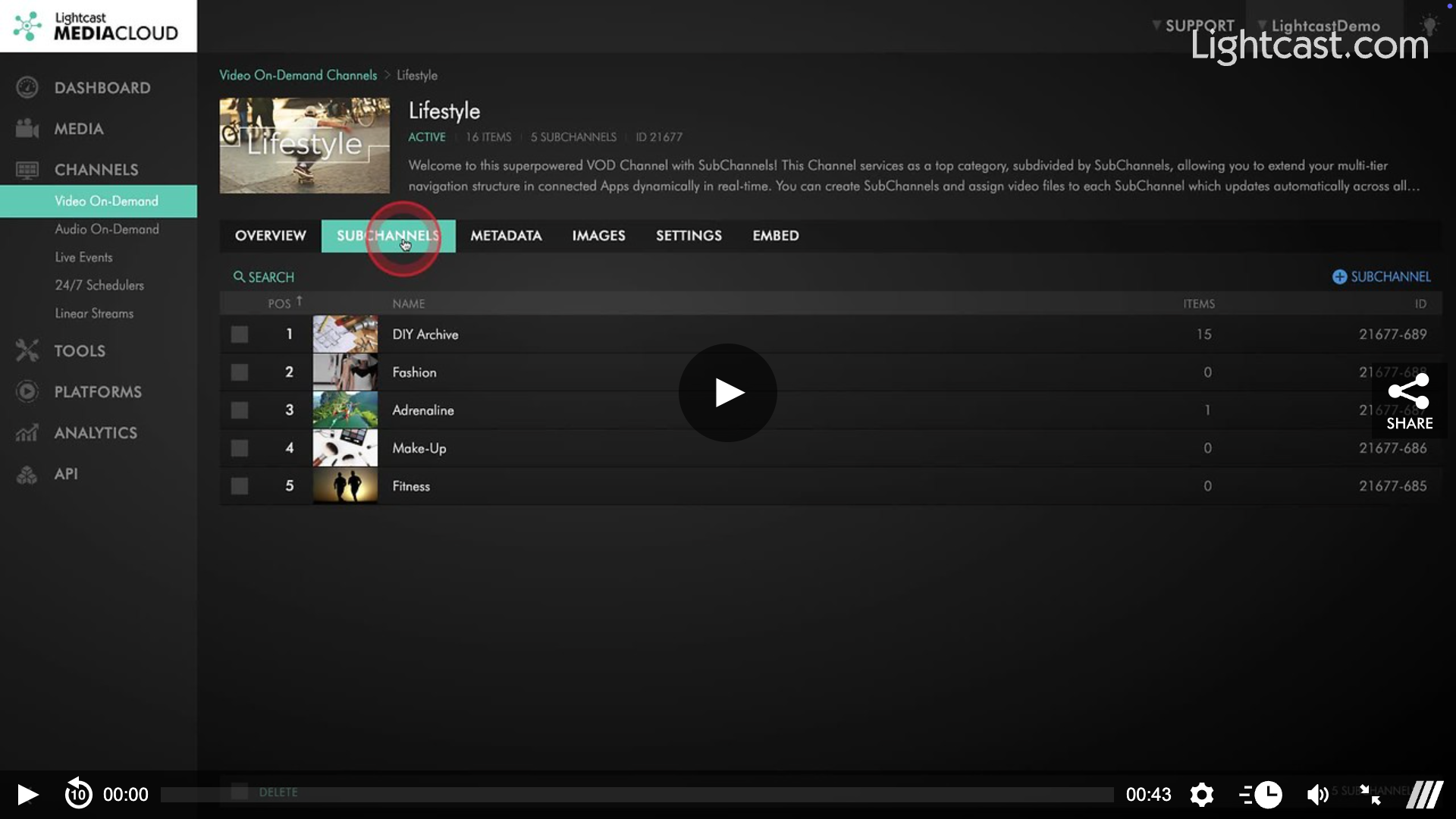
How to Remove a Video from a Sub-Channel
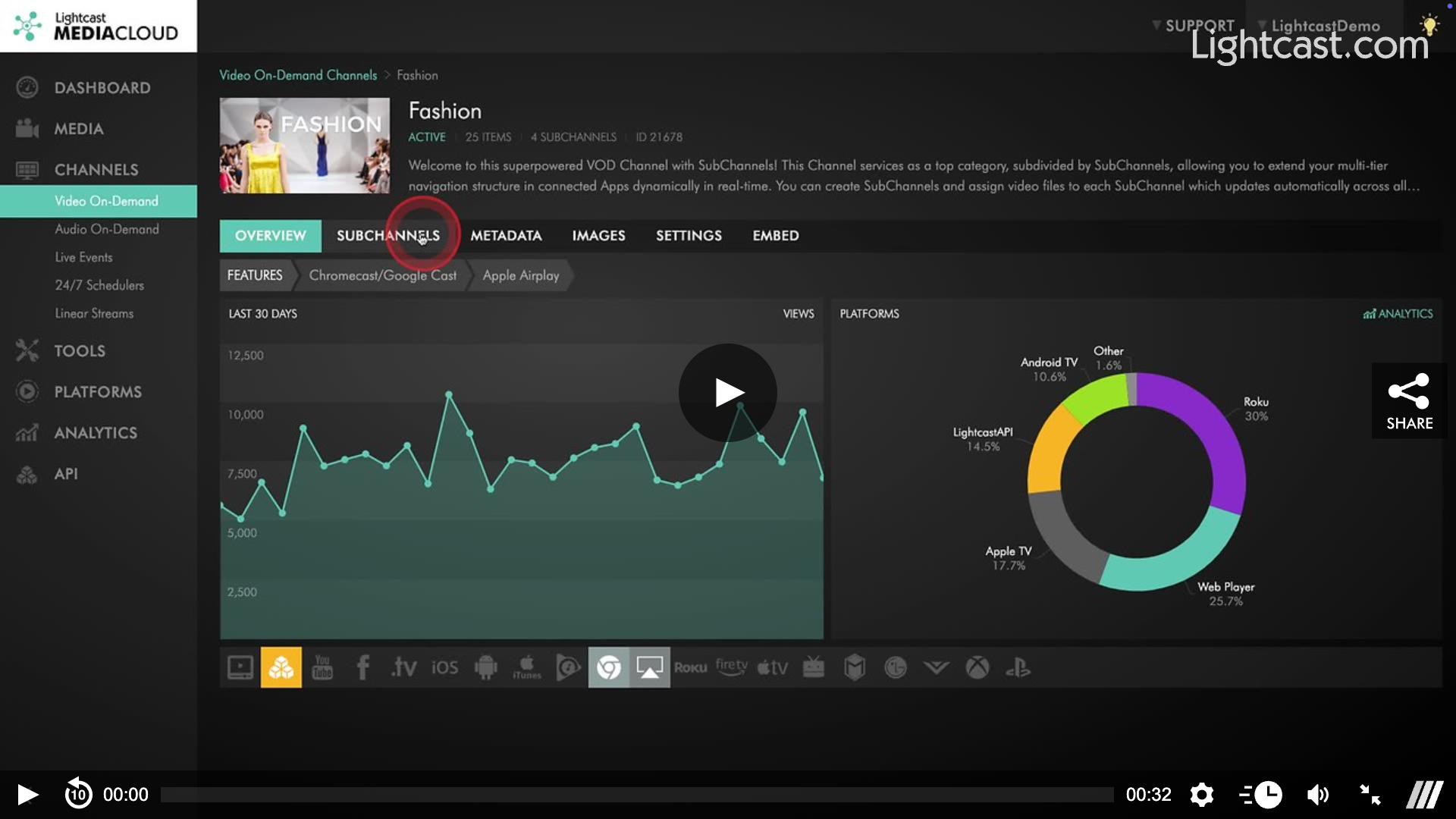
How to Add an Audio File to a Sub-Channel
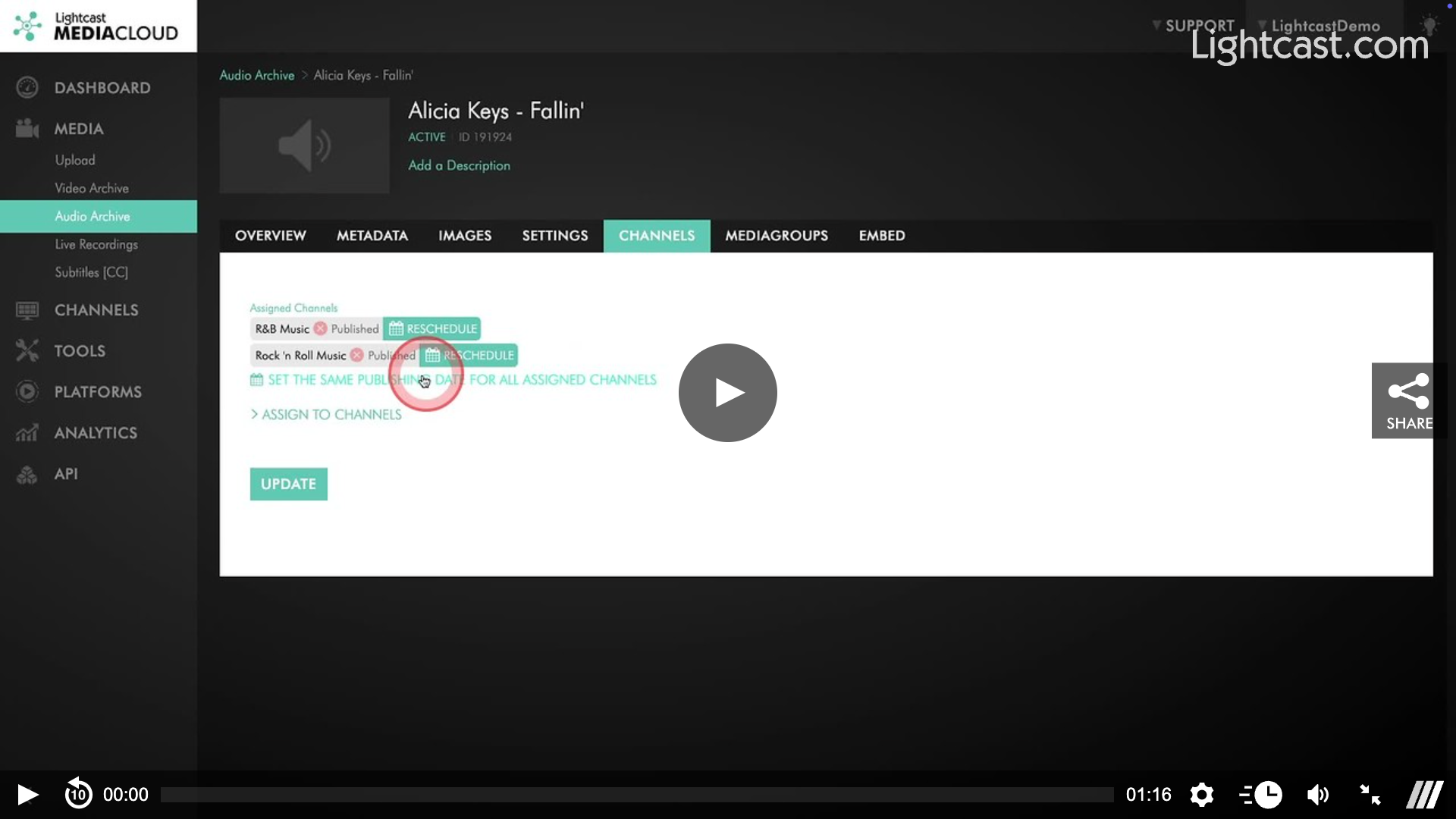
How to Upload an Audio File into a Sub-Channel
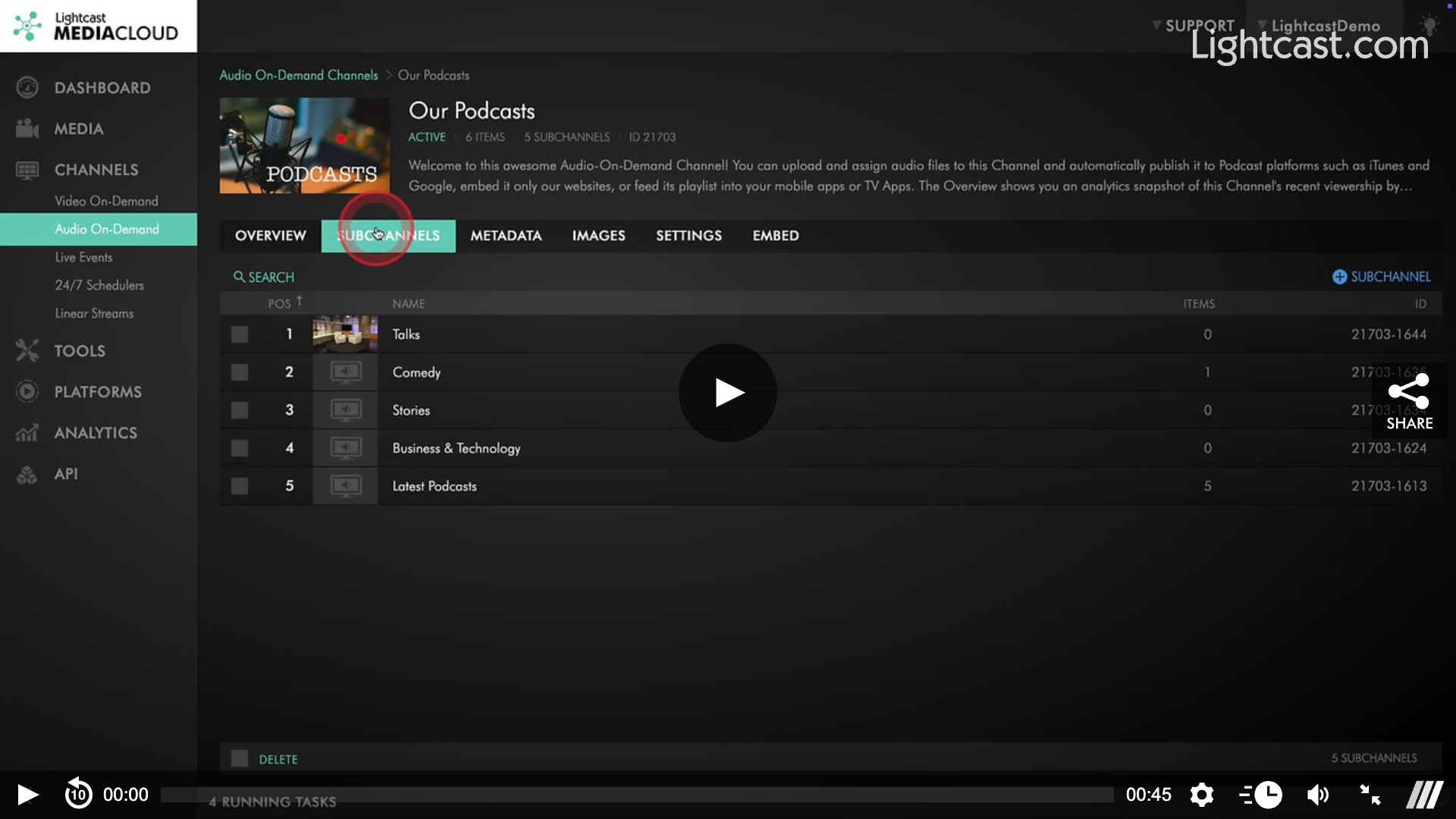
How to Remove an Audio File from a Sub-Channel
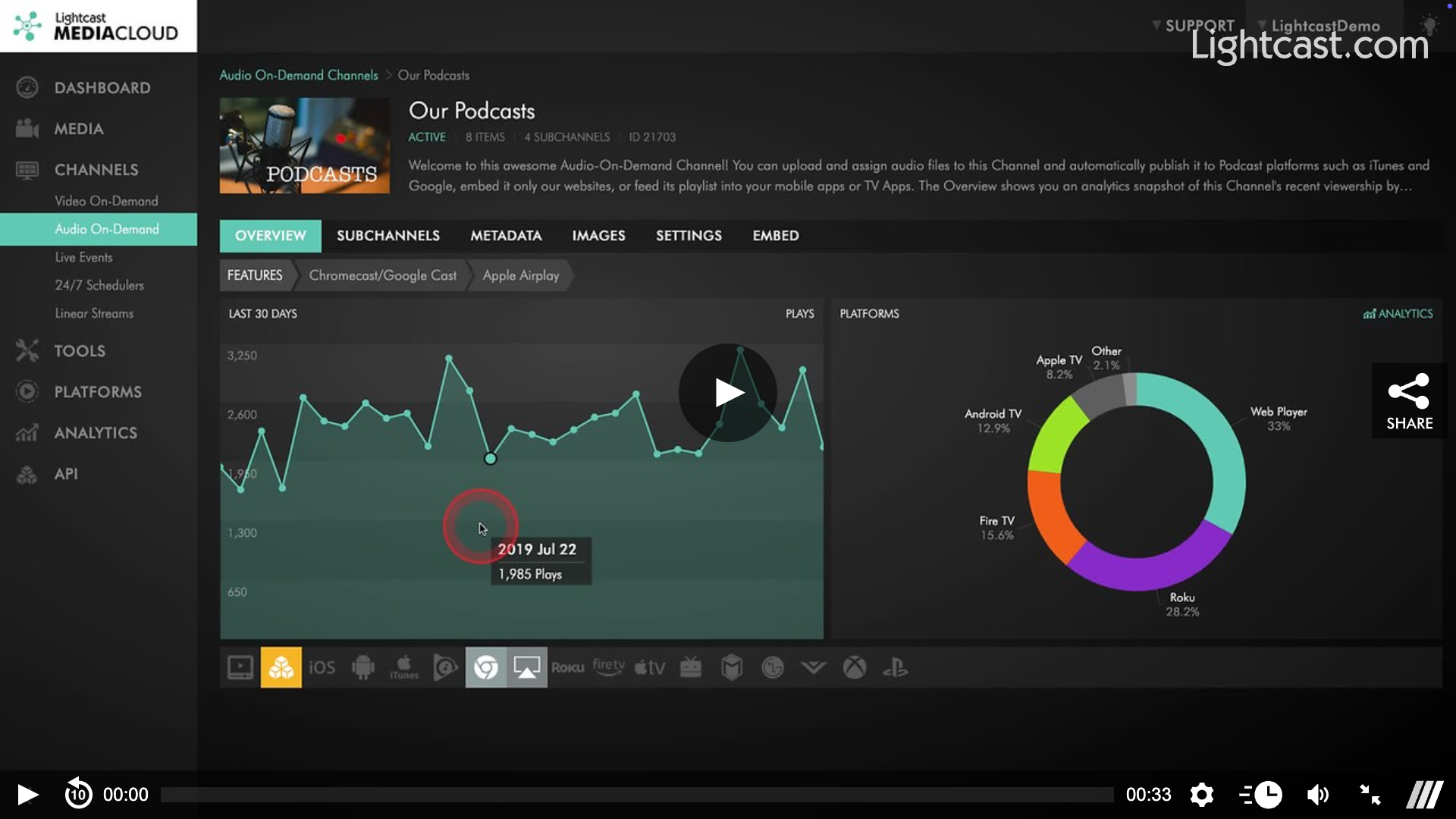
How to Rename a Sub-Channel
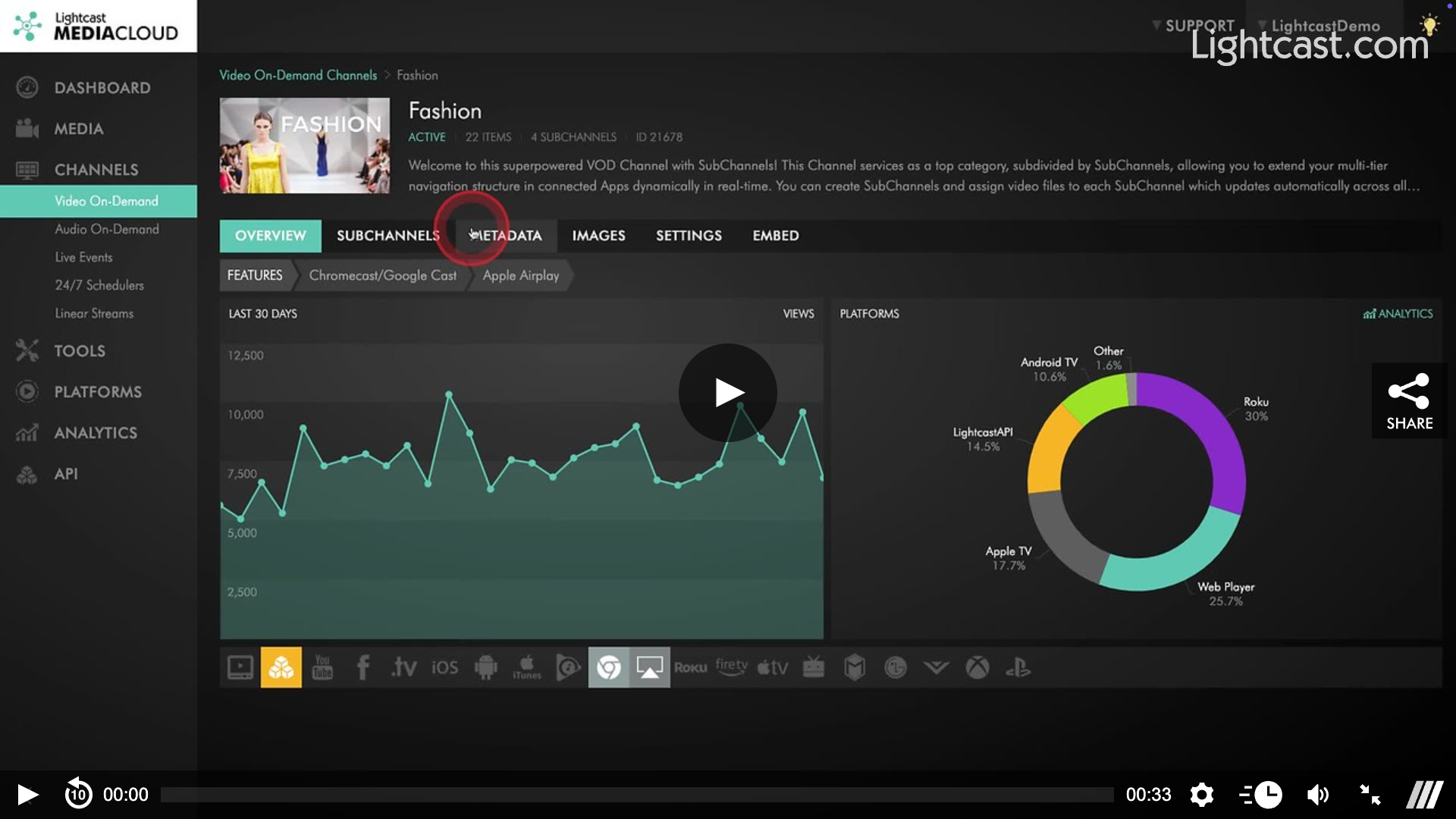
How to Reorder Sub-Channels
How to Add a Description for a Sub-Channel
How to Add a Thumbnail for a Sub-Channel
How to Upload a Player Background Image for Sub-Channels
How to Find the ID of a Sub-Channel
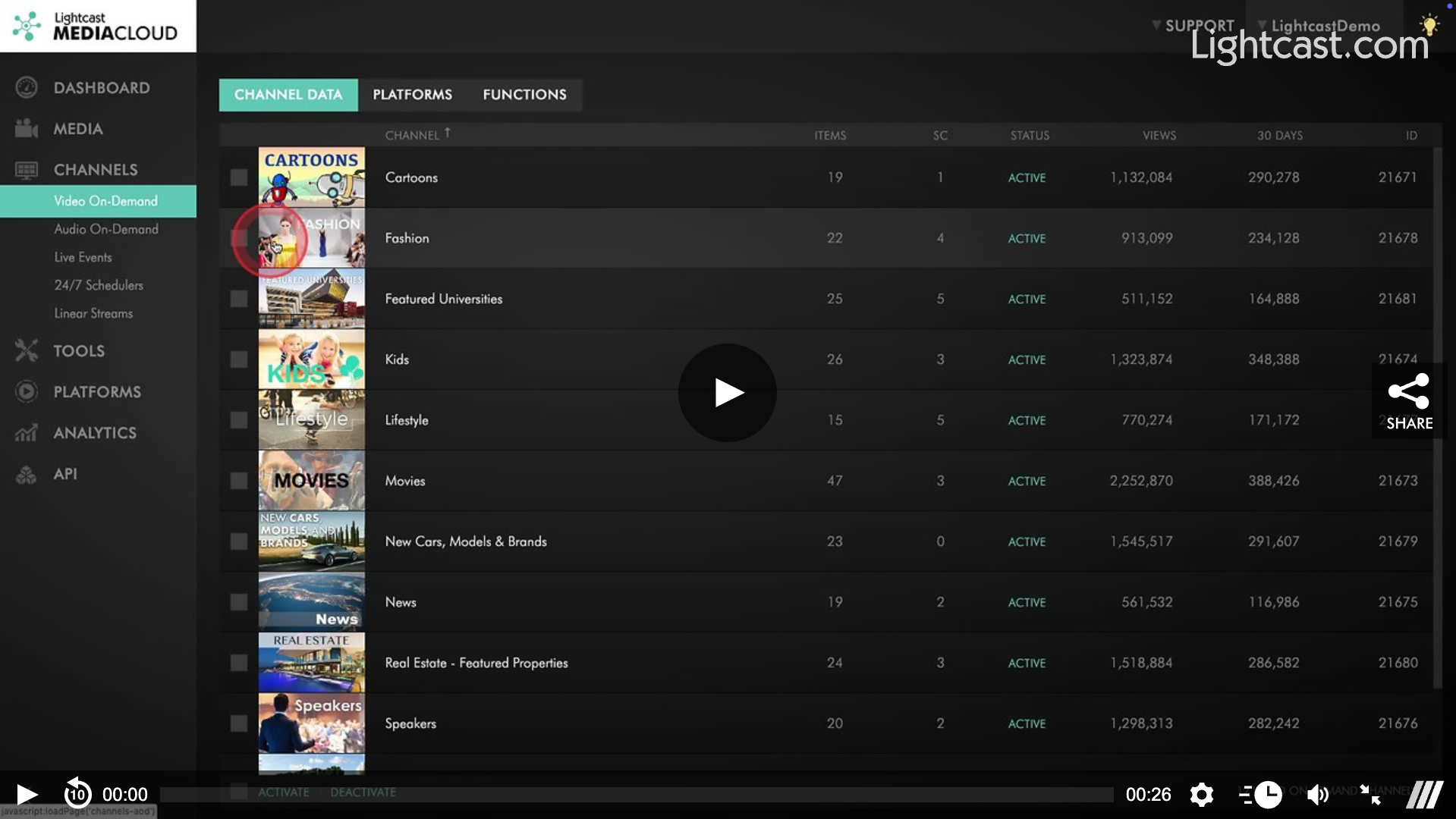
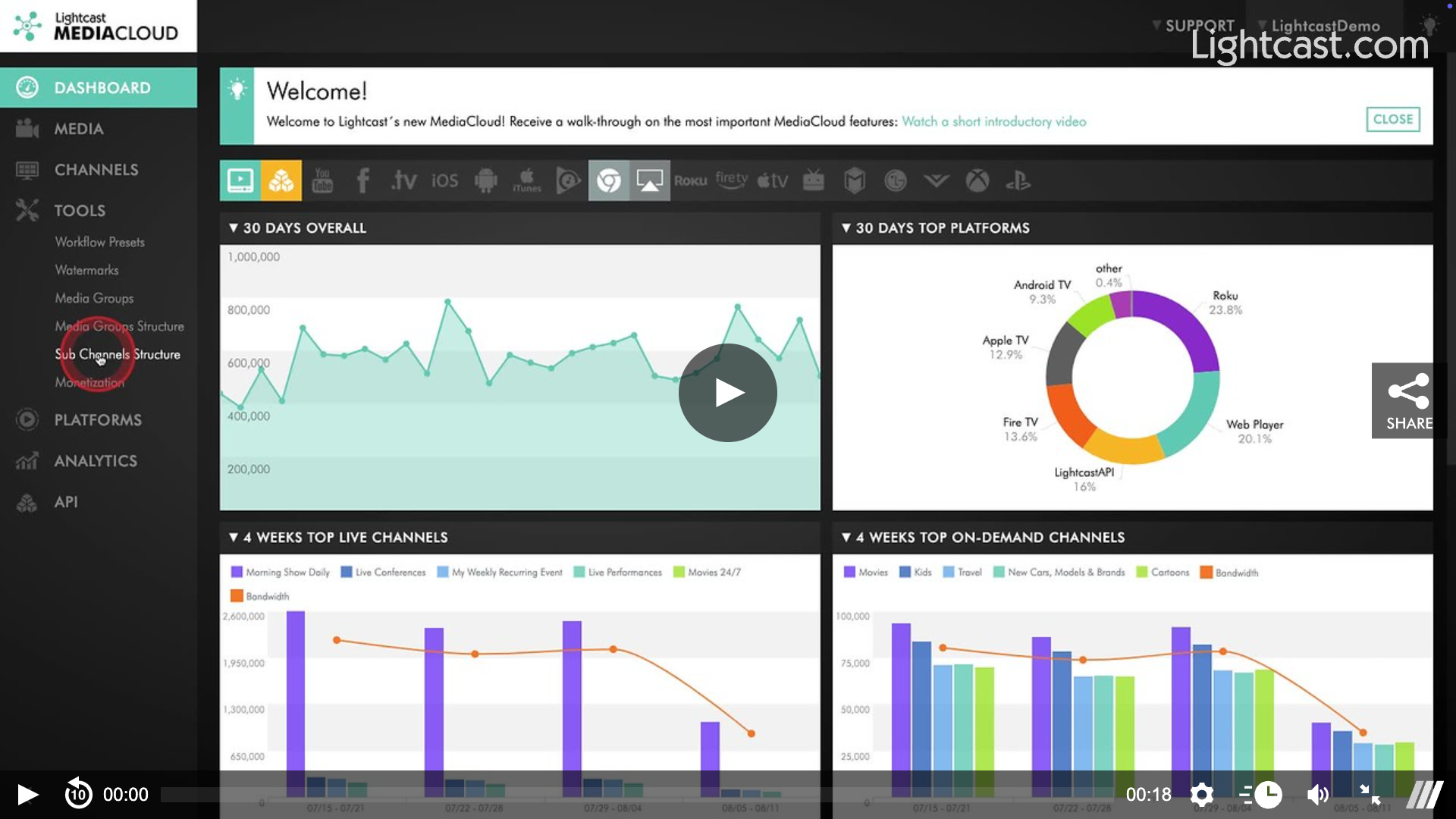
How to View the Structure of my Sub-Channels
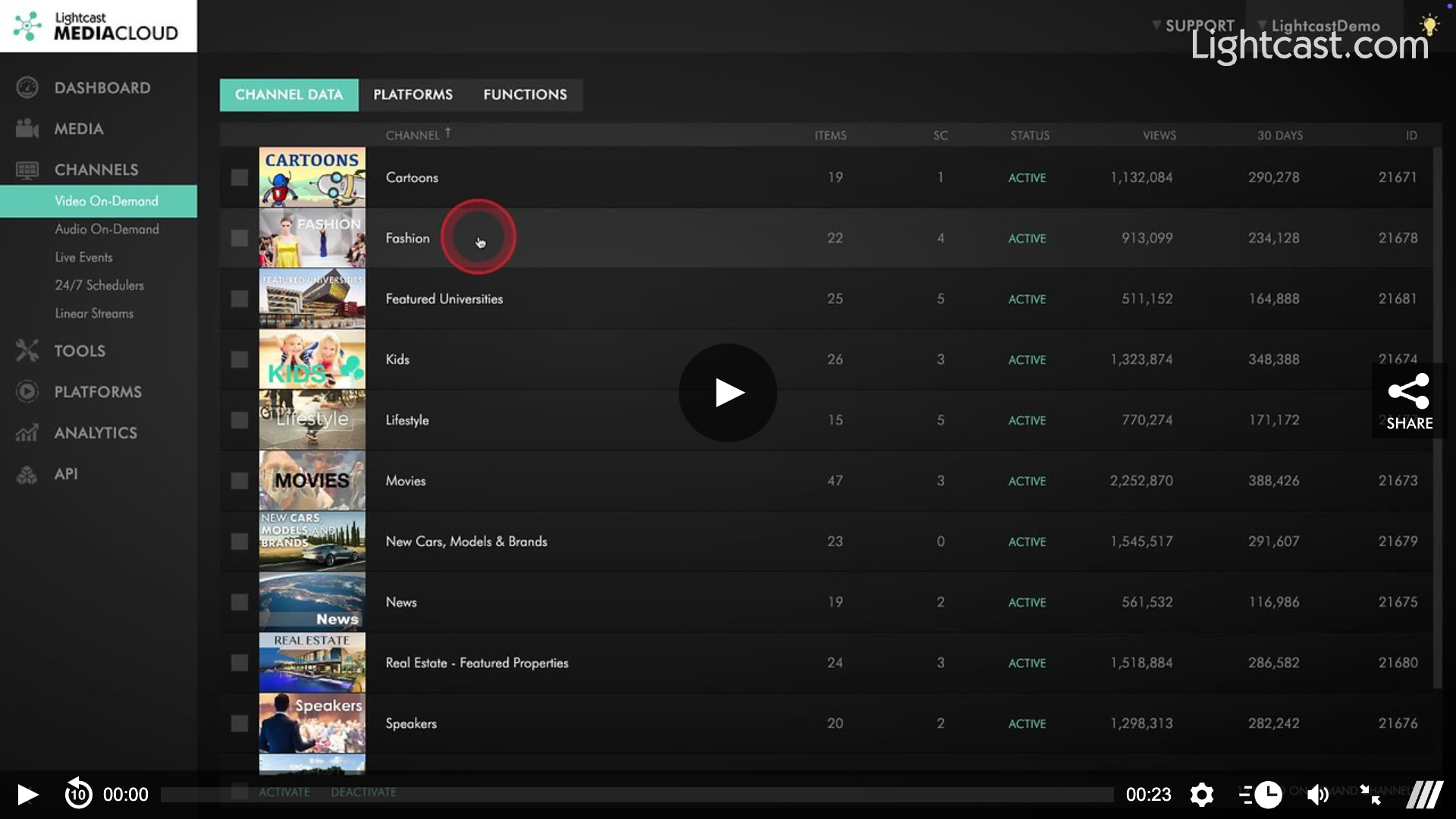
How to Search for a Sub-Channel in a VOD Channel
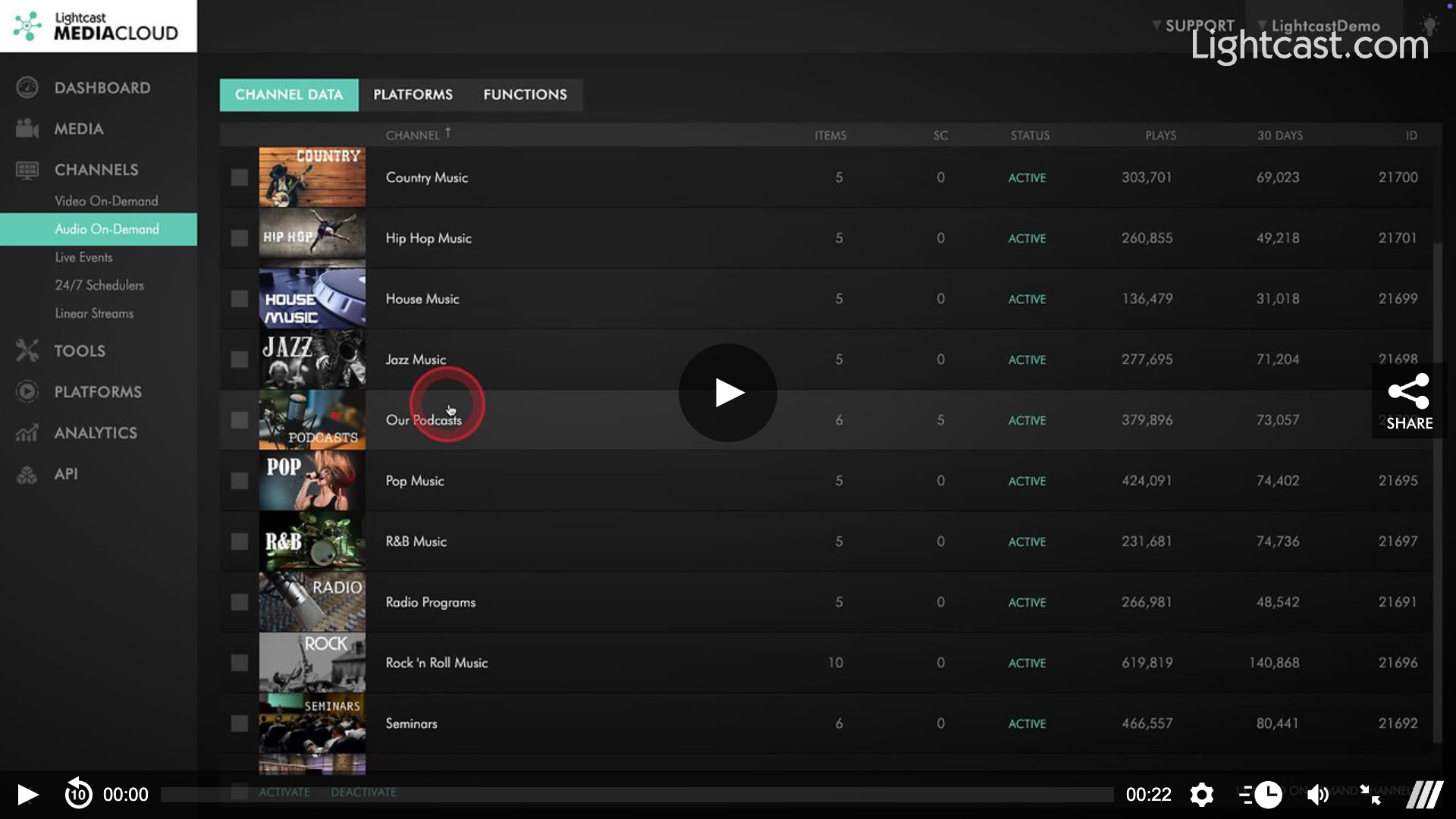
How to Search for a Sub-Channel in an AOD Channel
How to Embed the Sub-Channel Player

Sub-Channels
upload
assign
reorder
Was this article helpful?
Sorry about that! Care to tell us more?